

Ecommerce Invoice Compliance Checklist for Shopify Sellers (2026)


Selling globally is an exciting milestone. The moment you cross borders, the legal landscape shifts rapidly. A beautifully designed store will not save you if a European tax auditor flags your business for missing a reverse charge label or mishandling regional VAT rules. The fear of legal penalties from non-compliant invoicing is a very real pain point for growing merchants.
An automated ecommerce invoice compliance checklist is no longer optional. With international tax authorities rolling out stricter digital mandates, the basic order confirmation email your platform sends simply does not meet legal standards for B2B transactions or cross-border sales.
In this guide, we break down exactly what you need to know about invoice compliance. You get a detailed look at global record-keeping rules, an 8-step checklist to audit your current setup, and a fix for the critical tax-sync gap most Shopify merchants miss. Let's get started!
I. Overview of Invoice Compliance

Navigating the shift from simple receipts to legally compliant tax invoices
Understanding the core components of tax documentation is your first line of defense against an audit. Here is how invoicing is changing for modern sellers.
1. The Difference Between a Receipt and a Tax Invoice
Your standard Shopify order confirmation email is just a receipt. It proves a payment occurred, but it holds zero legal weight for tax purposes. A proper tax invoice is a legally binding document used by businesses to claim tax credits and prove compliance during government audits. To bridge this gap, merchants need dedicated PDF invoice generation tools that capture specific legal metadata.
2. B2B vs. B2C Compliance Requirements
Treating all customers the same leads directly to compliance failures. B2B transactions require significantly more data. You must collect and verify buyer VAT IDs and include specific legal exemption clauses. B2C invoices are generally simpler, but the rules change drastically once your sales cross specific regional revenue thresholds.
3. The Rise of Continuous Transaction Controls (CTC)
Tax authorities are shifting toward digital, real-time reporting known as Continuous Transaction Controls (CTC). Manual invoicing checks are becoming obsolete. Governments now expect automated frameworks that report transaction data instantly. This shift makes secure e-archiving a non-negotiable standard for your business.
II. Global Data and Record-Keeping Rules
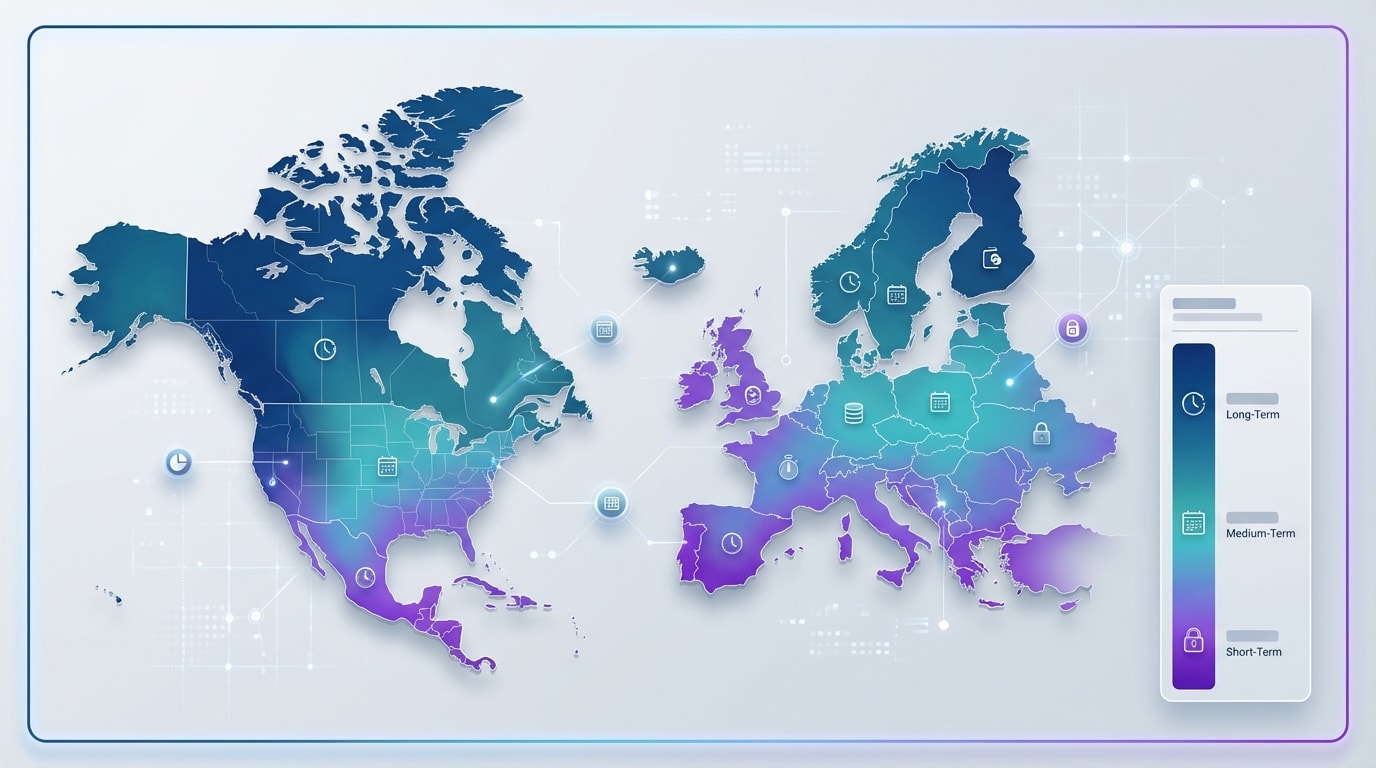
International tax authorities have wildly different requirements for invoice data retention
Different countries demand entirely different approaches to how you handle, display, and store your tax data.
1. Navigating International Tax Regimes (OSS & IOSS)
Selling into the EU requires strict adherence to the One-Stop Shop (OSS) and Import One-Stop Shop (IOSS) frameworks. The moment you cross the €10,000 cross-border B2C sales threshold, you trigger new, complex compliance rules. Your invoice must clearly display VAT calculations under these specific schemes to pass customs inspections. To understand the broader implications of these thresholds across different regions, review our comprehensive resource on Global VAT Compliance: A Guide for Shopify Sellers.
2. Invoice Record Keeping Duration by Country
Merchants often ask how long they actually need to store ecommerce invoices. The answer depends entirely on your target market. In Germany, the GoBD compliance mandate requires you to store invoices securely for 10 years. UK HMRC requires you to hold records for 6 years. You must invest in reliable cloud backup and e-archiving solutions to meet these long-term legal obligations.
3. Digital Signatures and Regional Mandates
Simply generating a PDF is no longer enough. Moving into enterprise or B2B markets means your documents must often contain verified digital signatures. European merchants must integrate with the PEPPOL network, while sellers in Mexico must adhere to CFDI standards. If your generated PDF lacks the encrypted validation required by these regional networks, local tax authorities will reject it.
III. 8 Steps to an Audit-Proof Ecommerce Invoice
Whether you are setting up your Shopify Plus store or upgrading your accounting stack, ensuring every generated document includes the right data is crucial. Here is your definitive checklist to maintain complete compliance.
1. Verify Mandatory Store and Customer Identities
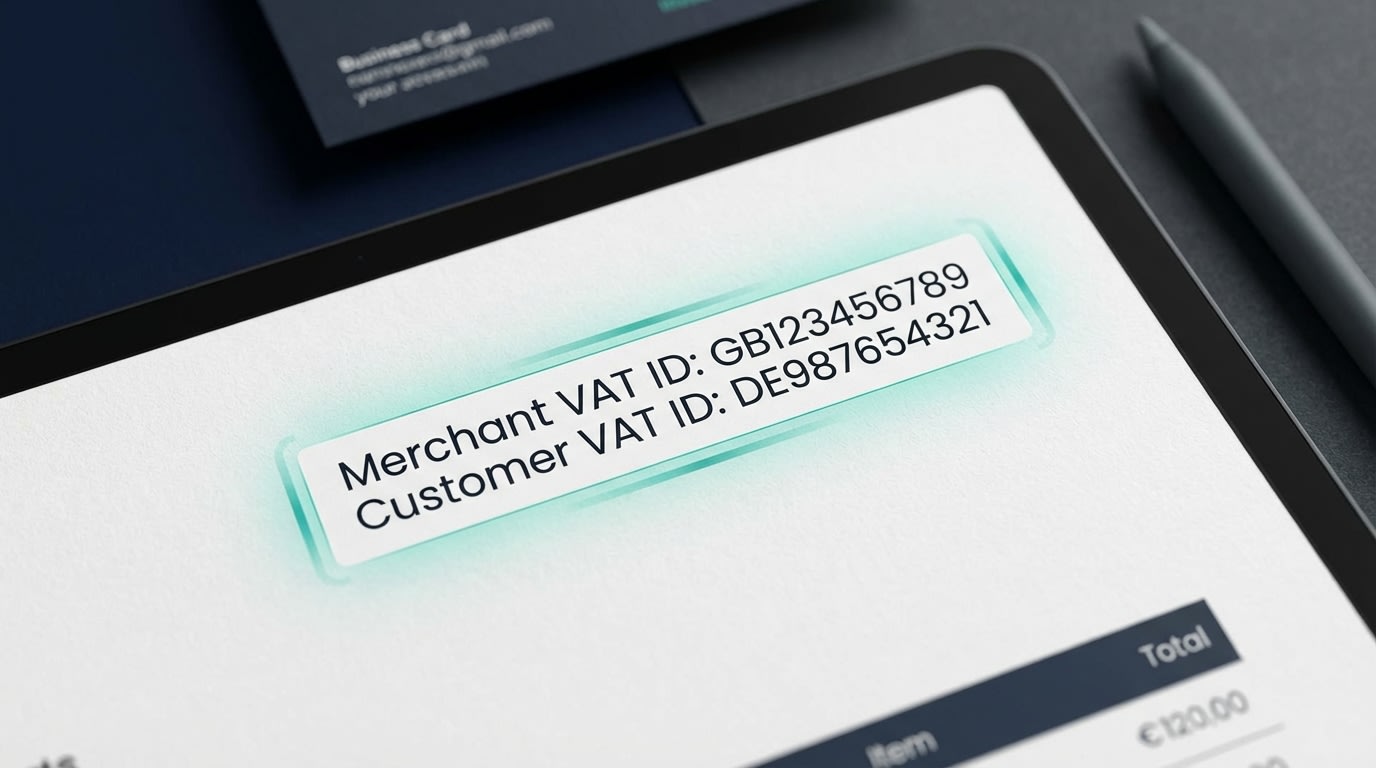
Your business identity must match your tax registration perfectly
If the basic identities on your invoice are flawed, the entire document is invalid.
Why this matters: Tax authorities use this information to verify exactly who is liable for the transaction. Without it, your B2B customers cannot claim their input tax credits.
Here's how to implement it:
- Include full legal names: Do not just use your store's DBA (Doing Business As) name. Use your registered corporate entity.
- Display accurate addresses: Ensure both billing and shipping addresses are captured clearly.
- Expose Tax IDs: Explicitly show your VAT, GST, or EIN number alongside the verified buyer's tax ID.
2. Conduct Rigorous Tax Rate Checking
Generic tax lines are a major red flag for auditors. You must be specific.
Why this matters: Different products attract wildly different tax rates. Digital goods are taxed differently than physical apparel, and your documentation must reflect this reality.
Here's how to implement it:
- Itemize by line: Break down the specific tax rate applied to every single line item in the order.
- Specify the tax type: Clearly label whether the charge is VAT, GST, or state-level sales tax.
- Validate exemptions: If a product is zero-rated, the invoice must reflect the 0% rate rather than just omitting the tax line entirely.
3. Implement Sequential Invoice Numbering
Why this matters: Missing an invoice number in a sequence implies to an auditor that you are hiding a cash transaction. Sequence gaps trigger deep audits.
Here's how to implement it:
- Use automated tracking: Ensure your PDF generator never skips a number, even if a Shopify order is canceled or refunded.
- Create alphanumeric systems: Use clear prefixes for different regions or sales channels (like EU-2026-001) to keep your records highly organized.
- Lock the sequence: Prevent staff from manually editing invoice numbers after they have been finalized and issued to the buyer.
4. Apply Clear 'Reverse Charge' Labels
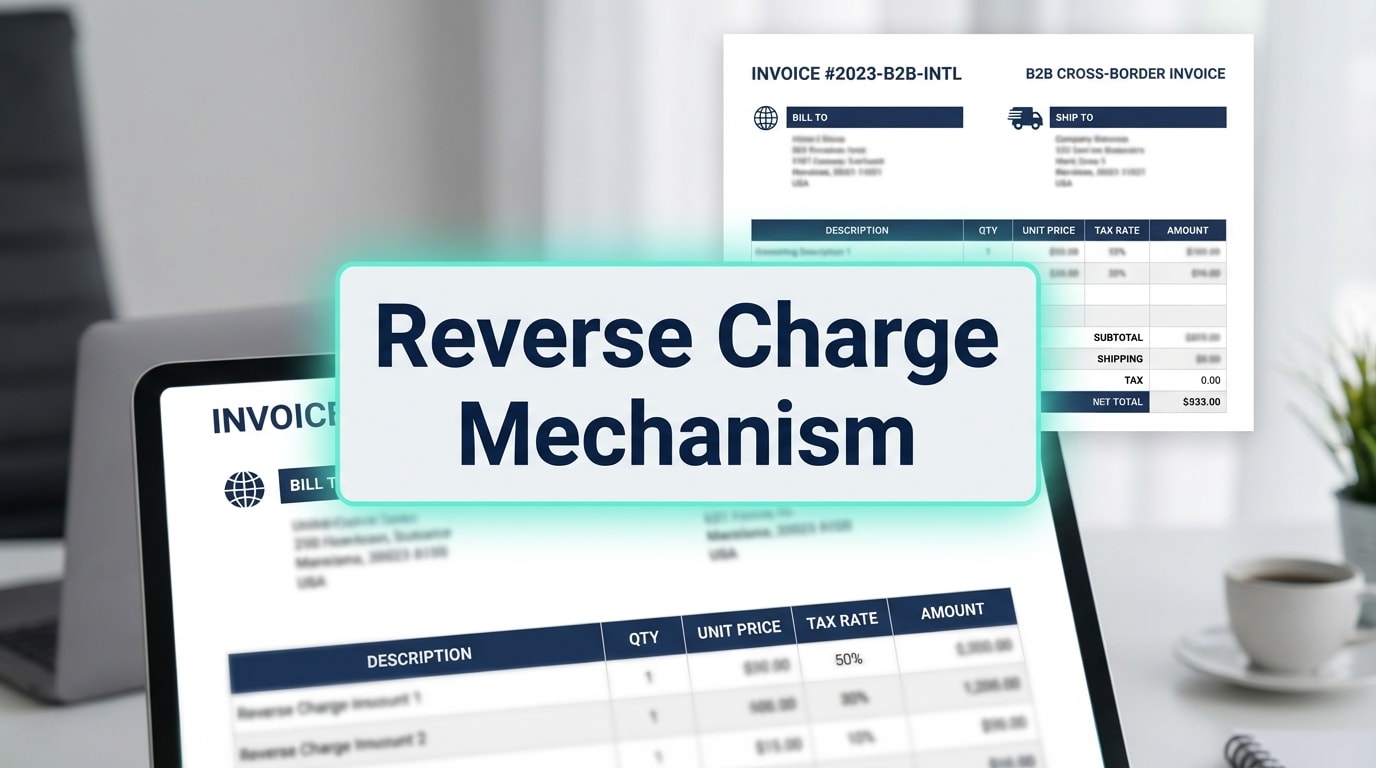
Cross-border B2B sales often shift the tax liability to the buyer
Why this matters: In cross-border B2B sales, the buyer is often responsible for reporting the VAT. If you do not explicitly state this, you could be held liable for their unpaid tax.
Here's how to implement it:
- Add the exact legal phrase: Include text like "Reverse Charge Mechanism applied" directly below the total amount.
- Zero out the tax: Ensure the actual tax charged on the document reflects 0.00.
- Require customer VAT validation: Only trigger this label if the customer's VAT ID has been successfully verified through the VIES database.
5. Timestamp Currency Conversions Correctly
Why this matters: If a customer buys in USD but your home tax authority requires reporting in EUR, automated currency conversion causes massive discrepancies if not timestamped correctly.
Here's how to implement it:
- Lock the Forex rate: Use the exact foreign exchange rate at the "time of supply" (the exact moment the transaction occurred).
- Display dual currencies: Show both the buyer's paid currency and your store's base reporting currency on the final PDF.
- Document the source: Keep an internal, automated record of which central bank rate was used for the conversion.
6. Structure Discounts and Shipping Taxes Properly
Pro Tip: Never apply a flat discount to the final after-tax total. Discounts must be applied to the subtotal before tax is calculated to remain legally compliant.
Here's how to implement it:
- Itemize discounts: Show the original price, the exact discount amount, and the new taxable base clearly on separate lines.
- Tax the shipping: Remember that in many jurisdictions, shipping fees are also fully taxable. Your invoice must display the specific tax rate applied to the shipping line item.
7. Ensure Multi-Language Readiness
Why this matters: Several countries legally mandate that invoices issued to their citizens be presented in their native language to be considered valid. For deeper insights into localized European requirements, read our guide on Understanding VAT Compliance in the EU.
Here's how to implement it:
- Use localized templates: Automatically trigger a French template for buyers located in France.
- Maintain standardized data mapping: Even if the labels change language, ensure the data layout remains consistent for fast, easy auditing.
- Offer bilingual formats: When in doubt, provide documents featuring both English and the local language side-by-side.
8. Address Recurring Billing and Subscriptions
Why this matters: Subscription models create unique compliance hurdles. You must clearly separate the exact date of supply from the date of payment.
Here's how to implement it:
- Clarify billing periods: Every recurring invoice must clearly state the exact service period (for example, "Services rendered Jan 1 to Jan 31").
- Automate issuance: Set your invoice generator to automatically email the compliant PDF the exact moment the recurring Shopify charge clears.
- Update tax rules dynamically: Ensure your system checks for tax rate changes between billing cycles so old rates are never incorrectly applied to new renewals.
IV. Ensuring Data Integrity: The Platform-Tax Sync Gap
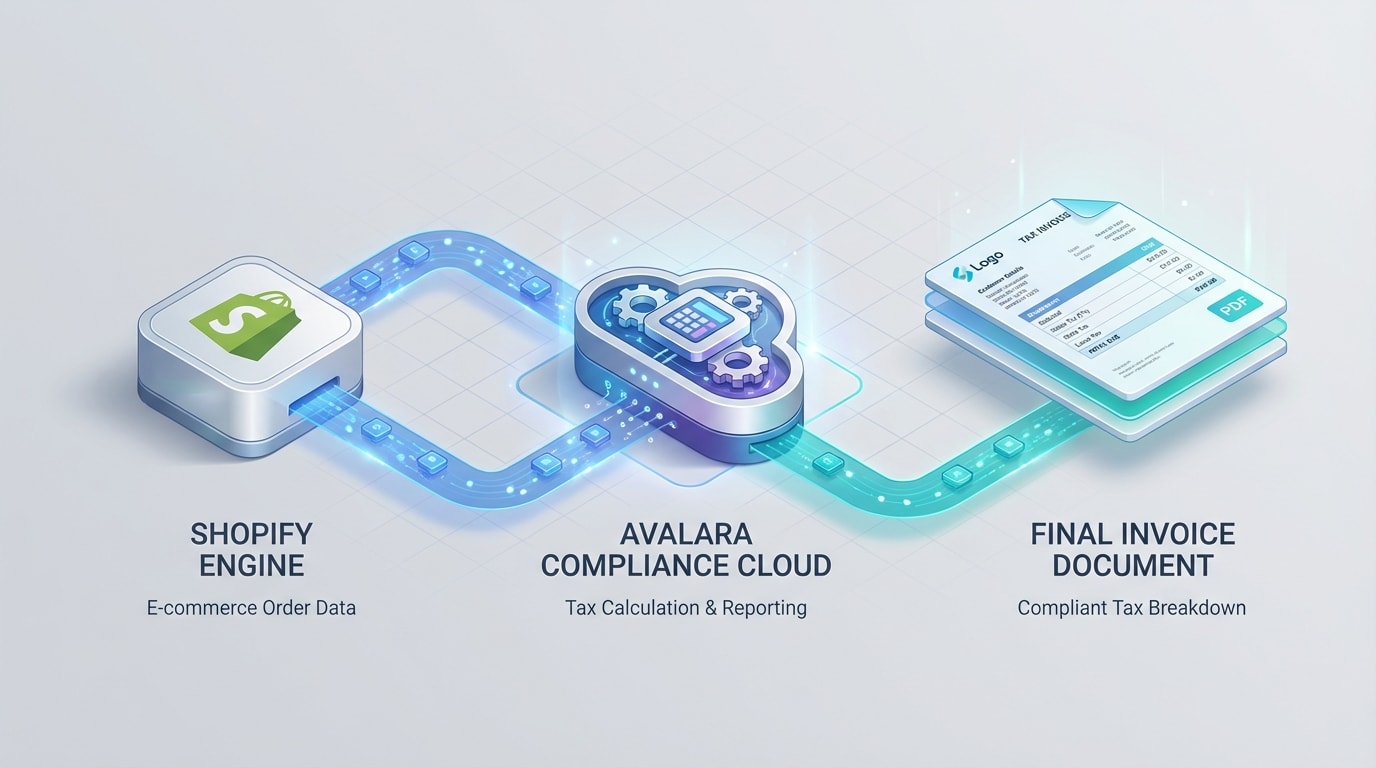
Mismatched data between your store dashboard and your physical invoice is a massive audit risk
Having the right fields on your ecommerce invoice compliance checklist is only half the battle. The most common reason merchants fail audits is not missing text. It is a complete lack of technical synchronization.
1. The Disconnect Between Calculation and Generation
Many merchants assume that because their Shopify tax engine calculates the right tax at checkout, their invoice generator will automatically print the right data. This is false. If your invoice app does not accurately pull specific tax exemption codes from the order metadata, it generates a generic PDF. This generic document immediately contradicts your backend accounting and creates an audit trail nightmare.
2. Solving the Metadata Problem
To achieve true invoice compliance, your PDF generator must feature deep API integration with Shopify. It needs to read the exact tax lines, currency conversion timestamps, and customer exemption tags applied at the exact moment of checkout. Recalculating these numbers after the fact leads to rounding errors and compliance failures.
3. Choosing the Right Infrastructure
When evaluating compliance solutions, do not just look for pretty templates. Look for an app that guarantees 3-way matching between the customer order, the tax calculation engine, and the final printed document. This seamless infrastructure ensures that what the auditor sees on paper matches exactly what sits securely in your Shopify dashboard.
V. Conclusion
Your complete ecommerce invoice compliance checklist is ready. Scaling your store internationally does not have to be slowed down by the constant fear of tax audits. By understanding global record-keeping durations, mastering regional OSS/IOSS rules, and ensuring your Shopify tax data perfectly syncs with your generated documents, you thoroughly protect your business from unnecessary fines.
You do not have to build these complex data flows manually. With the right tools, you can completely automate your invoicing compliance. This allows you to focus on what matters most: growing your business, increasing revenue, and entering new international markets with absolute confidence. You have got this!
Follow the Fordeer Team for more useful updates!
- Install Fordeer Apps for Free
- Get immediate assistance by chatting with us
- Join Fordeer Commerce Community for fresh app updates, expert tips, and private deals.

