

How to Send a Professional Invoice to Your Shopify Customer



You’ve just landed a large bulk order, but there’s a catch: the customer needs a formal PDF invoice for their accounting department before they can release the funds. If you’ve ever found yourself hunting for the "print invoice" button in the Shopify admin only to realize it doesn't quite meet legal standards, you're not alone. Many merchants struggle with the transition from simple B2C receipts to professional B2B invoicing.
Knowing how to shopify send invoice to customer efficiently is more than just a customer service perk. It’s a business necessity. Whether you are dealing with draft orders, wholesale clients, or international VAT requirements, your invoicing workflow can either be a time-sink or a seamless, automated part of your operations that builds brand trust.
In this guide, we will break down the native ways to send invoices from the Shopify admin, how to automate the process using Shopify Flow, and why professional PDF generation is the secret weapon for global tax compliance and brand consistency. Let's get started.
I. Overview: Invoice vs. Order Confirmation
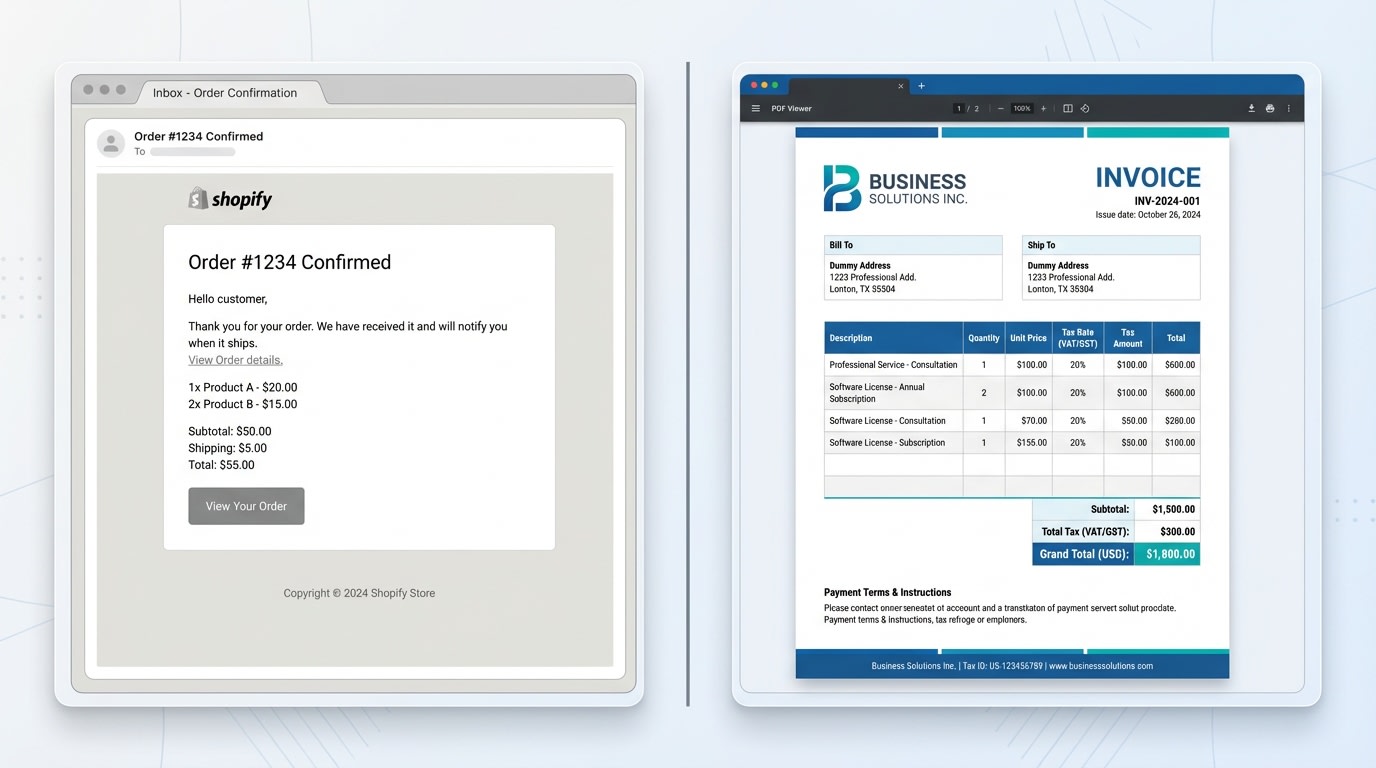
Understand the difference between a simple receipt and a professional invoice
1. What is a Shopify Invoice?
Many new merchants confuse the automated "Order Confirmation" email with an actual invoice. A true invoice is a commercial document issued by a seller to a buyer. It relates to a sale transaction and indicates the products, quantities, and agreed prices.
In many jurisdictions, especially the EU and Australia, a legally valid invoice must contain specific data. This includes your Tax ID, the customer’s VAT number, and a sequential invoice number that differs from the order number. A simple order notification usually lacks these technical details.
2. When Do You Need to Send an Invoice?
While Shopify automatically sends receipts for standard checkout purchases, you manually need to send an invoice in specific scenarios:
- A customer requests a formal quote for a bulk purchase.
- You are selling via Draft Orders for B2B or wholesale clients.
- The customer chose a manual payment method like a Bank Transfer.
- You need to provide a tax-compliant document for international customs clearance.
3. Why Professionalism Matters in Billing
Your invoice is often the last touchpoint in a customer’s journey. A generic, unformatted email can look amateurish. It may even be rejected by corporate accounting software like Xero or QuickBooks. By providing a clean, branded PDF, you reduce support tickets and ensure your business meets international legal standards. This positions your store as a reliable, enterprise-level partner.
II. The Invoicing Gap: Native Tools vs. Global Compliance
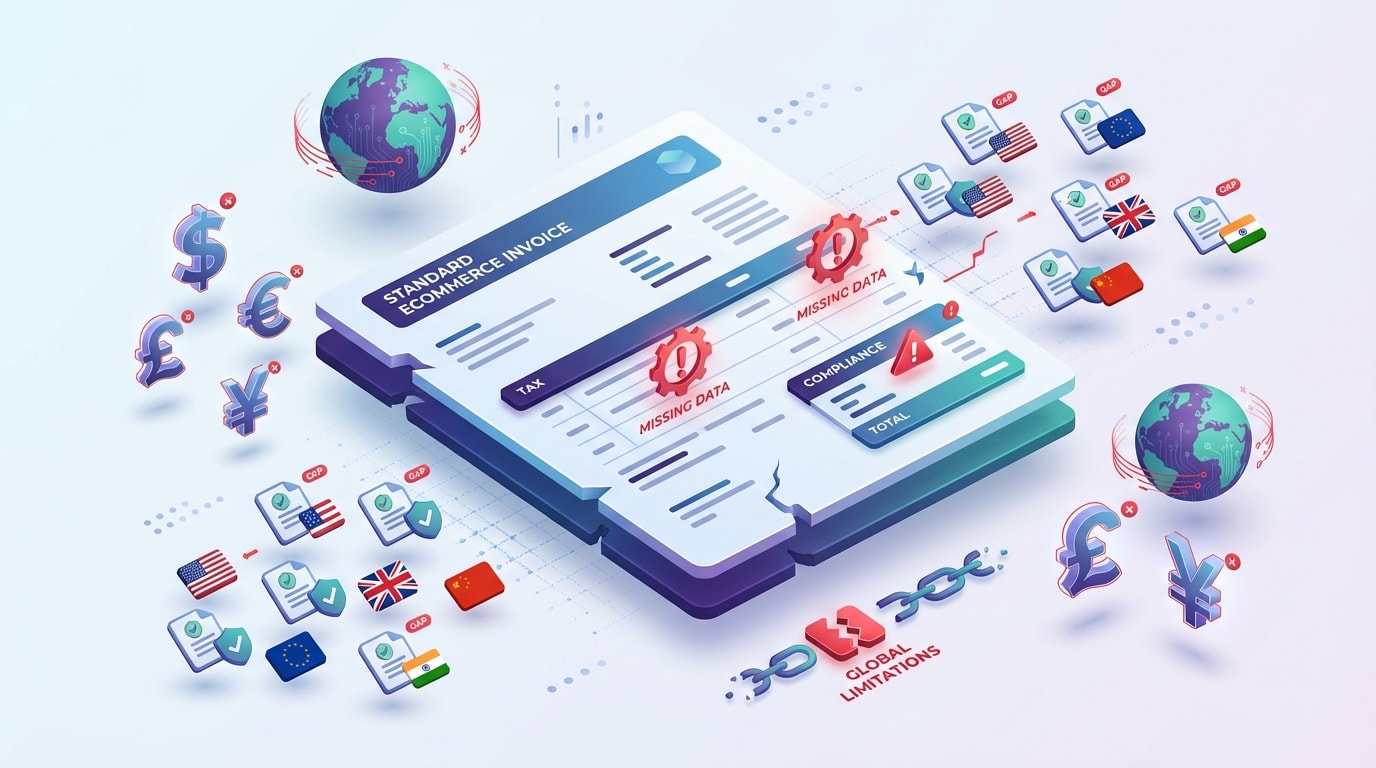
Standard Shopify notifications often miss the technical details required for global tax compliance
1. Native Shopify Admin Capabilities
Shopify provides basic functionality to send order invoice details via the Orders or Draft Orders page. This sends a templated email with a link to the checkout.
Pros:
- Free and built-in to the admin.
- No extra apps needed for basic billing.
- Reliable for simple B2C domestic orders.
Cons:
- Limited design customization.
- Lacks native PDF attachment capability.
- Does not automatically calculate complex VAT/GST for different regions without advanced Liquid coding.
2. The Necessity of Automated PDF Generation
For merchants scaling internationally, "good enough" isn't sufficient. According to recent B2B billing standards, 80% of corporate buyers prefer PDF attachments over email links for record-keeping.
Using dedicated invoicing apps allows you to bridge this gap. You can automatically attach a legally compliant PDF to every order confirmation. This ensures you hit every requirement for EU VAT and UK GST without manual intervention. Automation here isn't just about saving time (though it saves plenty). It's about accuracy.
III. 7 Effective Ways to Send and Manage Shopify Invoices
Managing your billing doesn't have to be a manual chore. Here are seven strategies to master your Shopify invoicing workflow, ranging from quick admin fixes to advanced automation.
1. Sending Invoices via Shopify Draft Orders
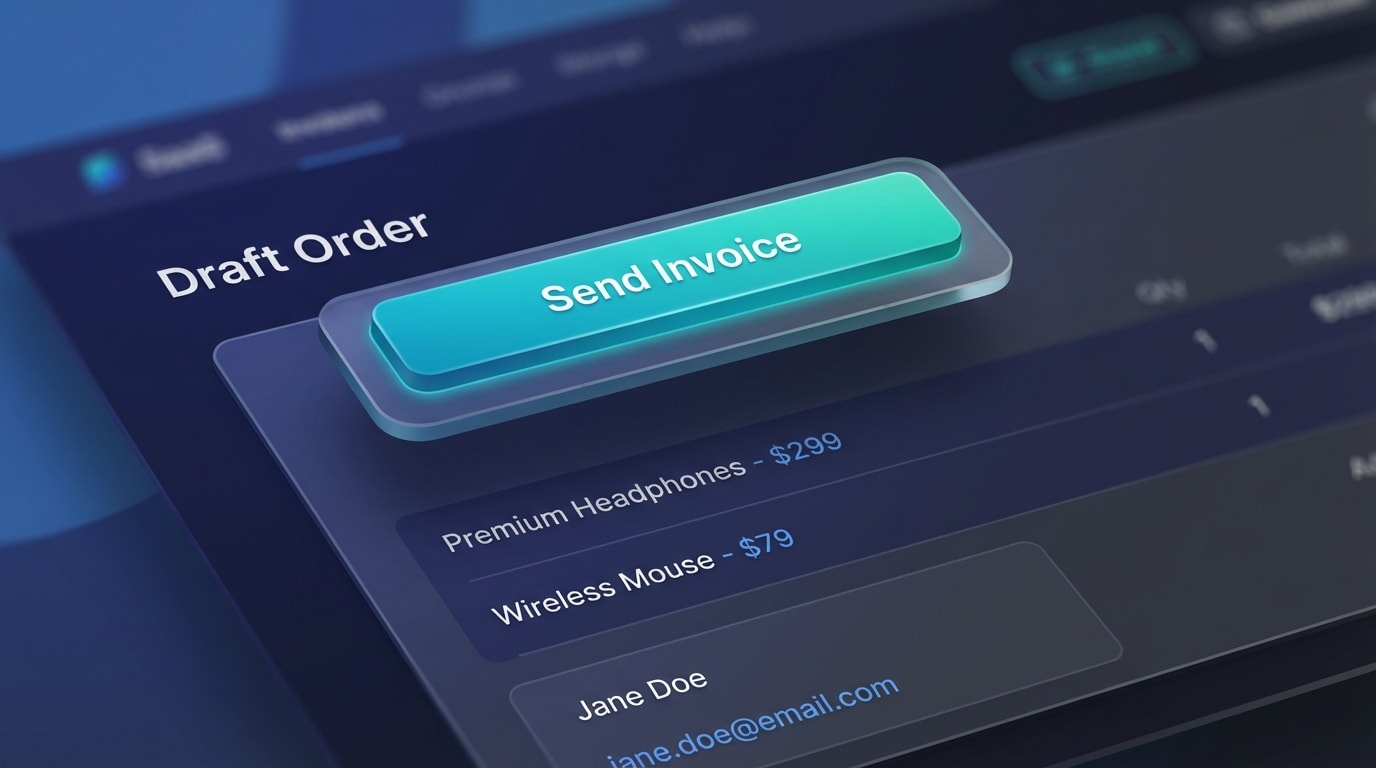
The Draft Order feature is the primary way to invoice customers manually
Why this matters: This is essential for wholesale orders or phone orders where the customer hasn't paid yet.
How to implement:
- Create the Draft: Go to Orders > Drafts > Create Order.
- Add Details: Add products, shipping, and the customer's contact info.
- Send the Invoice: Click 'Send Invoice' to email a checkout link where the customer can complete the payment.
2. Utilizing Shopify Flow for Automated Triggers
Why this matters: If you are on a Shopify Plus or a plan that supports Shopify Flow, you can automate invoicing triggers based on specific behaviors.
How to implement:Set a trigger for "Order Created" and an action to "Send Email." Note that Flow is excellent for internal notifications. However, to shopify send invoice automatically as a PDF, you usually need to connect Flow to a third-party billing app. This ensures the customer receives the file the second they purchase.
3. Implementing Automated PDF Attachments
Why this matters: It eliminates the "Can I have an invoice?" support emails entirely.
How to implement:
- Install a PDF Generator: Use an app like Fordeer: PDF Invoice Generator.
- Configure Branding: Upload your logo and set your tax registration numbers.
- Automate: Enable the setting to automatically attach the PDF to the standard Shopify Order Confirmation email. This keeps your communication streamlined and professional.
4. Customizing Liquid Templates for Brand Consistency
Why this matters: Generic templates don't build brand equity. Your invoice should look like your website.
How to implement:Navigate to Settings > Notifications > Order Confirmation. You can edit the HTML/Liquid code here to add your brand colors or a custom footer.
Pro Tip: If you aren't a coder, use an app-based editor that offers a drag-and-drop interface. This prevents you from accidentally breaking the email logic.
5. Managing Invoices for B2B with Payment Terms
For wholesale, you often send an invoice but don't expect immediate payment (e.g., Net 30).
The Process: Set payment terms in the Draft Order admin. The invoice sent to the customer will reflect the due date. This allows them to buy now and pay later via a professional portal. It's a key step in how to get invoice from shopify order workflows that cater to large businesses.
6. Handling Bulk Invoicing Actions
Why this matters: Manually sending 50 invoices one by one is a waste of resources.
How to implement:In the Orders list, use the checkbox to select multiple orders. Click the '…' menu and select 'Print Invoices' or use your invoicing app to 'Bulk Send.' This is a lifesaver during high-volume periods like BFCM or holiday sales.
7. Ensuring Tax ID Compliance (VAT/GST)
Why this matters: International B2B customers cannot reclaim tax without your Tax ID on the document.
How to implement:
- Collection: Use cart attributes to collect the customer's VAT ID at checkout.
- Display: Ensure your invoice template pulls this data. It should display the ID prominently near the total amount. This makes life easier for your customer's accounting team.
IV. Additional Considerations: Customization & Timing

A consistent brand experience from checkout to invoice
1. When to Send the Invoice?
Timing is everything. For standard B2C, the invoice should be sent the moment the order is placed. However, for B2B, you might send a 'Pro-forma' invoice first. You then issue the final 'Tax Invoice' once the goods have shipped. Understanding this nuance prevents accounting errors and keeps your books clean.
2. Key Elements Every Invoice Must Have
Beyond the products, ensure your invoices always include:
- Legal Business Name & Address: Both yours and the customer's.
- Unique Invoice Number: Use a sequential system for audit trails.
- Itemized Taxes: Clearly show the percentage and amount of tax applied.
- Payment Terms: If not paid upfront, clearly state the due date.
V. Conclusion
Successfully managing how you shopify send invoice to customer is a hallmark of a maturing brand. By moving away from manual, unformatted emails and toward automated, tax-compliant PDF systems, you save hours of administrative work. You also provide a superior experience for your B2B and international clients.
Whether you use Shopify’s native draft tools or a robust app like Fordeer, the goal remains the same: accuracy, compliance, and professionalism. Start auditing your current invoicing workflow today. Are you meeting the legal requirements of your customers' regions? If not, it's time to automate. You've got this!
Follow the Fordeer Team for more useful updates!
- Install Fordeer Apps for Free
- Get immediate assistance by chatting with us
- Join Fordeer Commerce Community for fresh app updates, expert tips, and private deals.

