

Invoice Templates Hub: Free Shopify Invoice Templates


Every time a customer clicks "buy," you have a golden opportunity to build trust. Many merchants think the sale ends at checkout, but the post-purchase journey is where long-term loyalty is born. One of the most overlooked tools in this journey is your Shopify invoice template. It isn't just a legal requirement; it's a touchpoint that reflects your brand's professionalism and attention to detail.
Are your current invoices looking a bit generic? Don't worry. Whether you are dealing with international shipping or just want to add a personal touch, upgrading your invoice system is easier than you think. In this guide, we will cover everything from basic customization to using a Shopify invoice app to automate your workflow.
Let's get started.
I. Overview of Shopify Invoices
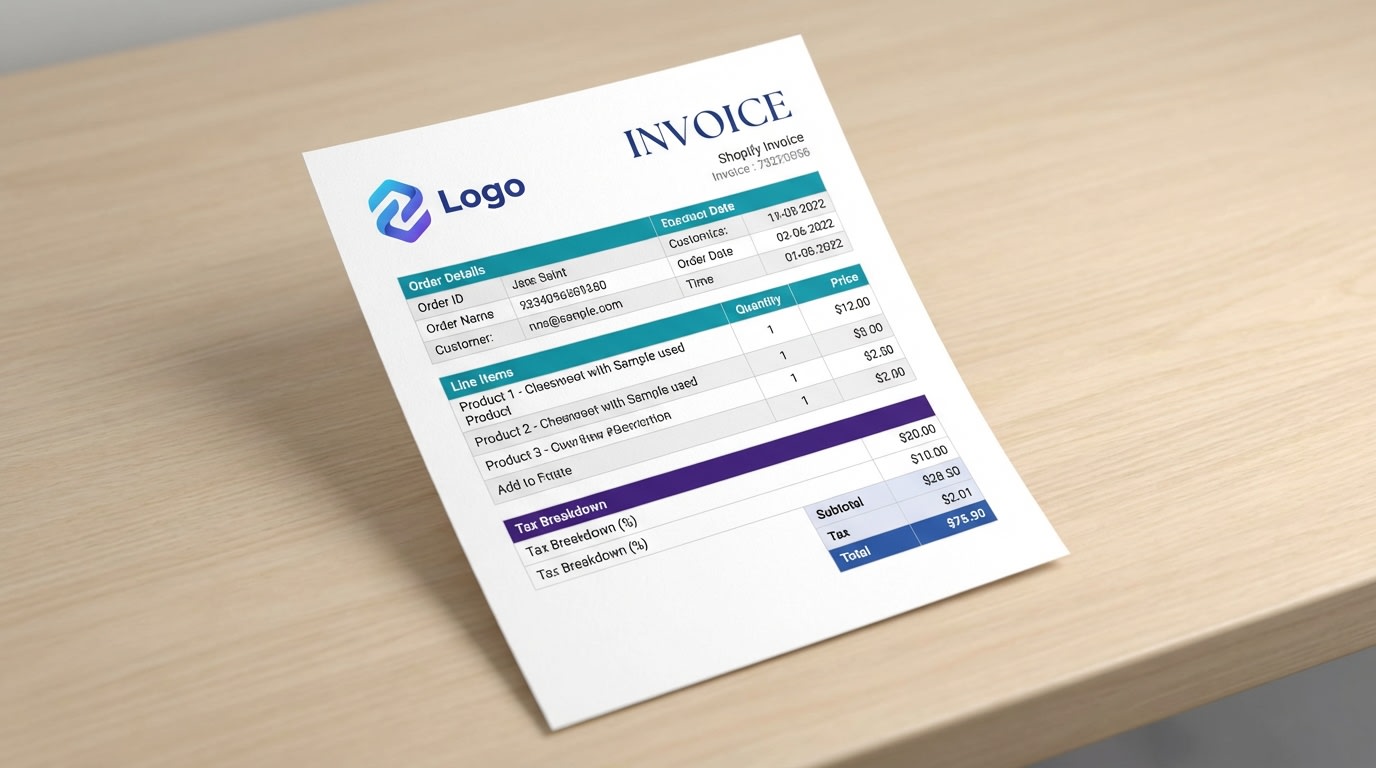
A well-designed invoice helps build customer trust after the purchase
A Shopify invoice is a record of a transaction provided to the customer. While Shopify provides a default notification system, many intermediate merchants find that the standard "Order Confirmed" emails aren't enough for professional business needs.
1. What is a Shopify Invoice Template?
Your Shopify invoice template is the layout used to generate billing documents. It includes essential data like order numbers, itemized lists, taxes, and shipping addresses. Most merchants start with the basic Shopify order printer tool, but as you scale, you will likely need more flexibility to handle different tax jurisdictions and branding requirements.
2. Standard vs. Custom Invoices
Shopify's built-in system uses Liquid, a template language, to pull data from your store. While the default is functional, it often lacks the "wow" factor. Customizing your template allows you to include:
- Company logos and brand colors
- Social media links and QR codes
- Specific legal text for VAT invoice Shopify requirements
- Personalized thank-you notes
3. Why Professionalism Matters
According to recent eCommerce studies, the post-purchase experience is a major driver of repeat business. A messy or confusing invoice can lead to customer support tickets and anxiety. On the flip side, a clean, branded PDF makes your store look like a major player, even if you’re running a small team.
II. Why You Need a Professional Shopify Invoice Template
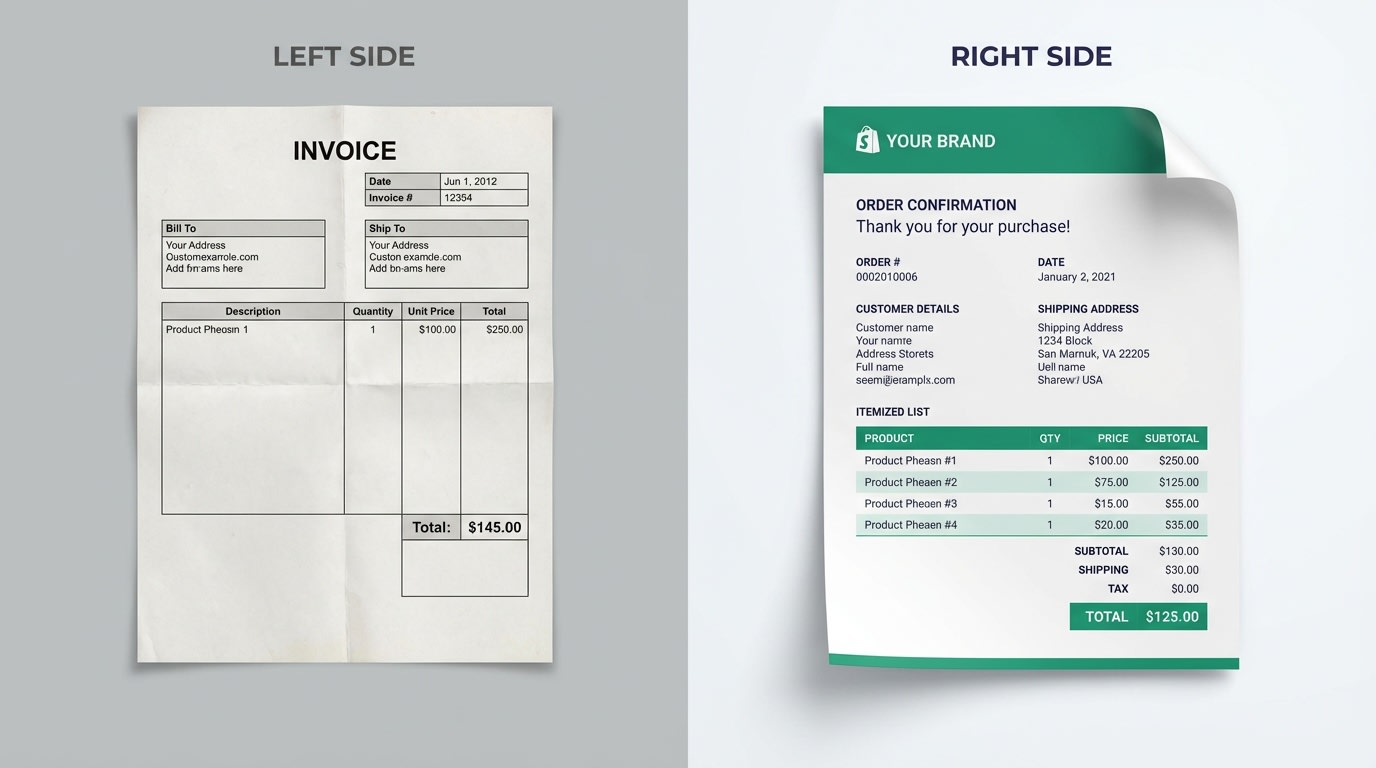
Branding your invoice makes your business look more established
You might be wondering if it's worth the effort to change your invoice design. The short answer is yes. Beyond just looking good, a professional template serves several critical business functions.
Builds Brand Consistency:
Your brand shouldn't stop at the checkout page. When a customer receives a Shopify invoice for customer use, it should match the aesthetic of your website and packaging. This consistency reinforces brand recall.
Legal and Tax Compliance:
If you sell internationally, you need to follow specific rules. For example, many European countries require a formal VAT invoice Shopify setup that includes the merchant's VAT ID and the customer's tax information. Using a dedicated PDF invoice generator ensures you don't miss these mandatory fields.
Reduces Customer Support Inquiries:
A clear invoice answers questions before they are asked. When customers can easily see the breakdown of shipping costs, taxes, and discounts, they are less likely to email your support team asking for clarification.
III. 7 Strategies to Optimize Your Shopify Invoice Template
Now that we understand the "why," let's look at the "how." Here are seven actionable tips to turn your boring billing documents into a powerful business tool.
1. Prioritize Clear Branding
Your logo should be the first thing a customer sees. Ensure your logo is high-resolution but optimized for fast loading and printing. Use your brand's primary color for headers or borders to make the document feel like part of your store.
Why this matters:It creates an immediate "trust signal." Customers feel safer knowing they are dealing with a legitimate, organized business.
2. Automate for International Sales
If you ship globally, you need an international shipping invoice Shopify merchants can rely on. This means your template should support Shopify invoice multi-currency features so customers see the price they actually paid in their local currency.
Here's how:
- Use an app that automatically detects the customer's currency.
- Ensure your template includes "Country of Origin" for customs purposes.
- Translate static text (like "Invoice" or "Total") into the customer's language.
3. Include Marketing "Hooks"
Who says an invoice can't sell? Use the footer of your Shopify invoice template to encourage future purchases. This is a great spot for a discount code for their next order.
Pro Tip: Add a QR code that leads directly to your latest collection or a review page. This makes it incredibly easy for customers to engage with you on their mobile phones.
4. Provide Detailed Product Information
Don't just list the product name. Include the SKU, size, and color. If possible, add a small thumbnail image of the product.
The benefits:
- It helps the customer quickly verify their order.
- It assists your warehouse team during the picking and packing process.
- It reduces "wrong item" disputes.
5. Perfect Your Tax Layout
Tax season is stressful for everyone. Make it easier for your customers by providing a clear breakdown. If you are selling B2B, you might even need a Shopify deposit invoice template for partial payments.
Key elements to include:
- Your Business Registration Number.
- The tax rate applied to each line item.
- The total tax amount listed separately from the subtotal.
6. Add Social Proof and Contact Info
Make it easy for customers to find you. Include your Instagram handle or a link to your Facebook community. Most importantly, make your support email and phone number prominent.
Here's the catch: If a customer has a problem, they will look at their invoice first. If they can't find your contact info, their frustration will grow. Keep it visible to provide excellent service.
7. Use a Dedicated Shopify Invoice App
Trying to code Liquid variables yourself can be a headache. To save time and avoid errors, use a Shopify invoice app. A dedicated tool like Fordeer PDF Invoices allows you to drag and drop elements to create a perfect layout in minutes.
Why use an app?
- Speed: No coding required.
- Accuracy: It pulls data directly from the Shopify invoice API.
- Storage: Most apps automatically store PDF copies for your accounting needs.
IV. How to Edit and Create Shopify Invoices
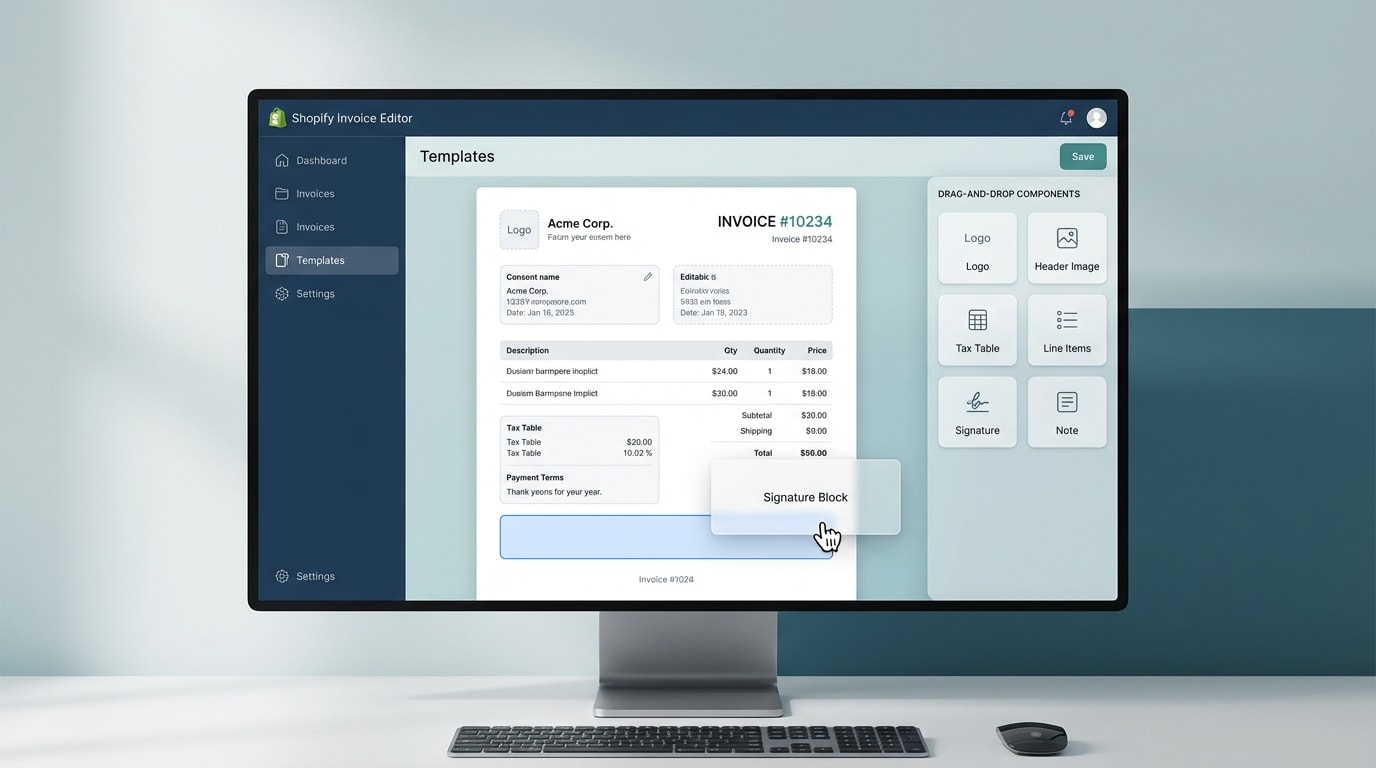
Editing your template is simple with the right tools
Ready to make some changes? You have three main paths to follow depending on your technical skills.
Option 1: The Shopify Order Printer (Basic)
Shopify offers a free app called Order Printer. It allows for basic customization using HTML and Liquid. It is a good starting point if you just need a simple Shopify invoice generator free of cost. However, it can be limited if you need advanced logic or beautiful designs.
Option 2: Manual Liquid Editing
If you have a developer on your team, you can edit the code directly in your Shopify settings under "Notifications." This gives you total control but is risky. One small coding error can break your customer emails.
Option 3: Professional PDF Invoice Generator
For intermediate merchants, a dedicated app is the best balance of power and ease. These tools offer pre-built templates that are already optimized for VAT, international shipping, and mobile devices. You can customize everything from the font to the margin size without touching a single line of code.
V. Conclusion
So there you go—your roadmap to a better Shopify invoice template. It might seem like a small detail, but in the competitive world of eCommerce, the small details make the biggest difference.
Your invoice is more than a receipt. It is a branding tool, a legal document, and a customer service asset all rolled into one. You don't have to overhaul everything today. Start by adding your logo and ensuring your tax information is correct. Each small improvement you make will help your store look more professional and keep your customers coming back for more.
Follow the Fordeer Team for more useful updates!
- Install Fordeer Apps for Free
- Get immediate assistance by chatting with us
- Join Fordeer Commerce Community for fresh app updates, expert tips, and private deals.

