

Shopify Coming Soon Page with Pre-Order: Build a Waitlist That's Ready to Buy


Nothing is more frustrating than driving hype for a new product, pointing traffic to your store, and losing potential buyers because your URL is locked behind a basic password page. Merchants often fear overselling items that are not in stock yet. Hiding your product pages completely leaves money on the table and hurts your long-term organic visibility.
This is where a strategic Shopify coming soon page pre-order system changes the game. Instead of a dead end, your pre-launch page becomes a revenue-generating asset. By utilizing proper purchase options and intelligent inventory management, you can secure sales weeks before your stock even arrives.
In this guide, we will break down the technical setup behind taking pre-orders early. You will learn the SEO benefits of keeping your URLs public, how to handle delayed payment captures legally, and specific strategies to optimize your coming soon page for maximum conversions.
Let's get started!
I. The "SEO Warming" Advantage
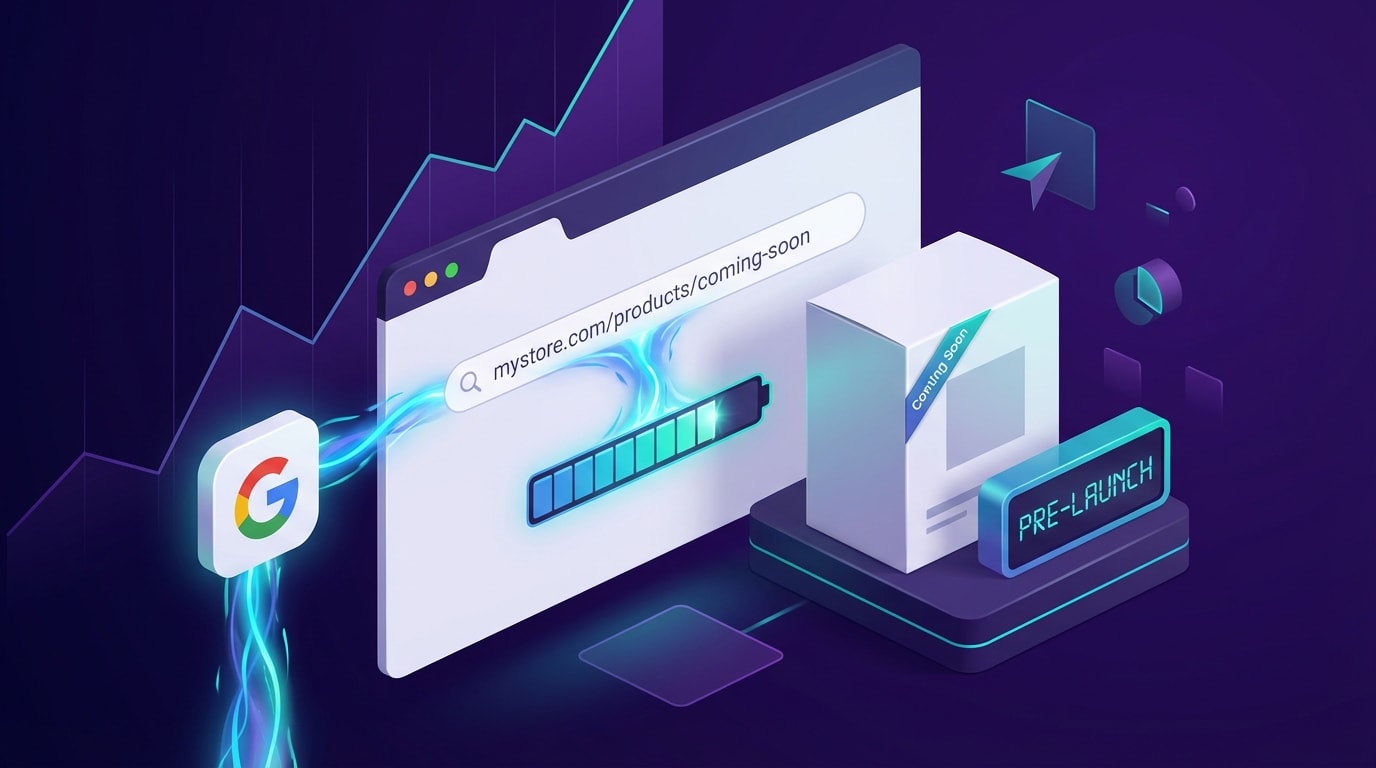
A public coming soon page allows search engines to index your product long before launch day.
Your pre-launch phase is a critical window for search engine optimization. Treating this period as a passive placeholder is a major missed opportunity.
1. Why Password Pages Kill Momentum
Many merchants use Shopify's default password-protected pages to hide coming soon products. This is a critical mistake. Password pages act as a wall, blocking search engine crawlers from reading and indexing your content.
When you hide your product, you lose weeks of valuable early backlink building. Any press mentions, influencer shoutouts, or social media links pointing to a locked page carry zero SEO weight. By the time launch day arrives and you finally remove the password, you are starting your organic keyword ranking from absolute zero.
2. Indexing Before Inventory Arrives
The alternative is a concept called "SEO Warming." This involves keeping your product URL completely active and public, but clearly marked with a "Coming Soon" or pre-order status.
Search engines prioritize established URLs with steady traffic history. Pre-order SEO indexing gives Google enough time to crawl your meta descriptions, product copy, and images. Launching on an already-indexed URL provides an immediate ranking advantage. This means when customers search for your new product on launch day, your page is already sitting at the top of the search results to capture day-one organic sales.
3. Transitioning to Active Pre-Orders
There is a massive psychological difference between asking a customer to "Join the Waitlist" and prompting them to "Secure Yours Now."
Capturing a customer's purchasing intent immediately is always better than hoping they open an email notification weeks later. When you transition an indexed page into an active pre-order hub, you lock in the sale while their excitement is highest. If you want to understand the complete lifecycle of this transition, read A Step-by-Step Guide to Launch Successful PreOrder Campaigns to see how to map out your entire launch calendar.
II. Technical Foundation: Payments & Compliance
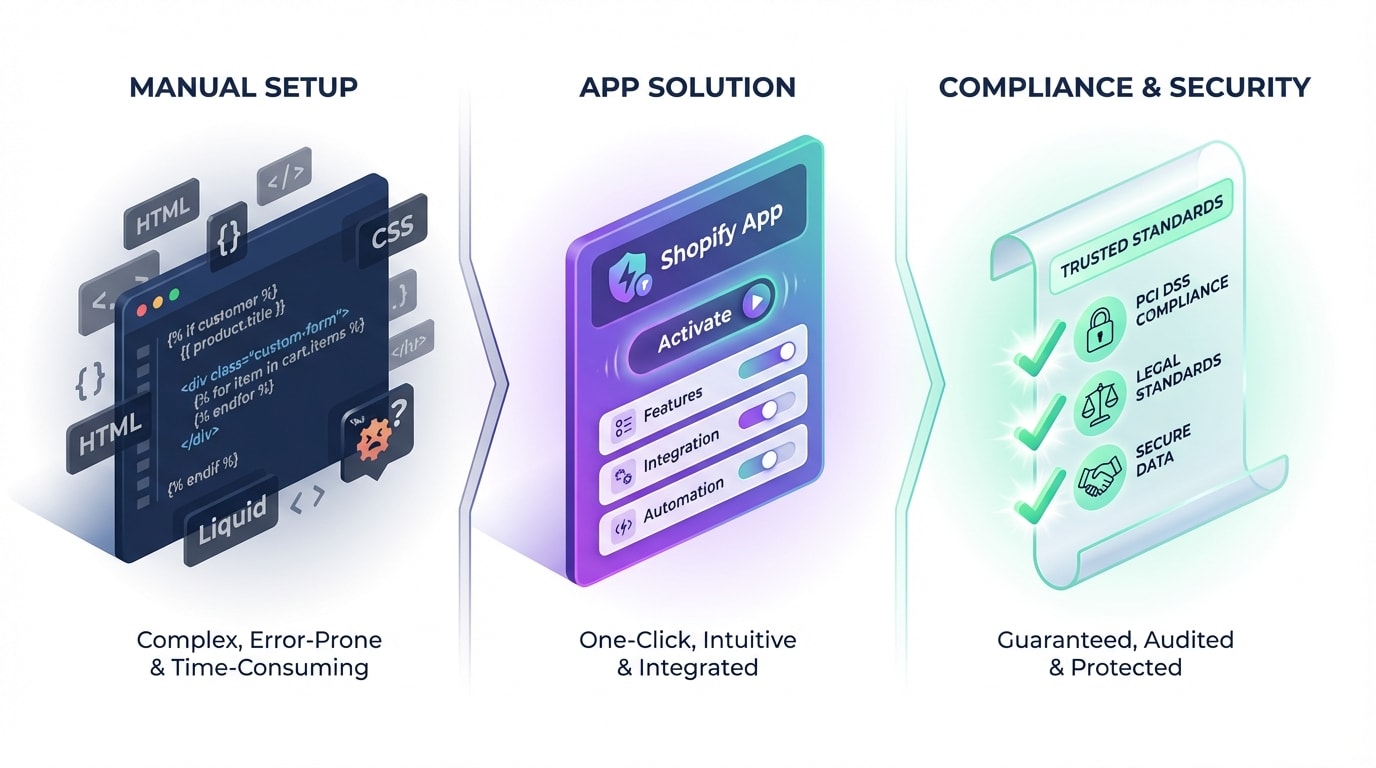
Handling payments correctly during a pre-sale protects your merchant account and builds customer trust.
Accepting money for products you do not physically possess requires strict technical and legal frameworks. Getting this right protects your merchant account from painful chargebacks.
1. Manual Edits vs. Dedicated Apps
You have two primary ways to set up pre-order functionality on your store. You can use manual code edits or a dedicated application.
Manual Setup: Writing custom coming soon page liquid code involves altering your Online Store 2.0 theme files. You have to write conditional logic that changes the "Add to Cart" text based on specific inventory tags. This takes significant development time and runs a high risk of breaking whenever you update your theme.
Dedicated App Setup: Using a dedicated Shopify pre order app is much safer and faster. These applications integrate directly with the Shopify Purchase Options API. They automate inventory tagging, swap button text instantly without altering core code, and seamlessly handle all backend order routing.
2. The "Authorize Now, Capture Later" Rule
Payment gateways have strict rules about holding funds for unfulfilled items. You need to understand the difference between capturing funds immediately and authorizing the card to capture later.
The authorize now capture later Shopify feature is incredibly useful for long pre-launch windows. However, Shopify Payments only allows a 7-day authorization period before the payment token expires. Other third-party gateways might allow up to 30 days. You must configure your payment capture settings to match your fulfillment timeline. If your product ships in 45 days, capturing funds immediately is your only reliable option to avoid losing the payment authorization entirely.
3. FTC 30-Day Shipping Compliance
Handling pre-orders legally in the United States requires strict adherence to the Federal Trade Commission (FTC) "30-Day Rule."
This rule dictates that merchants must have a reasonable basis for expecting they can ship the product within the stated timeframe. If you cannot ship within that window, you are legally required to notify the customer, explain the delay, and offer a clear option to cancel for a full refund. Clear, upfront communication regarding shipping dates on your pre-order page is a legal necessity, not just a simple customer service best practice.
III. 6 Strategies to Optimize Your Pre-Launch Page
Once your technical and legal foundations are perfectly set, your focus must shift entirely to maximizing conversion rates. Here are the specific tactics to turn casual browsers into committed early buyers on your coming soon page.
1. Transform the Buy Button Dynamically
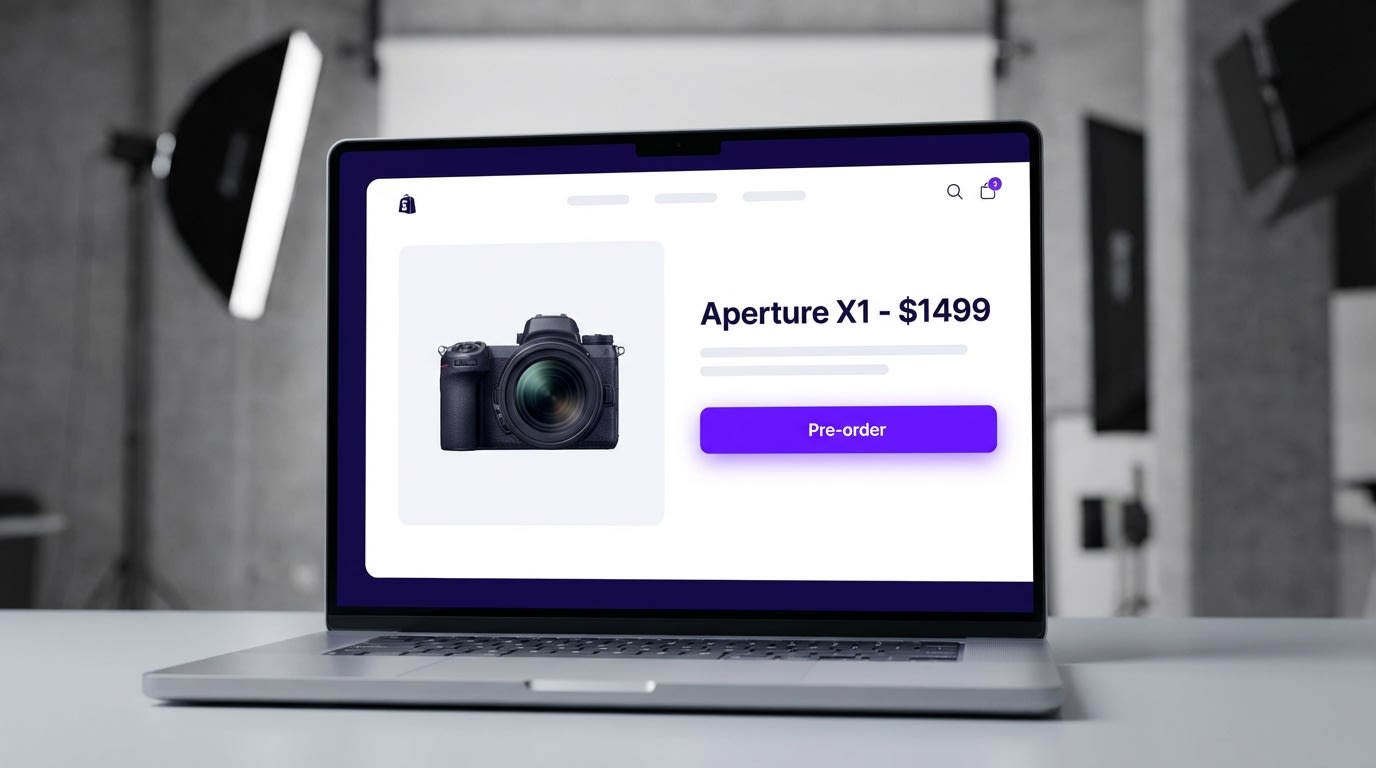
Clear button copy prevents customer confusion and reduces chargeback risks.
Getting the button copy right is your absolute first priority. A standard "Add to Cart" button on a product that does not exist yet creates immediate friction and distrust.
Why this matters: Customers need instant visual confirmation that they are reserving an upcoming item, not buying something ready to ship tomorrow.
How to implement:
- Use clear terminology: Switch your primary call-to-action text from "Add to Cart" to "Pre-order Now" or "Reserve My Copy."
- Theme integration: Use Shopify's conditional logic or your pre-order app to swap the button text automatically the moment inventory hits zero but pre-orders remain allowed.
- Cart transparency: Ensure this specific "Pre-order" label carries over directly to the cart page and the checkout screen. The customer must be reminded of the status right before processing their payment.
2. Communicate Crystal Clear Delivery Timelines
Ambiguity kills conversions instantly. If a customer does not know exactly when their item will arrive, they will simply abandon the page.
Why this matters: Detailed shipping estimates satisfy both customer anxiety and strict FTC compliance requirements.
How to implement:
- Visible dates: Place your expected shipping dates directly under the pre-order button where they cannot be missed.
- Update policies: If a factory delay pushes the dispatch date back, update the product page immediately and email all existing buyers the same day.
- Avoid vague promises: Instead of using generic phrases like "Coming Soon," use specific commitments like "Expected Dispatch: Mid-October 2026." Specificity builds massive trust.
3. Build Urgency with Countdown Timers
Just because a product is not actively available in your warehouse does not mean you cannot leverage scarcity and urgency.
Why this matters: Pre-orders lack the instant gratification of standard online purchases. Injecting urgency forces the customer to make a purchasing decision right now.
How to implement:
- Launch windows: Add a dynamic countdown timer ticking down to the close of the pre-order window.
- Limited batches: Display exact inventory scarcity. Adding a line like "Only 50 units available in the first production run" creates a powerful fear of missing out.
- Early bird pricing: Offer a slight 10% discount that completely expires when the countdown timer hits zero.
Pro Tip: Never use fake countdown timers. Modern consumers are incredibly savvy. Fake scarcity will instantly destroy the brand trust required to secure a pre-order transaction.
4. Advanced Klaviyo Segmentation Sync
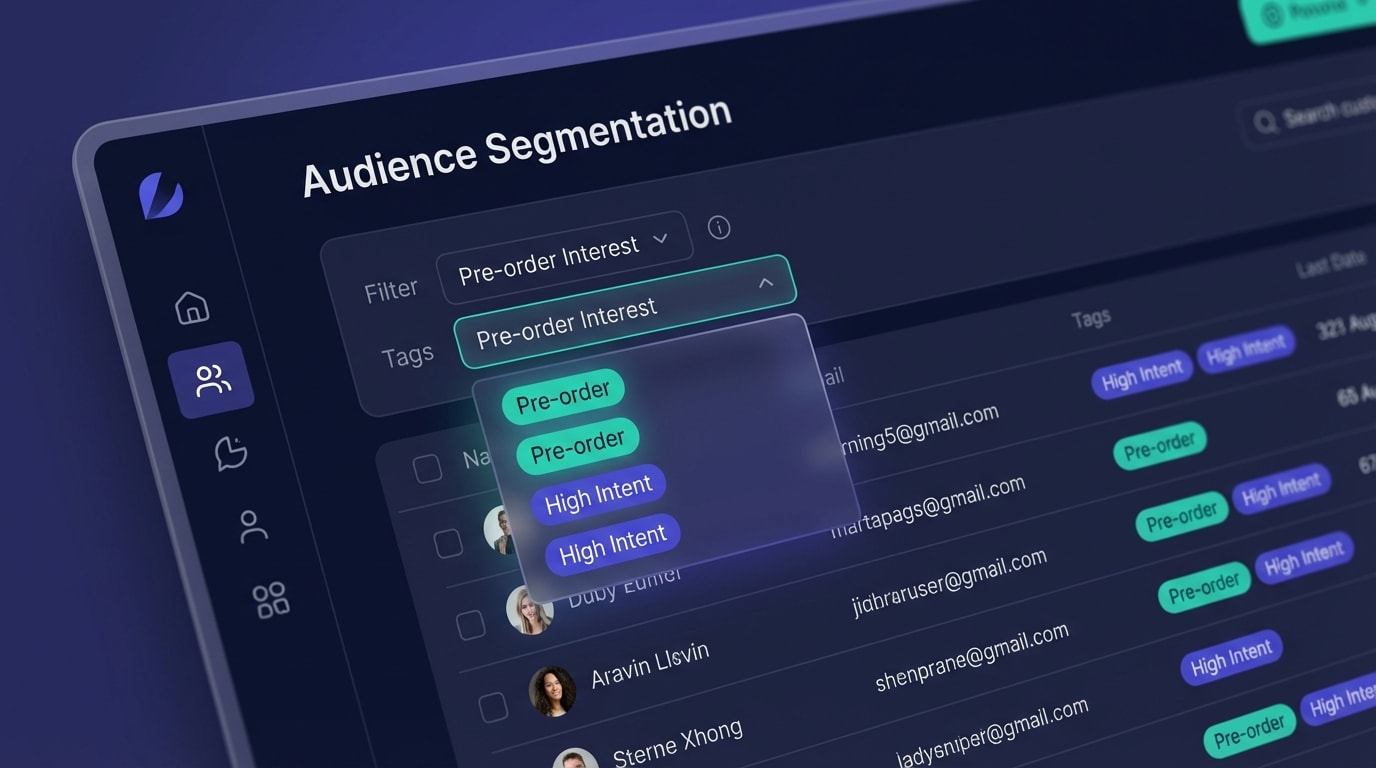
Tagging users accurately allows for highly targeted follow-up campaigns.
Not everyone will pull the trigger on a pre-order during their first visit. Capturing the contact information of the leads who hesitate is critical to your launch success.
Why this matters: Sending general newsletters to people waiting for a specific product launch is highly inefficient and drastically lowers your open rates.
How to implement:
- Specific forms: Place a dedicated email capture form directly on the coming soon page for users who are not quite ready to buy.
- Smart tagging: Use Klaviyo pre-order integration to sync these exact signups with a specific tag like "Pre-order Interest: [Product Name]".
- Automated flows: Set up a 3-part email flow that triggers automatically. Use these emails to answer common questions about the upcoming product and gently nudge them back to reserve their unit.
5. Offer Partial Deposits to Lower Friction
Asking a customer to pay the full price months in advance for a high-ticket item is a massive hurdle that kills conversion rates.
Why this matters: Partial deposits secure a firm commitment while significantly lowering the financial barrier to entry for the customer.
How to implement:
- Deposit structure: Charge a 10% to 20% non-refundable deposit to secure the item during the pre-launch phase.
- Automated invoicing: Use a reliable billing app that automatically sends an invoice for the remaining balance exactly when the product is ready to ship.
- Clear terms: Make sure your refund policy regarding deposits is easily readable near the checkout button. To maximize the impact of this pricing strategy, implement specific Marketing Strategies to Boost PreOrder Sales across your social channels.
6. Implement Trust Badges and Visual Cues
Your coming soon page needs to look like a highly anticipated premium destination, not a broken or under-construction website.
Why this matters: Consistent visual quality reassures hesitant buyers that giving you their early payment is completely safe and secure.
How to implement:
- Pre-order badges: Add visual ribbons or stickers to the product image thumbnail highlighting the exclusive pre-sale status. You can use Fordeer Product Labels & Badges to automate these eye-catching visuals.
- Security badges: Prominently display your standard secure checkout icons right below the pre-order button.
- Social proof: If this is a returning seasonal product or a newly updated version of a previous bestseller, feature customer reviews from the prior iteration. This proves your brand's reliability to new visitors.
IV. When to Start Your Pre-Launch Campaign
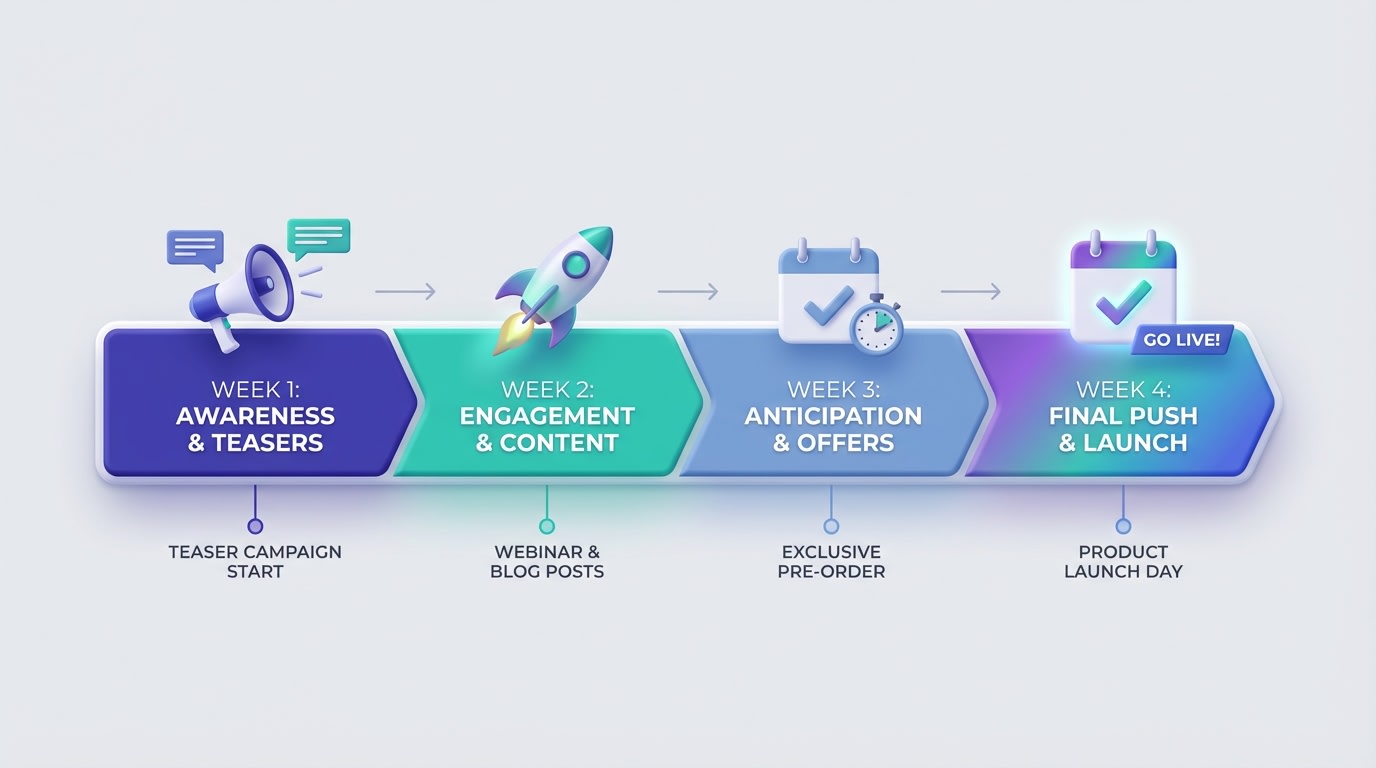
Timing is everything. Start your campaign early enough to rank, but not so early that customers lose interest.
Timing your coming soon page strategy correctly ensures maximum impact without violating payment processing rules or losing customer interest. Here is your ideal pre-launch timeline.
4 to 6 Weeks Out:Create the product page and publish it live on your store. Do not password protect it. Optimize your meta titles, descriptions, and on-page content for your specific target keywords. This critical window gives Google enough time to crawl and index the URL properly before you start driving paid traffic.
3 Weeks Out:Open the actual pre-order functionality. Swap your buttons from "Coming Soon" to "Pre-order Now." Activate your email capture forms, ensure your Klaviyo tags are firing correctly, and start driving top-of-funnel traffic to the page via organic social media teasers and influencer partnerships.
1 Week Out:Send your final "Last Chance to Secure Early" email campaigns to your segmented lists. Review your authorized payments in the backend. Ensure no payment tokens are expiring before your planned fulfillment date, and prepare your fulfillment team for the upcoming surge in outgoing shipments.
V. Conclusion
A Shopify coming soon page pre-order strategy transforms passive waiting periods into active revenue generation. By treating your pre-launch URLs as valuable SEO assets, managing your payments compliantly, and optimizing your page for urgency and trust, you can guarantee profitable sales before your inventory even touches the warehouse floor.
You have the exact tools and knowledge to pull this off. Do not let your upcoming product launches get hidden behind basic password pages. Start building anticipation, secure early commitments, and launch with a bang!
Follow the Fordeer Team for more useful updates!
- Install Fordeer Apps for Free
- Get immediate assistance by chatting with us
- Join Fordeer Commerce Community for fresh app updates, expert tips, and private deals.

