

Shopify Invoice Numbers: How to Set Custom Prefixes and Formats


Imagine opening a notice from your local tax authority, only to realize your store's invoice records are riddled with missing numbers and random sequence jumps. For many scaling merchants, standard order receipts simply do not hold up under legal scrutiny.
Getting your shopify invoice number format right is not just about making your documents look pretty for customers. While default settings offer basic modifications, scaling a business across borders requires strict, tamper-proof sequential numbering that natively is not always possible.
In this guide, we will break down the exact limitations of standard Shopify invoicing. We will show you how to use Liquid variables to bridge the gap and share the strategies you need to implement to ensure your store remains fully compliant during your next audit.
Let's get started!
I. Overview of the Compliance Gap

Native Shopify settings often fall short of international accounting standards.
Understanding the difference between an internal receipt and a legal tax document is the first step to protecting your business from audit penalties.
1. Order ID vs. Invoice Number
A Shopify Order ID is an internal reference code used to track customer purchases within your dashboard. A legal Invoice Number is a formal accounting record required by tax authorities to document recognized revenue.
Using the default Order ID as your official invoice number creates dangerous gaps. When a customer cancels an order or you delete a test transaction, Shopify permanently skips that number. During a financial audit, missing numbers signal potential hidden revenue or tampered books.
2. The Limits of Native Prefixes
Shopify allows basic customization within the admin settings. You are limited to a single global prefix and suffix for every order that passes through your checkout.
This creates a massive pain point for growing brands. You cannot natively assign different number sequences for your B2B wholesale orders versus your B2C retail purchases. Every transaction shares the exact same sequence. This forces your accountant to manually sort through hundreds of receipts to separate revenue streams at the end of the month.
3. Global Legal Requirements
Legal invoicing requires absolute precision. The European Union VAT Directive requires a full and sequential number with zero gaps. Organizations like HMRC in the UK and the ATO in Australia enforce similar strict standards.
The premise is incredibly simple. If your numbering format is not perfectly sequential, you are not compliant. Standard systems that skip numbers upon cancellation instantly break these international tax laws.
II. How the Native Shopify Numbering System Works
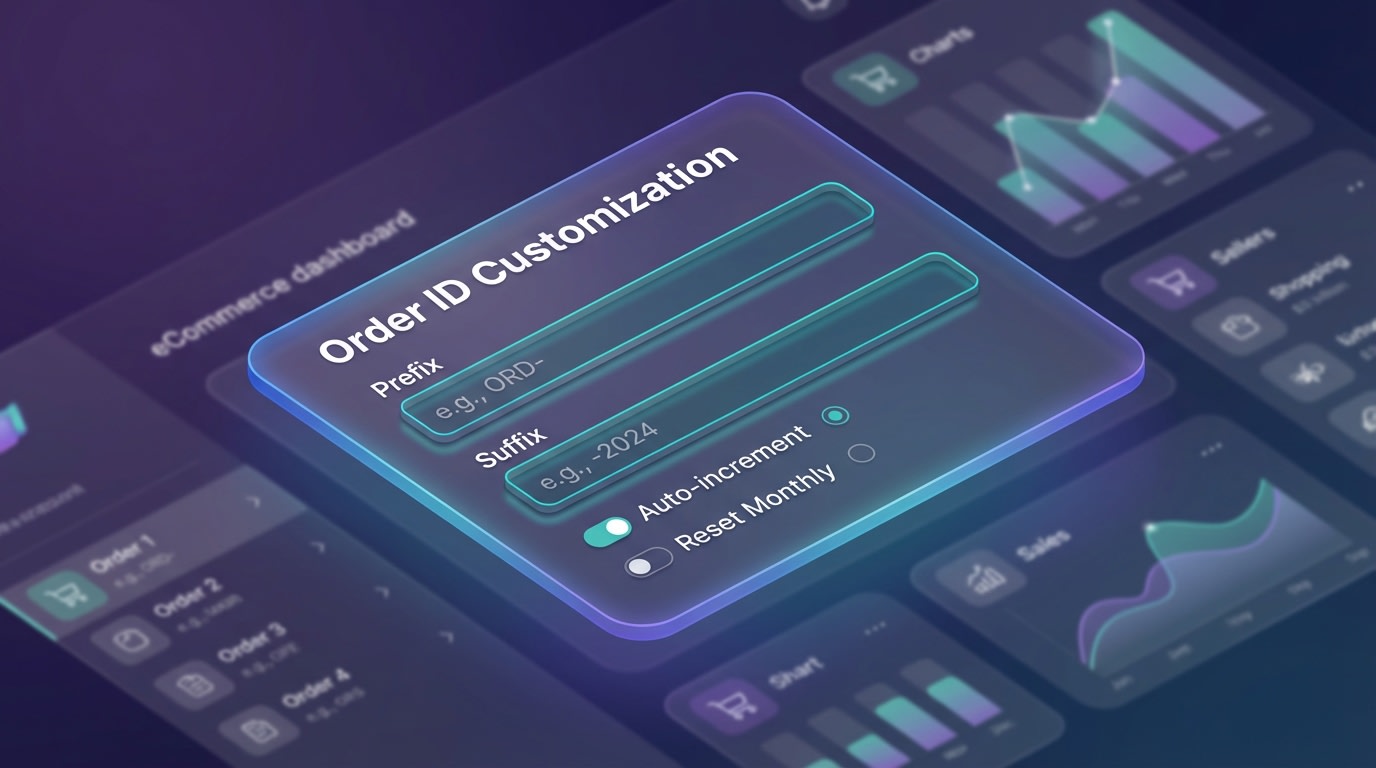
The default Shopify Admin settings allow for basic formatting, but have strict limitations.
Before diving into advanced compliance strategies, you need to understand the baseline capabilities of your shopify admin settings.
1. Accessing Your Admin Settings
Modifying your base sequence takes just a few clicks.
- Navigate to your Shopify dashboard.
- Click Settings in the bottom left corner.
- Select Store details.
- Scroll down to the Order format section.
By default, Shopify begins your sequence at #1001. Every subsequent order simply counts up by one. You cannot change the starting base number once orders have been processed.
2. Setting Up a Basic Invoice Prefix and Suffix
An invoice prefix adds specific characters before your order number. An invoice suffix adds characters to the end.
For example, adding "INV-" as a prefix and "-2026" as a suffix turns order 1001 into INV-1001-2026. This simple adjustment helps customers quickly identify the document type in their email inbox.
A professional invoice builds trust with customers and keeps your records clean. For a step-by-step guide, check out our article on crafting professional invoices with Shopify's templates to elevate your brand.
Keep in mind that altering these fields only applies to future orders. You cannot retroactively update the format on past receipts.
3. The Multi-Currency Challenge
Selling internationally introduces the shopify multi-currency invoice format issue.
Native settings fail to dynamically adjust your numbering based on the currency used at checkout. If a customer buys in USD and the next buys in EUR, both orders share the exact same sequence format. This makes it incredibly difficult to reconcile different currency accounts in your bookkeeping software. Advanced logic is required to separate these transactions.
III. 5 Strategies to Professionalize Your Invoice Format
Customizing your numbering sequence requires moving beyond standard settings. Here are five practical strategies to build a legally compliant, professional system.
1. Segment Sequences by Product Type
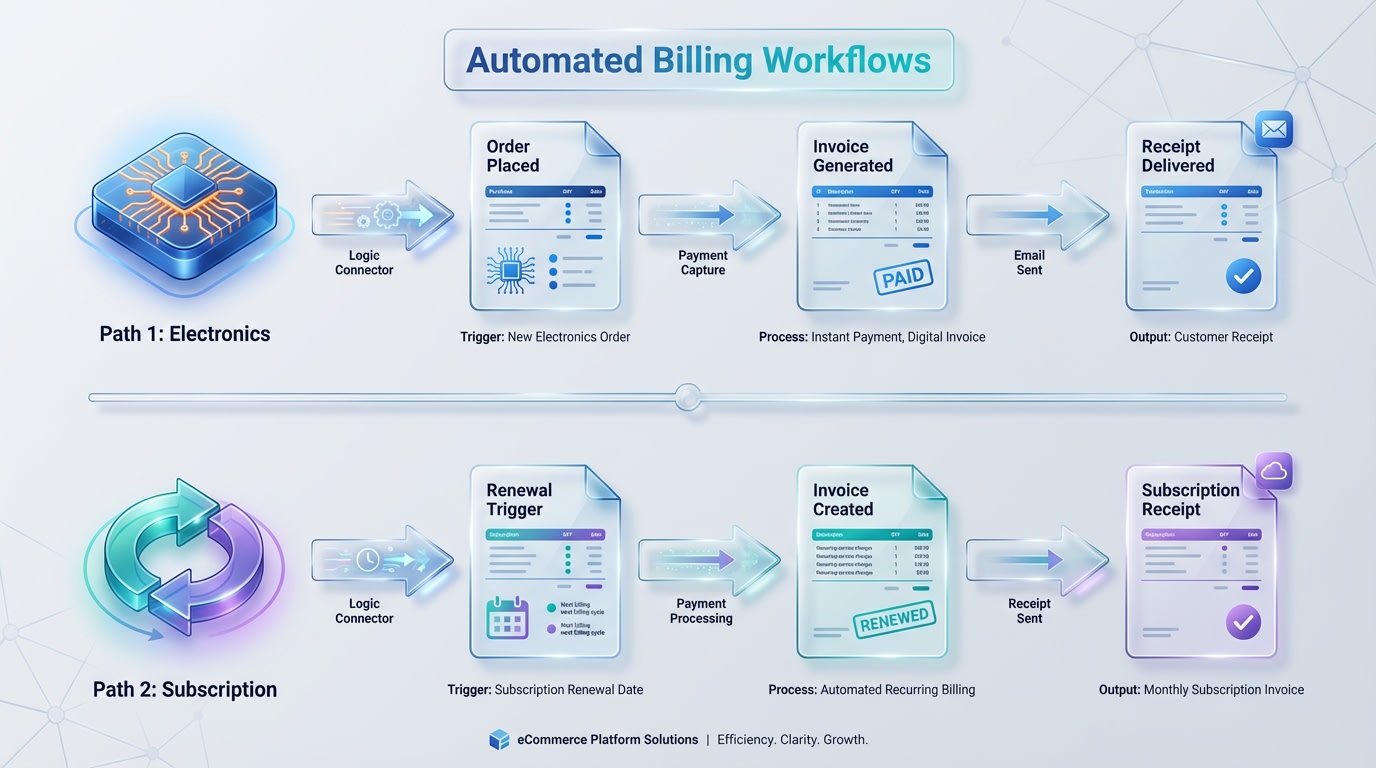
Separating wholesale and retail sequences keeps your accounting clean.
Managing a diverse catalog often requires different documentation for different buyer types.
Why this matters: Grouping wholesale B2B orders in the same sequence as small B2C retail purchases creates an administrative nightmare for bank reconciliation. Setting up dedicated sequences helps establish a strong brand presence in invoicing, building trust and customer loyalty across all your customer segments.
How to implement:
- Identify categories: Determine which collections need standalone sequences (digital versus physical goods).
- Map the prefixes: Assign clear identifiers like "WS-" for wholesale and "RET-" for retail.
- Use automation: Since native Shopify cannot do this, you will need to set up conditional rules inside a dedicated PDF generator app.
This ensures your accountant can filter revenue streams instantly without opening every individual order.
2. Inject IBAN and Registration Details via Liquid Code
Standard templates hide crucial business information that international buyers require for tax filing.
- Locate your template: Navigate to your Order Printer or third-party app code editor.
- Insert the Liquid variables: You must manually add standard HTML and Liquid code snippets.
- Map the data: Use code to pull your store's legal entity name, Tax ID, and IBAN directly below the invoice number.
Pro Tip: Hardcoding your IBAN into the footer of your template ensures B2B clients never have to email you asking for payment details. This drastically reduces payment friction.
3. Leverage Dynamic Variables for Sales Channels
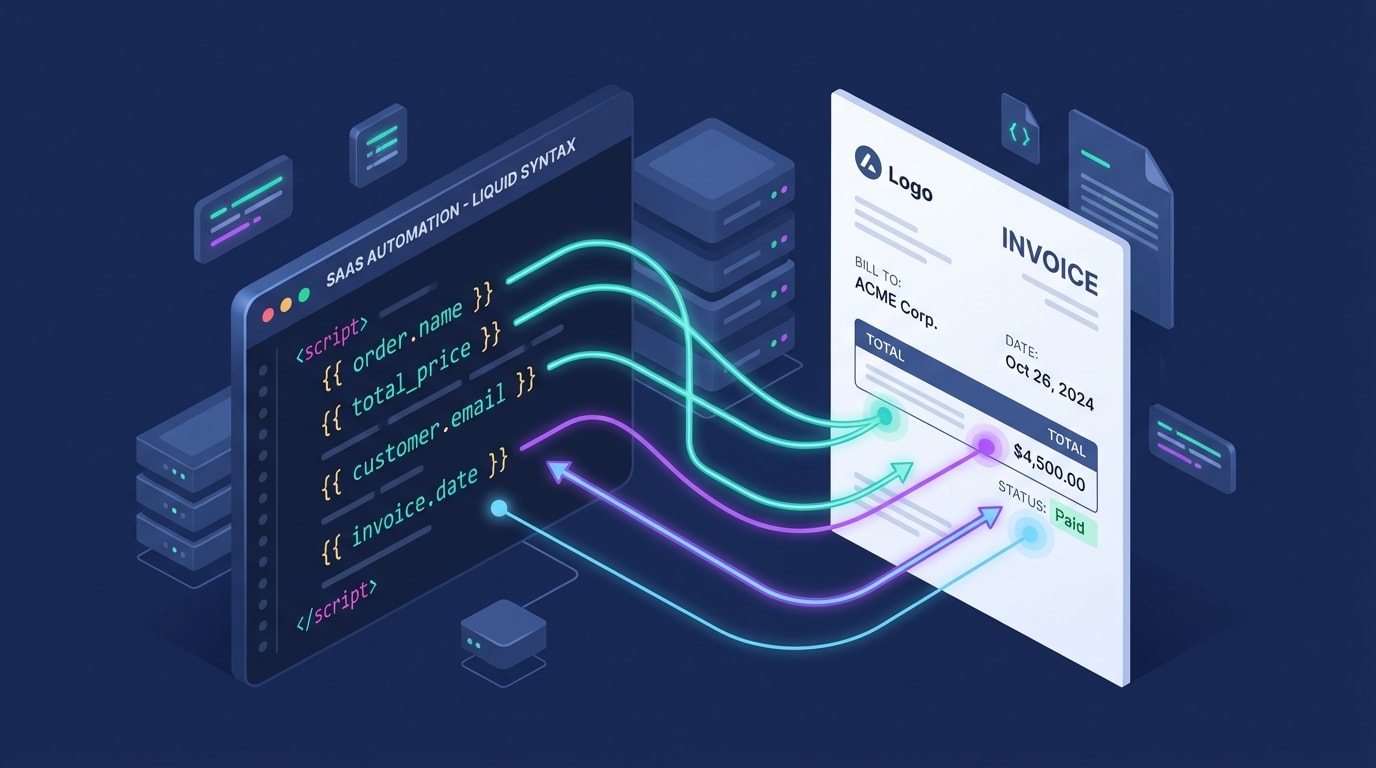
Using Liquid variables allows your documents to adapt to the purchase source.
If you sell on POS, online, and via social media, your numbers should reflect that origin.
Why this matters: Tracking the origin of a sale directly on the receipt helps with offline filing and customer service inquiries.
How to implement:
- Find the source: Use the
{{ order.source_name }}Liquid variable in your template. - Build a logic statement: Write a simple
{% if %}statement to output a specific prefix. - Test the output: Ensure a POS order prints as "POS-1002" while a web order prints as "WEB-1003".
4. Secure Sequential Numbering for VAT Compliance
This is the most critical strategy for European and Australian merchants.
Why this matters: The EU VAT Directive mandates a custom numbering sequence with zero gaps. If an order is cancelled in Shopify, standard systems skip that number, triggering immediate audit red flags.
How to implement:
- Decouple systems: Stop relying on the Shopify Order ID as your official receipt number.
- Implement a separate counter: Use an automated system that assigns a number only when the invoice is actually generated and finalized.
- Lock the records: Ensure generated numbers cannot be edited or deleted once assigned to a finalized transaction.
5. Automate the Logic with Fordeer
Manual coding and workarounds are highly prone to human error.
Why this matters: You need a system that handles multi-currency formats, sequential compliance, and dynamic prefixes without touching a single line of Liquid code.
How to implement:
- Install the app: Add Fordeer PDF Invoice Generator to your store.
- Set up smart rules: Use the visual dashboard to assign different sequences based on customer tags, product types, or shipping zones.
- Activate compliance mode: Let the app automatically lock sequential numbers, ensuring you are immediately compliant with international tax laws.
Replacing native limits with a dedicated app turns invoicing from a liability into an automated asset.
IV. How to Reset Your Sequence Mid-Year

Resetting your sequence requires careful documentation to maintain your audit trail.
Sometimes, structural changes or a shift in your fiscal year require you to reset invoice sequence shopify settings mid-year. Doing this incorrectly can break your historical data entirely.
1. Close the Books Safely
Never overwrite your existing sequence without exporting your current ledger first. Generate a master report of all invoices issued under the old format. You need to explicitly inform your accountant of the exact date and Order ID where the old sequence terminates. This creates a clean break in your financial records.
2. Establish the New Baseline
Implement the new prefix inside your settings (shifting from "25-INV" to "26-INV"). Set the starting number slightly higher than your last order to prevent any accidental system overlap. Finally, process a test order to verify the new format is rendering correctly across all PDF downloads and automated email attachments.
V. Conclusion
So there you go. Fixing your Shopify invoice number format is about much more than visual branding. From overcoming the native prefix and suffix limitations to ensuring strict sequential numbering for VAT compliance, taking control of your documentation is a non-negotiable step for scaling merchants. You do not have to tackle complex Liquid coding on your own, especially when automated tools can handle the heavy lifting for you.
Do not wait for tax season to realize your records are a mess. Take action today to secure your audit trails and project total professionalism to your buyers. You've got this!
Follow the Fordeer Team for more useful updates!
- Install Fordeer Apps for Free
- Get immediate assistance by chatting with us
- Join Fordeer Commerce Community for fresh app updates, expert tips, and private deals.

