

Award-Winning Product Labels on Shopify: Trust Signals That Close Sales


Winning an industry award is a massive achievement, but displaying it incorrectly can actually hurt your brand. Most merchants treat prestigious accolades the same way they treat a clearance sticker, using spammy, oversized graphics that cheapen the customer experience.
When high-ticket buyers see third-party validation, their purchase hesitation drops significantly. Adding a professional Shopify label for award winning products is one of the highest-leverage ways to build immediate social proof, provided the design matches your brand's integrity.
In this guide, we will explore the psychology behind prestige styling, the legal considerations of using official logos, and actionable strategies to automate your award seals without slowing down your site. Let's get started!
I. The Psychology and Rules of Award Labels
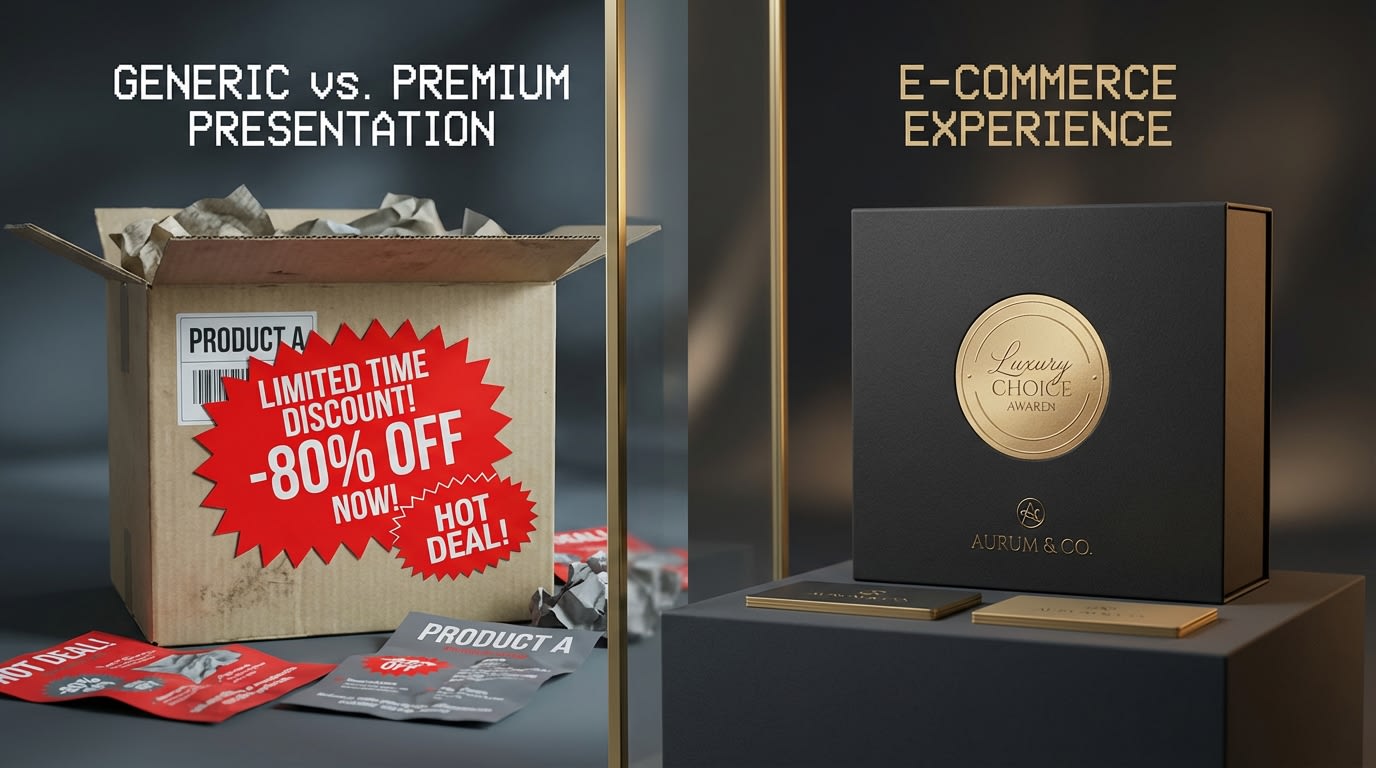
Authority styling requires a completely different approach than urgency marketing.
1. Authority Styling vs. Urgency Styling
Displaying an award requires authority styling. This differs completely from flash sale urgency tactics.
Why this matters: Color psychology dictates how shoppers perceive your brand value. Bright reds and neon oranges trigger urgency and clearance mentalities. For prestige awards, you need gold, silver, black, and minimalist transparent designs that convey trust and quality.
Cheap custom badges damage the perceived value of premium inventory. Keep it elegant.
2. The Conversion Impact of Social Proof
Visual trust signals improve your bottom line. According to VWO, adding visual trust indicators can increase conversion rates by up to 32%.
The benefits: Third-party validation bridges the trust gap for shoppers in the middle of your funnel. These buyers actively compare options. Shifting the narrative from "we claim our product is good" to "industry experts prove it is good" removes purchase friction. Awards like Red Dot or Great Taste provide instant reassurance.
3. Legal and Licensing Considerations
Merchants often skip award badges fearing legal repercussions. You need to understand the rules of legal award badge usage to protect your business.
There is a strict difference between Fair Use text mentions and using licensed trademarked logos. You can almost always state in your product description that you won an award. However, turning an official seal into a graphical product badge often requires explicit permission.
Here is what to do: Always check the licensing agreements from the awarding body before uploading their official seal to your store.
II. 6 Strategies to Set Up Your Award Badges
Implementing custom badges correctly requires a mix of smart automation, fast code, and precise variant targeting. Manual placement takes too much time. Here is how to configure your store for maximum efficiency.
1. Automate Display with Tag-Based Logic
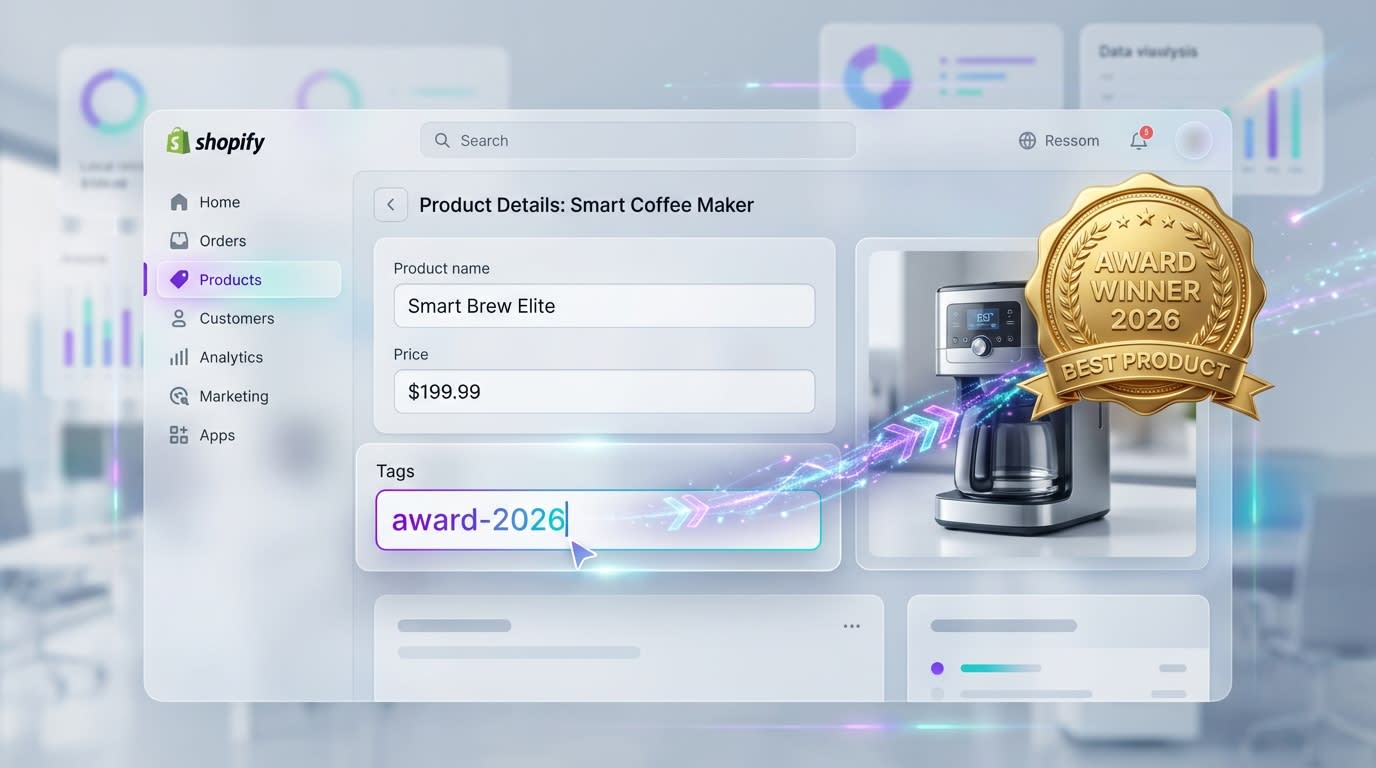
Using tags ensures your badges update dynamically across all your Shopify 2.0 themes.
Manual badge application creates inventory management nightmares.
Why this matters: When you rely on rule-based automation instead of manual placement, your labels instantly sync with inventory changes. This saves hours of backend work and prevents outdated awards from showing up on discontinued products.
Here is how to implement it:
- Create specific product tags: Use clear naming conventions like award-winner or red-dot-2026 in your Shopify backend.
- Set up condition logic: Configure your label app to only display the specific prestige badge when that tag is present.
- Sync across collections: Ensure the automation rules apply to both product pages and collection grids simultaneously.
2. Implement Rule-Based Logic for Specific Variants
One of the biggest pain points for merchants is accidentally labeling an entire product line when only one specific flavor or color won the award.
Here is how to isolate it:
- Isolate the winning variant: Identify exactly which SKU holds the accolade.
- Configure variant-specific rules: Use an advanced app that triggers label display based on variant ID rather than just the parent product.
- Test the switch: Ensure the badge dynamically disappears when a customer selects the non-winning variant.
3. Start with Professional Template Libraries
Instead of hiring a graphic designer or wrestling with custom CSS, leverage existing design ecosystems to build your trust signals.
Pro Tip: Look for apps that offer specific prestige templates designed specifically as seals, medals, and certificates rather than generic sale bursts.
Why this matters: Access to pre-defined label templates gives you a professional baseline immediately. If you want to dive deeper into design options, check out our Product Labels & Badges for Shopify: CRO Encyclopedia (2026) to master your visual strategy.
Here is how to customize them:
- Filter by category: Search your app's library for trust or award-specific templates.
- Customize brand alignment: Adjust the template hex codes to match your Shopify theme seamlessly.
- Avoid clutter: Choose templates that are elegant and scalable.
4. Optimize File Types for Site Speed
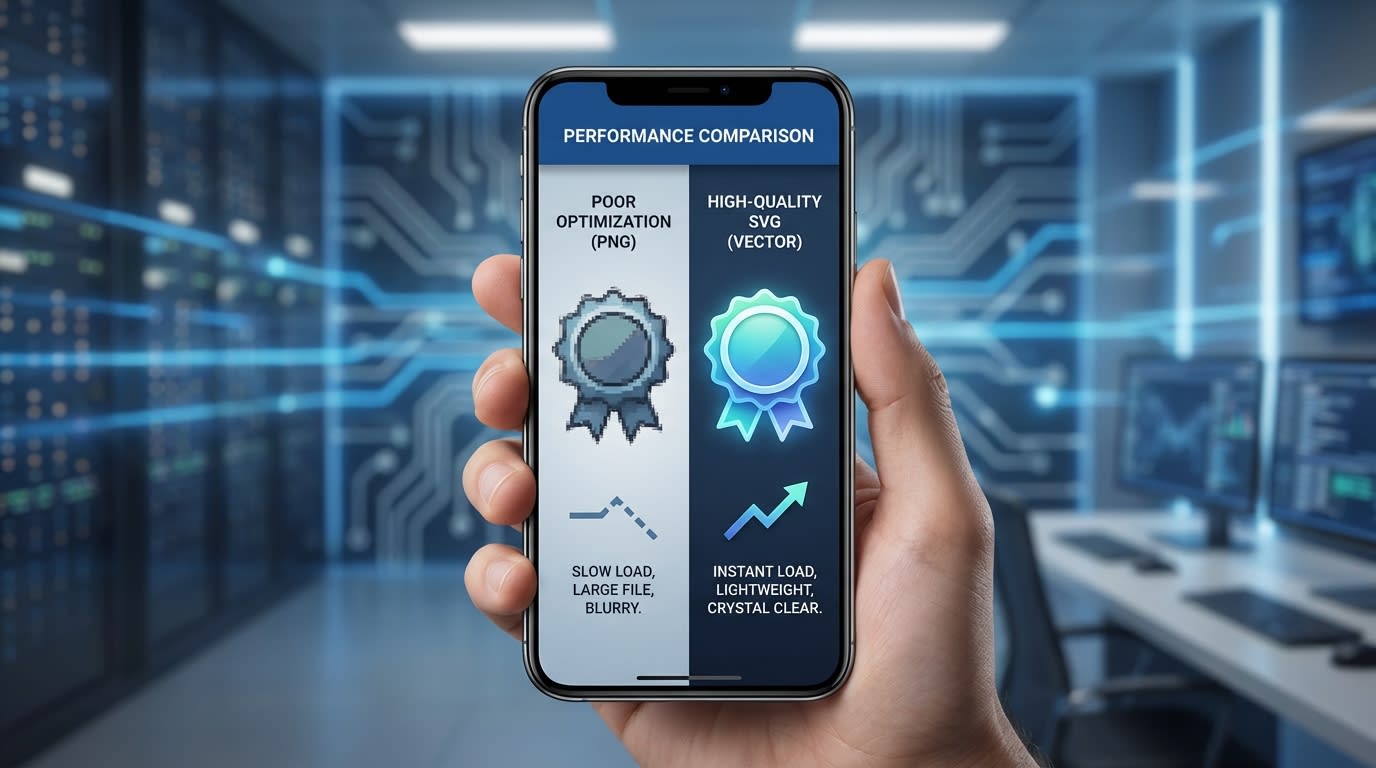
Always prioritize SVG formats for trust signals to ensure crisp rendering without slowing down page speeds.
Merchants often fear that adding label app scripts or heavy images will tank their page speed. High-converting stores need to balance visual trust with lightning-fast load times.
Here is how to do it:
- Use SVGs over PNGs: If uploading custom award logos, use SVG files. They are significantly lighter and infinitely scalable.
- Check script execution: Ensure your chosen label app uses asynchronous loading. The main product image must load before the badge script fires.
- Avoid heavy liquid edits: Rely on Shopify 2.0 app blocks rather than hardcoding images into your theme files.
5. Ensure Mobile-First Scaling
An award badge that looks perfect on desktop can easily obscure the entire product image on an iPhone screen.
Why this matters: With the majority of eCommerce traffic coming from mobile devices, your trust signals must enhance the user experience, not block the product.
Follow these constraints:
- Set max-width constraints: Ensure your badges scale proportionally. Keep the badge under 20% of the main image width.
- Check mobile positioning: A top-left desktop placement might interfere with a mobile back button or a discount overlay.
- Preview before publishing: Always check your specific labels on real mobile devices to ensure the text remains legible.
6. Add Alt-Text for Accessibility (Hidden SEO)
Most competitors completely miss the accessibility aspect of custom badges.
Why this matters: Screen readers cannot interpret a graphic that says 2026 Industry Choice Award unless you explicitly provide that context. Furthermore, Google uses alt-text to understand image context for SEO.
Here is how to fix this:
- Write descriptive tags: If your app allows custom logic, ensure the image tag includes an alt attribute.
- Be specific: Instead of just writing badge, use Winner of the 2026 Great Taste Gold Award.
- Improve semantic SEO: This small step associates your product page with the award's keyword entities, giving you a subtle edge in search rankings.
III. CRO Placement for Maximum Impact
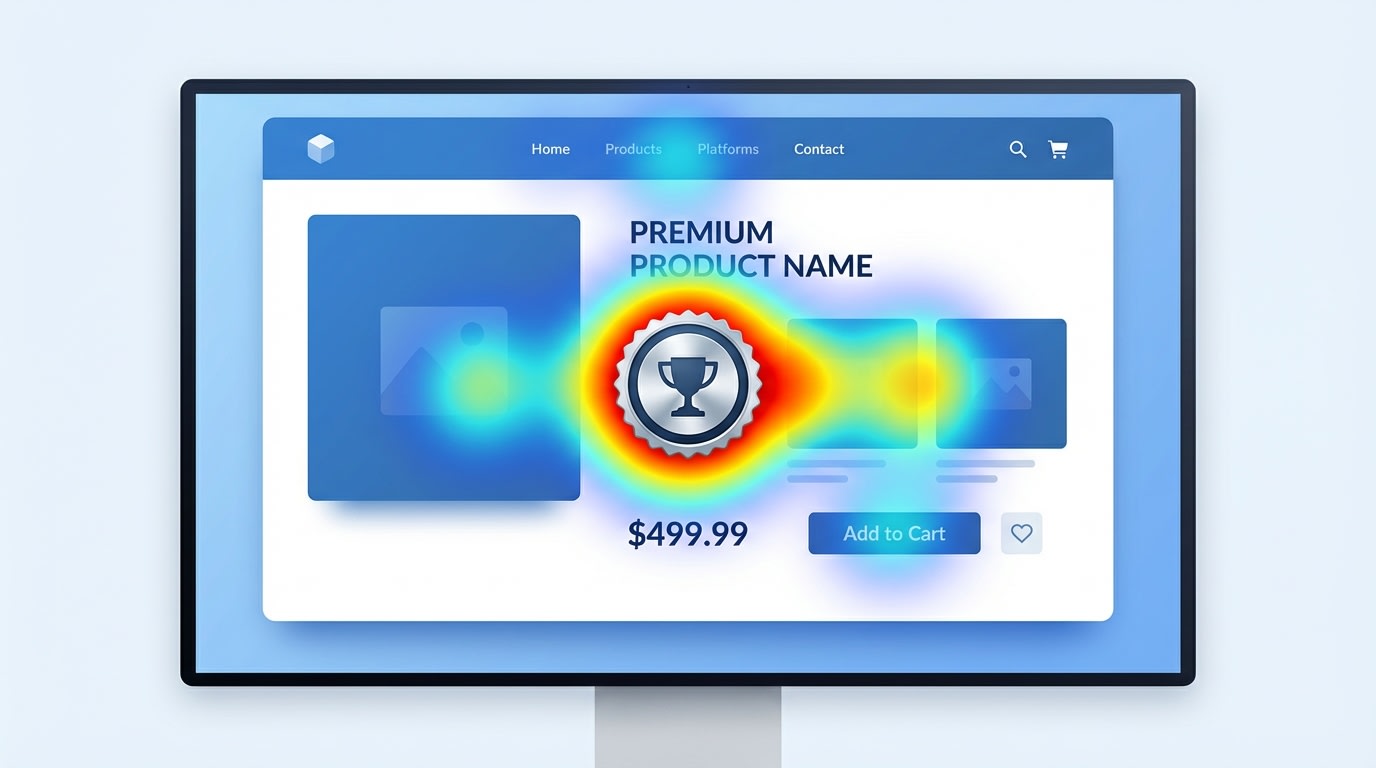
Strategic placement near the "Add to Cart" zone maximizes the conversion impact of your awards.
Having the right design is only half the battle. Where you position it dictates how well it converts. To understand how product badges can make your products stand out and drive sales, you must master placement hierarchy.
1. The "Above the Fold" Rule
Your award seals must be visible instantly upon page load without requiring the user to scroll.
Why this matters: You need to anchor trust immediately. When users see the authority signal first, they view the rest of your product page through a lens of premium quality. Never bury your industry awards at the bottom of your product description tabs. Make them front and center.
2. Proximity to the Buy Button
Place your static award badges directly above the Add to Cart button or layered onto the primary product image.
The benefits: This creates point of action reassurance. Placing a trust signal exactly where the user clicks reduces friction and cart abandonment at the exact moment of decision. It reminds them they are making a verified, high-quality purchase right before they buy.
3. Preventing Trust Clutter
Visual hierarchy is critical. You must avoid badge fatigue at all costs.
Here is how: Limit your product images to one or two key labels. Placing an award seal next to a free shipping banner, a discount label, and a best seller badge creates visual chaos. If a product is an award winner, prioritize the prestige badge over generic scarcity timers to protect your brand equity.
IV. Conclusion
Showing off your industry accolades does not have to mean sacrificing your store's aesthetic. By approaching your Shopify label for award winning products with a focus on prestige styling, rule-based automation, and strategic UX placement, you can turn a simple graphic into a powerful revenue driver.
You can build trust without manually editing hundreds of images. Implement smart, tag-based labels today, and let your product's quality speak for itself. You have got this!
Follow the Fordeer Team for more useful updates!
- Install Fordeer Apps for Free
- Get immediate assistance by chatting with us
- Join Fordeer Commerce Community for fresh app updates, expert tips, and private deals.

