

Coming Soon Badges on Shopify: Create Pre-Launch Excitement on Your PDP


Launch days are chaotic enough without having to manually update your store's theme. Yet, thousands of Shopify merchants still waste precious time editing Liquid code to swap out standard out-of-stock text for pre-launch teasers. Worse, when inventory finally arrives, they have to manually revert it all back. Sound familiar?
Setting up a shopify product badge for coming soon items shouldn't require a developer. Whether you are building hype for a seasonal drop or managing temporary stockouts, your pre-launch visual cues directly impact revenue. Industry data shows that 60% of shoppers are more likely to return to a site that offers stock alerts or teaser badges.
In this guide, we will break down the exact methods to implement and automate your coming soon labels. You will learn how to compare manual code against no-code apps, protect your pre-launch SEO, and turn a simple visual badge into a powerful lead-generation engine.
Let's get started!
I. Overview: Why Coming Soon Beats Sold Out
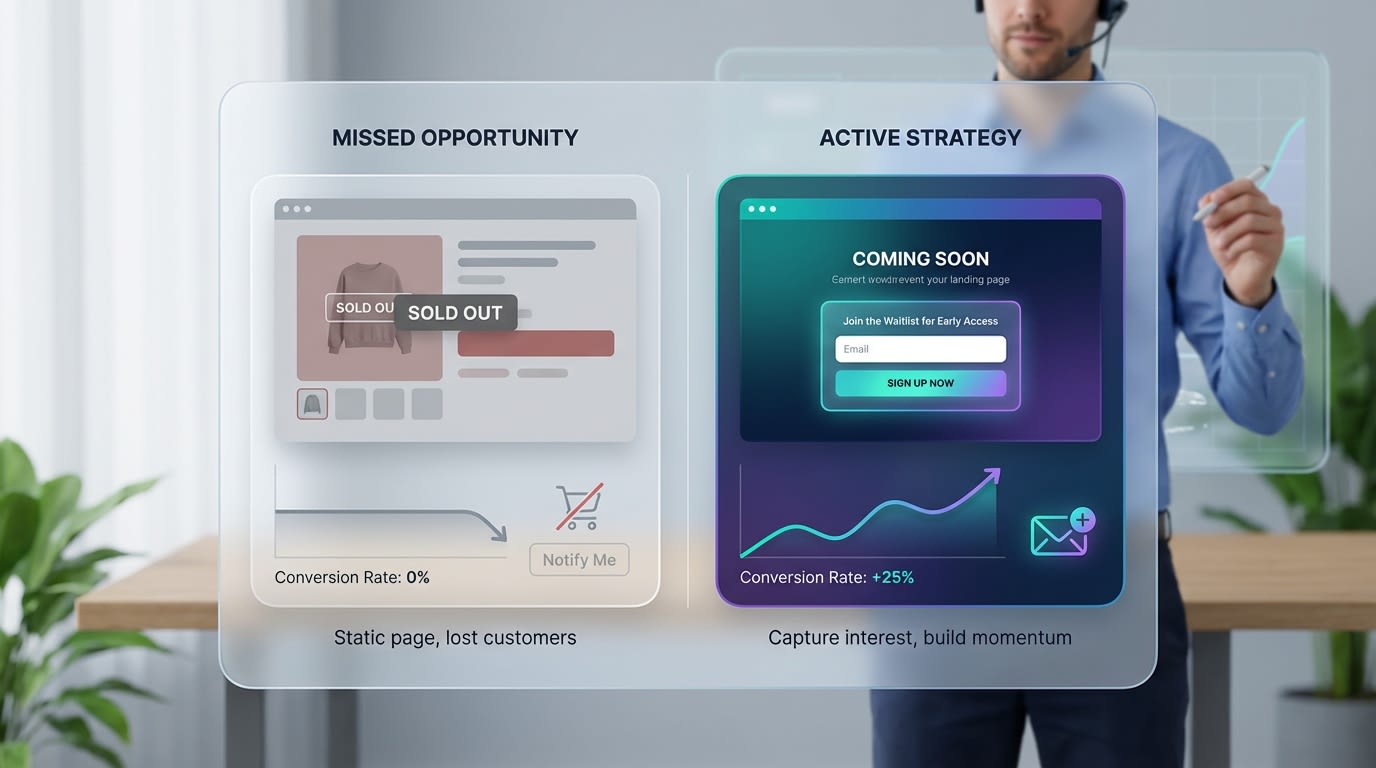
Transforming a dead-end product page into an active marketing channel
A dead-end product page kills momentum. Here is why upgrading your standard labels changes the game.
1. The Psychological Impact of Pre-Launch Hype
Out-of-stock notifications create immediate shopper frustration, causing them to leave and rarely return. Contrast this with the exclusivity and anticipation generated by a teaser label. Visual cues like banners reset shopper expectations from disappointment to excitement. They know something great is arriving.
2. Moving from Design Fix to Growth Strategy
Treating badges as a basic design task is a mistake. Think of the badge as the top of a micro-funnel. A coming soon banner paired with a specific action directly impacts your ROI. It converts passive traffic into an engaged audience actively waiting to buy.
3. The Hidden Cost of Manual Updates
Manual updates drain resources. Store owners lose hours per launch week manually swapping tags. Manual intervention also increases the risk of displaying the wrong badge when inventory actually drops. You need strong automation logic to handle these shifts instantly so you can focus on marketing.
II. 5 Strategies to Implement Your Coming Soon Badge
Creating an effective pre-launch strategy requires more than just pasting a code snippet. Here are five actionable strategies to perfectly execute your coming soon visuals without breaking your theme.
1. Choose Between App Automation vs. Manual Liquid Code
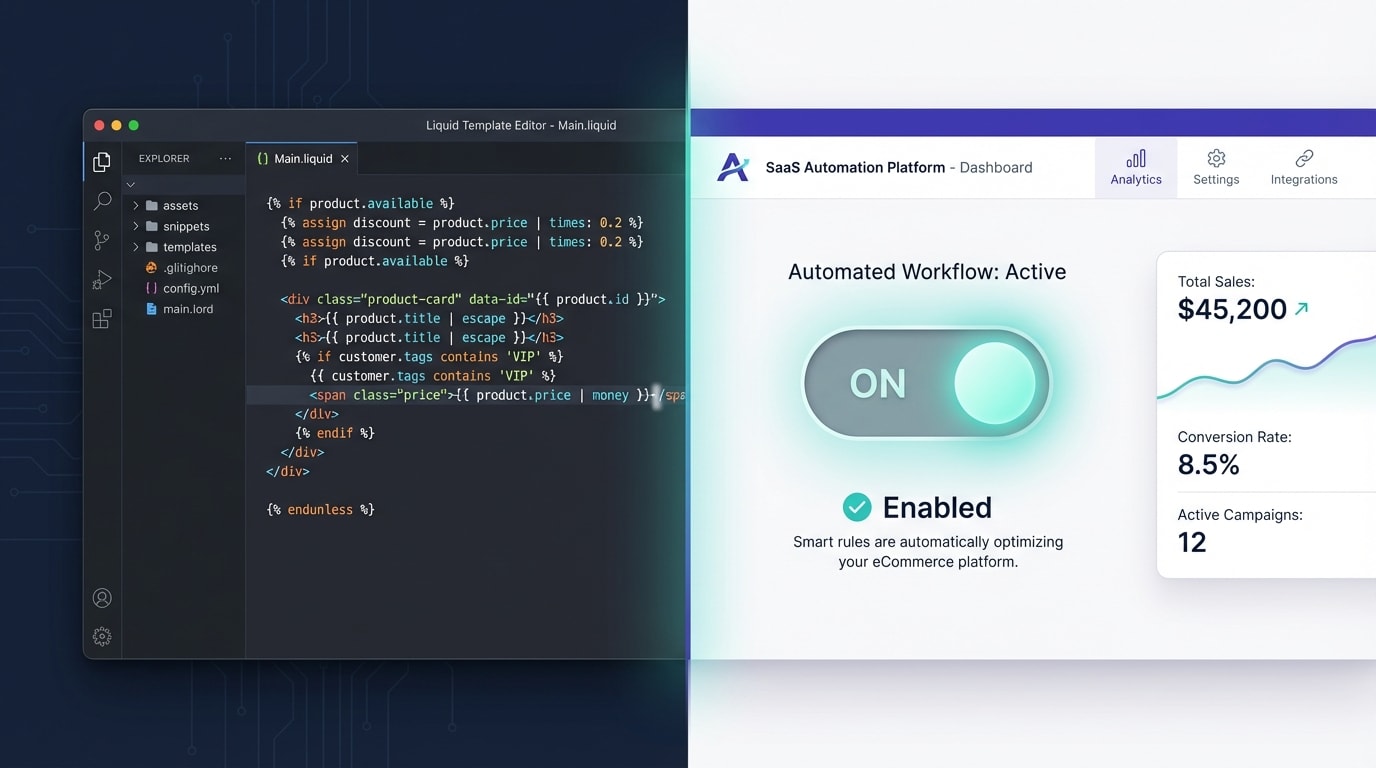
Evaluate your technical comfort level before modifying your Online Store 2.0 theme
Implementing your badge is your first hurdle. Many tutorials push merchants straight into their theme files.
Why this matters:Hardcoding a shopify product badge for coming soon free template might save a few dollars upfront. The catch? A simple syntax error can break your entire checkout flow.
Here is how to choose:
- The Manual Route: If you are comfortable with JSON templates and Liquid, you can create a custom product template. Replace the cart button logic with a teaser text block.
- The App Route: Use a dedicated product labels app to overlay a visual badge onto your product images instantly. No coding required.
- The Verdict: If you frequently run pre-orders or launches, an app's time-saving automation heavily outweighs the manual coding effort.
2. Automate Badge Removal via Inventory Triggers
One of the biggest frustrations for Shopify store owners is remembering to remove labels the exact second a product goes live. You can eliminate this stress entirely.
- Set Inventory Rules: Configure your app to display the badge only when inventory is strictly equal to zero, but a specific launch date is set.
- Use Real-Time Syncing: Ensure your badge system reads Shopify's native inventory quantity in real-time.
- Automate the Switch: When you upload your stock CSV, the system should automatically remove the banner and restore the purchase button instantly.
Pro Tip: Automated badge removal via inventory triggers saves hours of manual monitoring during stressful launch weeks.
If you want to maximize these automated rules, check out our complete guide on how to use product labels to highlight special offers on Shopify.
3. Optimize Badge Placement for Mobile Shoppers
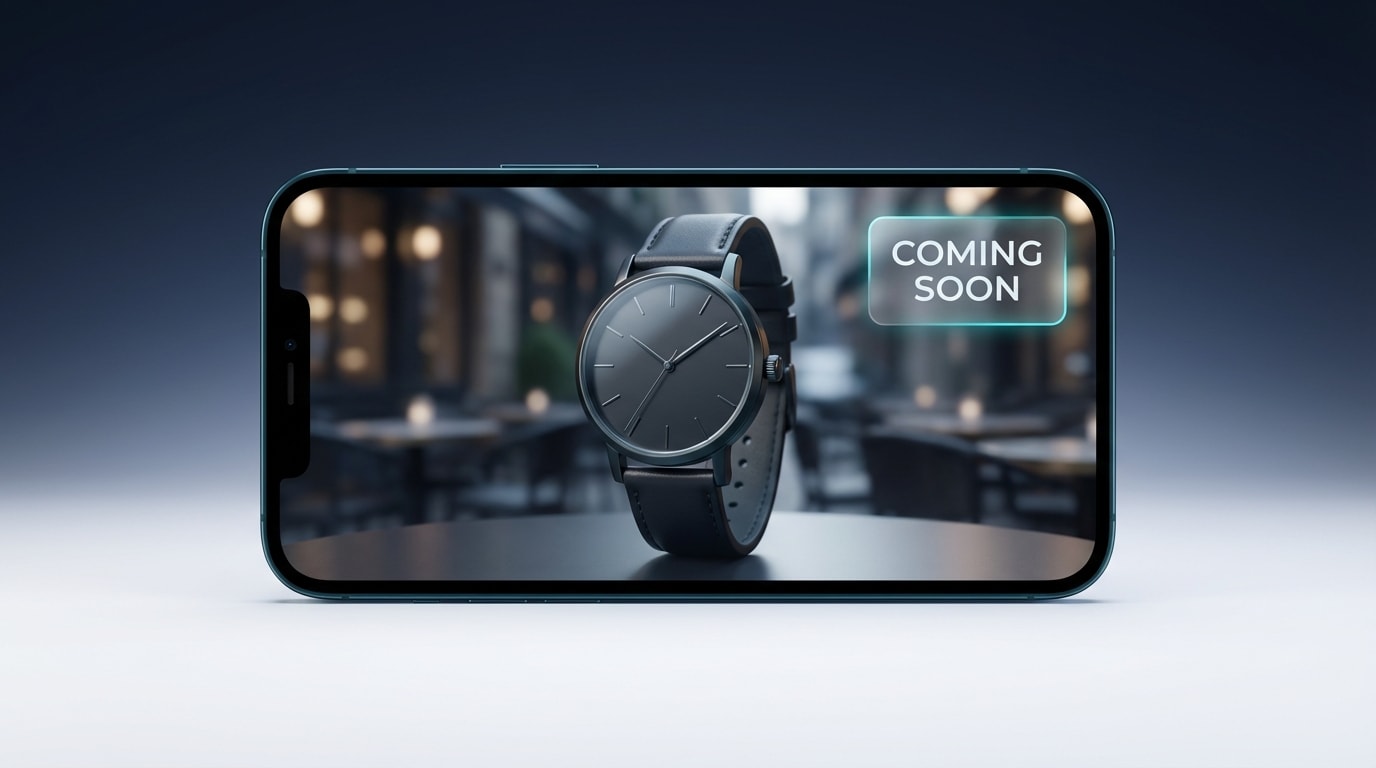
Mobile-first design ensures your badges enhance rather than hide your products
A massive conversion killer is a bulky banner that completely covers the product image on mobile screens. Mobile users need to see exactly what they are waiting for.
Here is how to optimize:
- Smart Positioning: Anchor your badge to the top-left or top-right corner of the product image. Keep the center completely clear.
- Dynamic Sizing: Ensure the badge scales dynamically. It should take up no more than 15% of the image real estate on a mobile device.
- High Contrast: Use bold colors like deep reds or bright yellows so the label pops against your specific product photography.
4. Turn the Badge Into a Lead Generation Tool
Never let a shopper see a pre-launch label without giving them something to do next. Traffic bouncing off a teaser page is wasted ad spend. When you capture an email, you avoid paying for expensive retargeting ads to bring that exact same shopper back later.
Here is how to capture intent:
- Swap the Button: Replace your disabled purchase button with a clear call-to-action asking them to subscribe for updates.
- Capture Emails: Integrate a simple pop-up form that triggers when users click near the coming soon badge. You can easily set up these visual triggers using Fordeer Product Labels to ensure your forms get maximum visibility.
- Build the Hype List: Segment these captured emails into a specific Shopify customer group. Tag them with the product name so you can send targeted launch-day broadcasts.
By treating the badge as an invitation rather than a stop sign, you transform passive browsing into an active launch list.
5. Tag-Based Triggers for Phased Product Drops
If you sell collections that launch in phases, relying strictly on inventory counts might not be enough. Product tags give you mass control. They allow you to apply a unified shopify product badge for coming soon template across an entire upcoming collection instantly.
Follow these steps:
- Create a Trigger Tag: Go to your Shopify admin and add a specific tag to relevant products.
- Configure the Rule: In your product label app, set a display condition to show the badge whenever that specific tag is present.
- Bulk Removal: Once launch day arrives, simply bulk-remove the tag from those products in your admin panel. The badges will disappear across your entire store simultaneously.
Looking for more inspiration? Discover creatives ideas to utilize Shopify product badges to attract customers and build lasting excitement.
III. Essential SEO & Visibility Rules for Pre-Launch Products
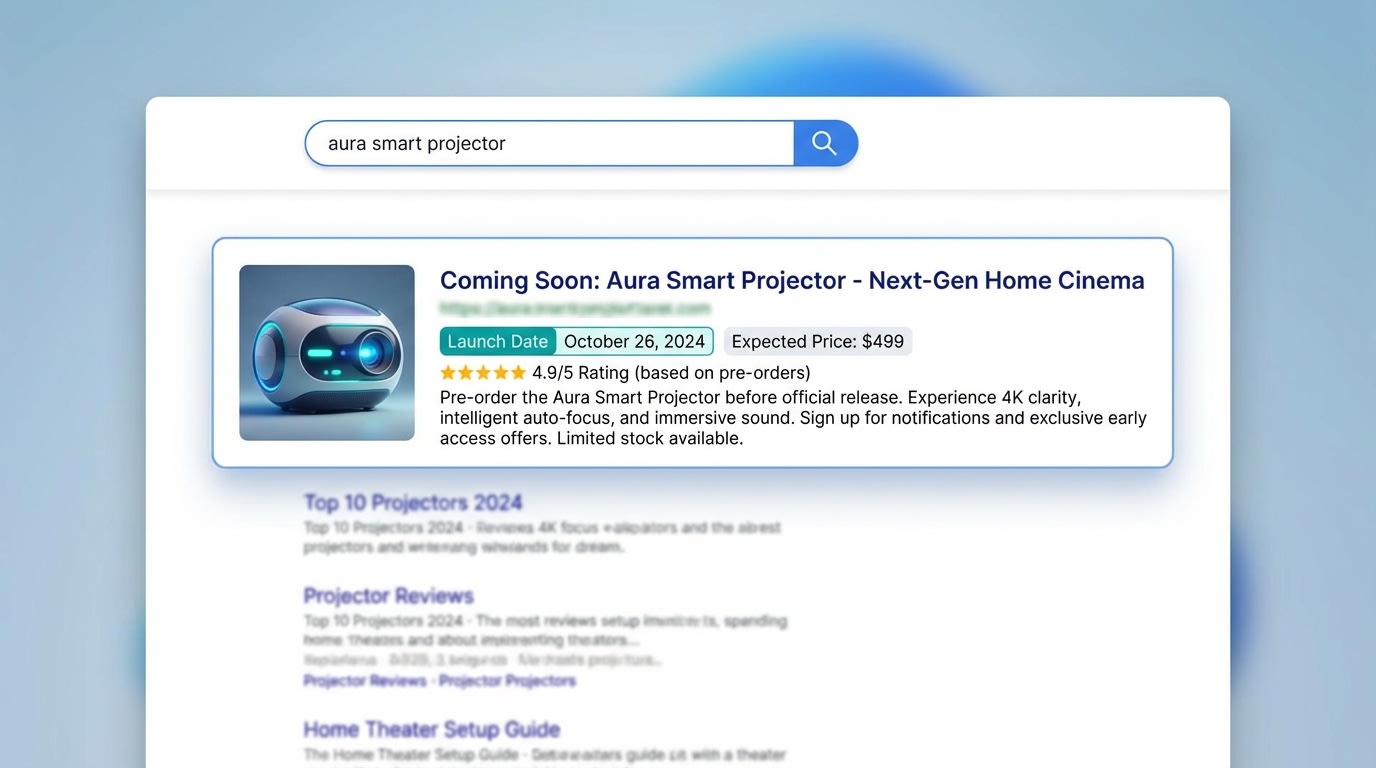
Proper meta tag management prevents search engine penalties for unavailable items
While visual labels handle the human side of your store, you must also manage how search engine bots interpret your pre-launch products.
1. Handling Search Indexing and Meta Tags
Will indexing a product before it is available hurt your SEO? It depends entirely on your execution. High bounce rates happen when Google indexes a page where users cannot actually buy anything.
Here is how to protect your rankings:
- Use Noindex Tags: Apply this tag for products that are months away from launch. It keeps them hidden from search results until you are ready.
- Leverage Unavailable_After: Use this advanced SEO tactic for temporary pre-launch items. It tells search engines exactly when the page status will change.
- Increase Dwell Time: Capturing emails directly increases the time users spend on your page. This sends positive ranking signals to Google even if the product is not live yet.
2. Avoiding the Hidden Product Trap
Many merchants make a critical error during setup. They set a product to draft or hidden status on the sales channel. This renders your visual badges completely useless because the page does not exist publicly.
Your product must remain active to capture leads and build SEO authority over time. Keep the product active, but adjust your inventory policies to prevent premature checkouts. This ensures your badges display correctly and your marketing efforts pay off.
IV. Conclusion
Adding a coming soon badge to your Shopify store is about much more than just a quick design fix. By moving away from manual Liquid coding and utilizing automated app triggers, you save hours of frustrating launch-day work. More importantly, you transform a disappointing dead-end experience into an exciting lead-generation opportunity.
You do not need to be a developer to execute a flawless product drop! Set up your visual badges, automate them based on inventory or tags, and start capturing that pre-launch demand today. Each step you take ensures a smoother, more profitable launch.
Follow the Fordeer Team for more useful updates!
- Install Fordeer Apps for Free
- Get immediate assistance by chatting with us
- Join Fordeer Commerce Community for fresh app updates, expert tips, and private deals.

