

Cross-Sells and Bundles on Shopify Pre-Order Pages: Increase AOV Before You Ship



You have built the perfect product set for an upcoming launch. A customer tries to check out, but the system stalls. The culprit? You tried to mix a pre-sale item with an in-stock item. This technical dead end frustrates thousands of merchants who realize too late that standard platform features break completely when introduced to delayed fulfillment items.
The root of the problem is the incompatibility between native Selling Plans and the Shopify Bundles API. To successfully build a highly profitable shopify pre-order cross sell bundle, you need to step outside standard platform limitations. Relying on basic native tools means leaving serious revenue on the table.
In this guide, we will break down exactly why these API conflicts happen. We will also walk you through five actionable, technical workarounds. From utilizing the Draft Order bridge to mastering virtual SKU mapping, you will learn exactly how to bypass these locks and scale your average order value seamlessly. Let's get started.
I. Why Native Shopify Bundles Break on Pre-Orders

Shopify's native APIs currently struggle to process pre-orders and bundles simultaneously
1. The Selling Plans vs. Bundles API Conflict
Pre-orders rely entirely on the Selling Plans architecture to function. However, the Shopify Bundles API automatically restricts items that have active selling plans attached to them. This is a documented platform limitation heavily discussed on merchant forums. It creates a hard roadblock for merchants relying purely on native functionality to manage their inventory. You cannot simply group these items together without the backend rejecting the checkout process entirely.
2. Liquid Bloat and App Performance Issues
Many merchants try to force bundle products without an app or use older workarounds. These outdated methods inject heavy Liquid code directly into product pages. This code bloat kills mobile page loading speed. Over 70% of eCommerce traffic comes from mobile devices today. Speed is just as important as functionality. A slow checkout means an abandoned cart, regardless of how good the product bundle is.
3. The Missed AOV Opportunity
Product bundles routinely increase average order value by 15% to 30% on Shopify stores. Abandoning a cross-sell strategy simply because of technical pre-order issues directly harms your profit margins. Implementing Effective Upsell Techniques to Boost Ecommerce Sales requires a flexible system. You need a solution that handles mixed availability items automatically without breaking the user experience.
II. 5 Technical Strategies to Build Pre-Order Cross-Sell Bundles
Overcoming platform limitations requires a mix of smart backend routing and the right third-party logic. Here are five proven technical strategies to get your mix-and-match bundles working flawlessly.
1. Deploy the Draft Order API Bridge
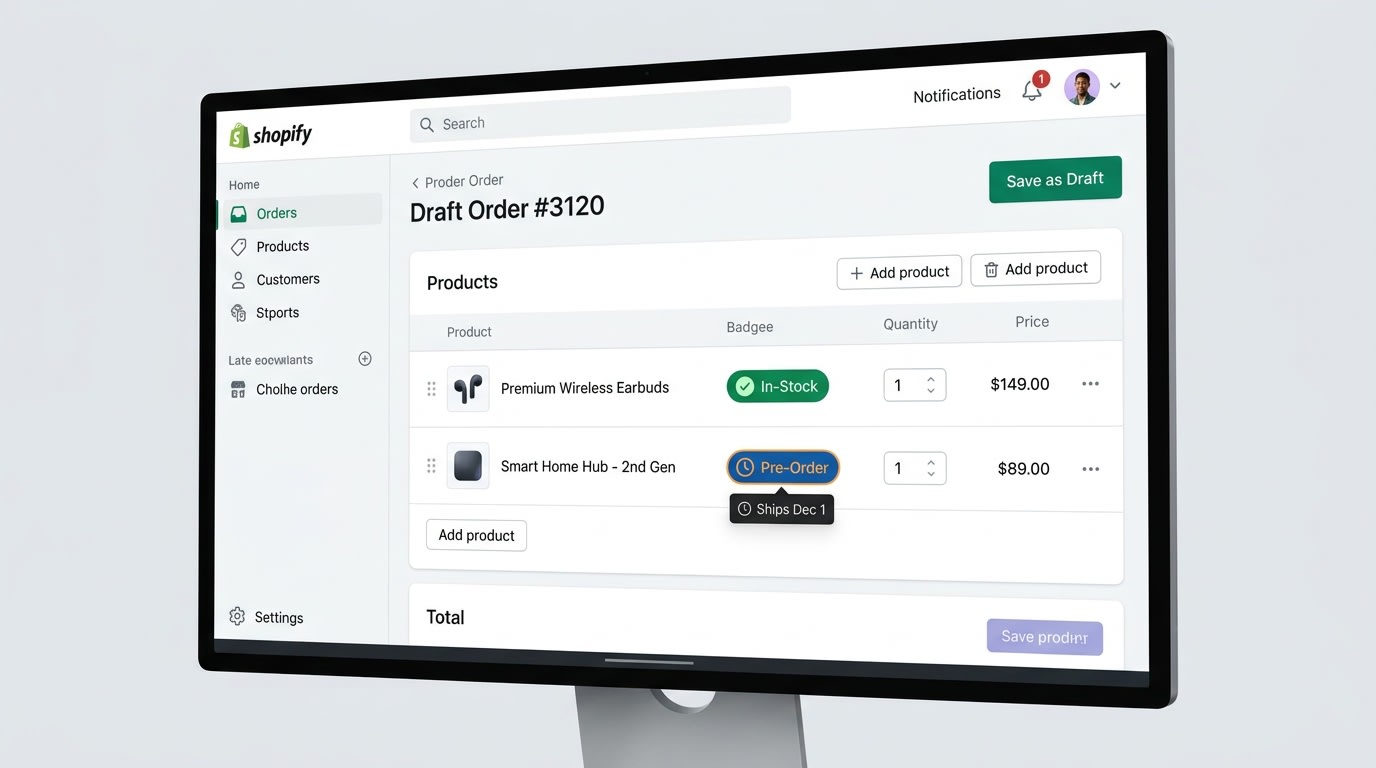
Using draft orders bypasses checkout blocks for mixed-availability items
The most robust workaround for the Selling Plans restriction is intercepting the checkout process entirely. You can use the Draft Order API to bypass standard routing.
Why this matters: When native checkout fails to read a bundled pre-order, the Draft Order API manually assembles the items. It applies your bundle discount and redirects the customer to a secure payment page without triggering the native API locks.
Here is how to implement it:
- Disable native bundle routing: Ensure your theme is not trying to force the standard checkout button for these specific product sets.
- Use an advanced bundle app: Find an application that compiles the user cart into a Draft Order invisibly on the backend.
- Maintain the pre-order tag: Ensure the Draft Order carries over the specific Selling Plan ID. This keeps the pre-order fulfillment timeline strictly intact.
2. Implement Virtual Parent-Child SKU Mapping
Inventory management and syncing errors are a nightmare when combining in-stock cross-sells with a pre-sale item. The solution lies in strict parent-child mapping logic.
Why this matters: If a bundle is treated as a single parent SKU, Shopify will not properly deduct inventory from the individual child components. This leads directly to massive overselling of your restricted pre-order stock.
Here is how to implement it:
- Avoid single-SKU bundle hacks: Do not create a brand new product in Shopify just to act as a bundle.
- Map individual components: Use an application to virtually group the existing SKUs. When the bundle is purchased, inventory is deducted at the individual component level.
- Sync pre-order limits: Make sure your inventory rules respect the maximum limit of the pre-order item. Cut off the bundle offer automatically once that specific limit is reached.
3. Switch to Liquid-Free OS 2.0 App Blocks
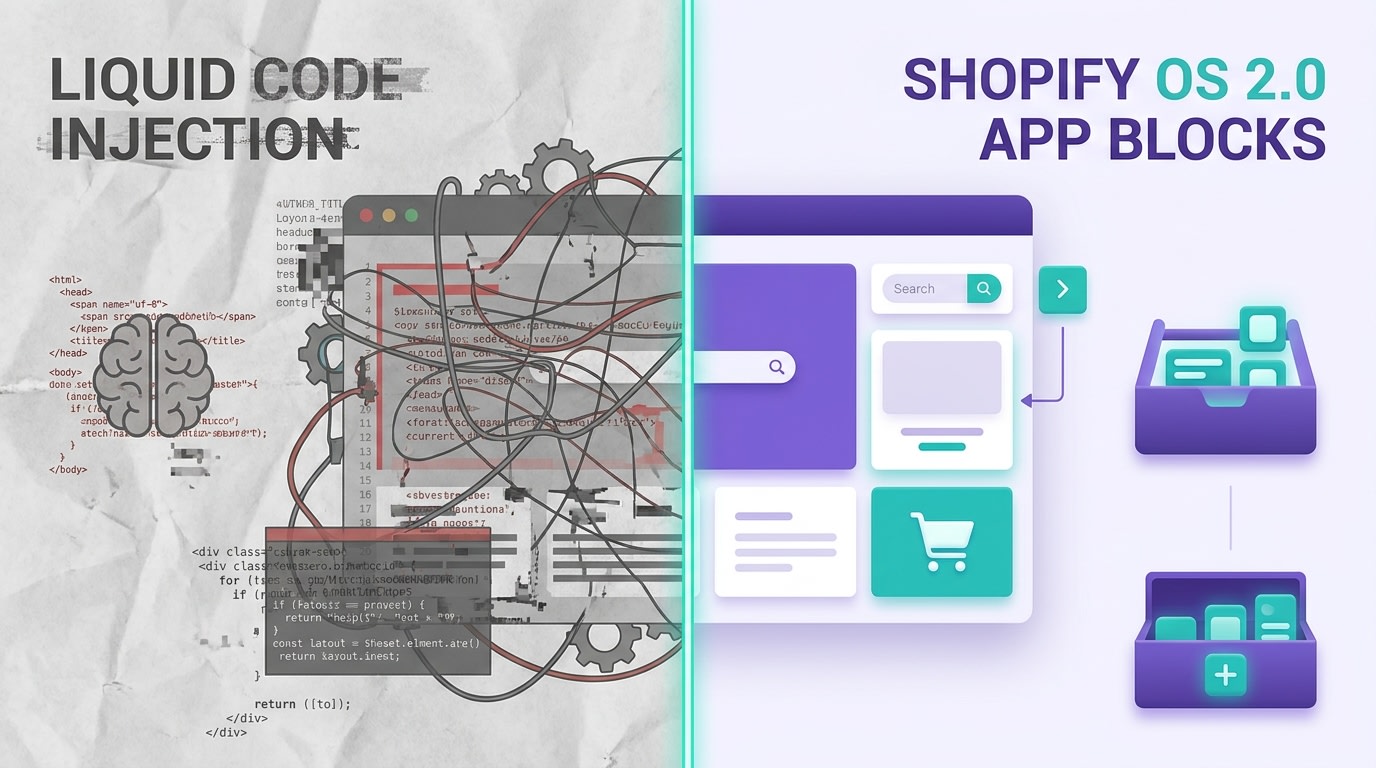
Modern App Blocks ensure your cross-sell widgets don't destroy page speed
Many merchants try to force pre-order bundles using outdated apps. These apps inject heavy custom code directly into their theme files.
Why this matters: Rendering speed directly impacts your conversion rate optimization. A widget that takes four seconds to load will cause mobile shoppers to bounce before they ever see your cross-sell offer.
Here is how to implement it:
- Audit your current stack: Remove any bundle apps that rely on hard-coded theme modifications to function.
- Embrace App Blocks: Utilize modern apps built entirely for the Shopify Online Store 2.0 framework.
- Test mobile responsiveness: Verify that your mix-and-match widget scales perfectly on mobile devices without lagging the Add to Cart button.
Pro Tip: Test your widget loading time using Google PageSpeed Insights specifically on the mobile tab to ensure zero delays.
4. Create Frequently Bought Together Micro-Bundles
Instead of massive product sets, focus on targeted upselling using your pre-sale items as anchors.
Why this matters: Smaller frequently bought together cross-sells are easier for the API to process. They also have a significantly higher conversion rate than forced multi-item packages. Pairing this targeted strategy with cross-selling and upselling with eCommerce popups maximizes your visibility and sales volume.
Here is how to implement it:
- Identify the anchor: Select your most highly anticipated pre-order item as the central focal point.
- Pair with high-margin accessories: Suggest one or two in-stock, complementary products for a natural upsell or downsell.
- Use one-click additions: Ensure the customer can add complementary items directly from the pre-order page without navigating away from the main product.
5. Leverage Tiered Discounts to Force Upsells
The ultimate way to incentivize a shopper to bundle an in-stock item with a pre-order item is through irresistible tiered discounts.
Why this matters: Customers are already accepting a shipping delay by purchasing a pre-order. A tiered discount softens the wait time by offering immediate financial value on their entire cart.
Here is how to implement it:
- Set threshold logic: Create automated rules like buying the pre-order item plus one accessory for 10% off.
- Automate the price slash: Ensure the discount applies dynamically right in the cart. The user needs to see the savings instantly.
- Highlight the ROI: Use dynamic text on the product page showing exactly how much they save by adding the in-stock item to their order today.
III. Managing Inventory and Split-Shipping Logistics
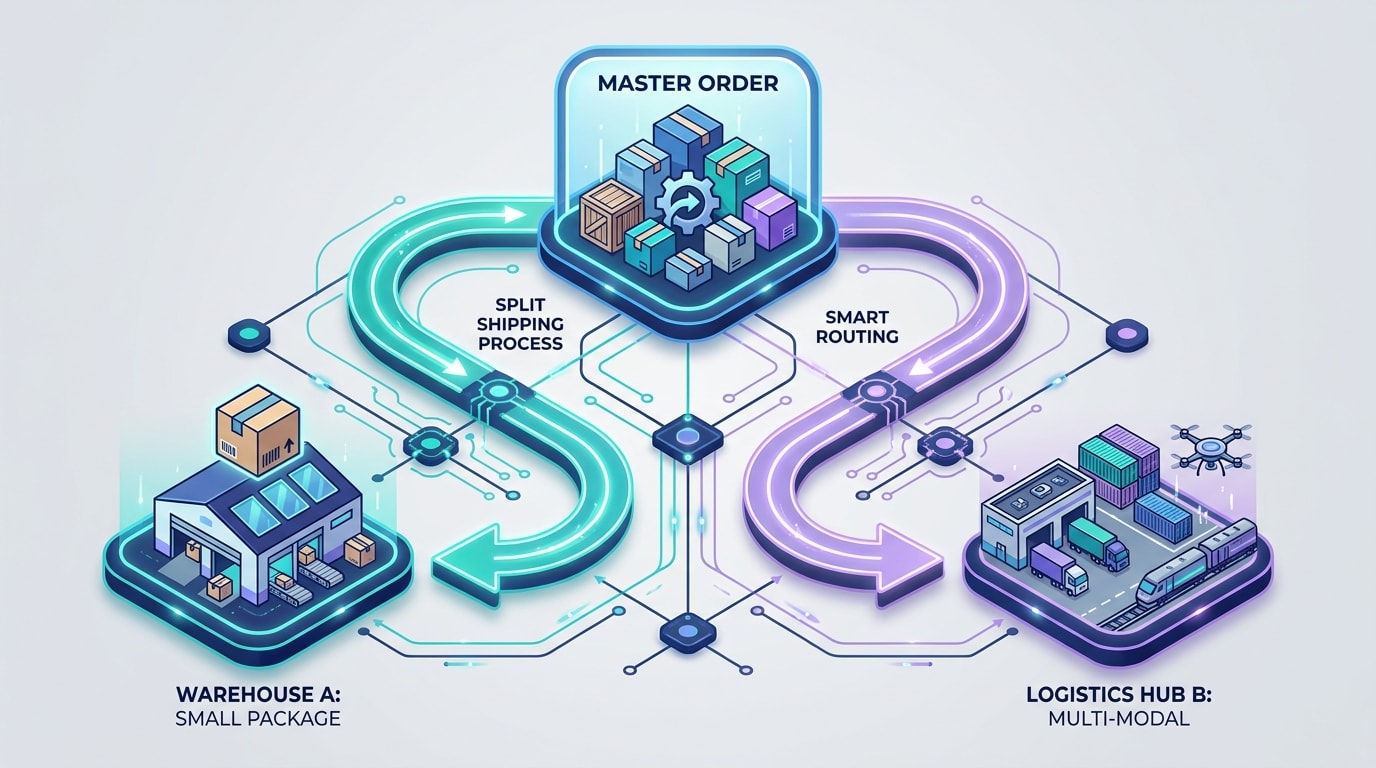
Clear split-shipping logic prevents margin loss on double shipping costs
The technical setup is only half the battle. Once your Shopify pre order app free or paid processes a mixed bundle, you must fulfill it without destroying your profit margins.
1. The Split-Shipping Revenue Trap
Offering free shipping on a mixed bundle is a dangerous trap. You might quickly realize you have to ship the in-stock item today and the pre-order item next month. You end up paying for shipping twice. Configure your shipping profiles in Shopify to accurately charge for split shipping scenarios. Set clear hold order rules versus ship available now rules in your fulfillment software. This protects your margins immediately while keeping operations smooth.
2. Communicating Timelines at Checkout
Clear communication prevents customer frustration and costly chargebacks. Use checkout UI extensions to clearly label which items in the bundle will ship immediately and which are delayed. Send automated post-purchase Klaviyo emails that specifically reiterate the split-shipping timeline. Transparent communication upfront eliminates chargebacks and reduces customer support tickets significantly.
IV. Conclusion
Building a functional shopify pre-order cross sell bundle does not have to be a technical dead end. Native API restrictions and Selling Plan incompatibilities present real challenges for store owners. However, relying on smart workarounds like the Draft Order bridge and OS 2.0 app blocks ensures you never have to leave AOV on the table again. Manage your SKU mapping and split-shipping logic carefully. You will deliver a flawless customer experience while scaling your revenue efficiently.
You have the technical strategies ready. Now it is time to put them into action and watch your average order value grow.
Follow the Fordeer Team for more useful updates!
- Install Fordeer Apps for Free
- Get immediate assistance by chatting with us
- Join Fordeer Commerce Community for fresh app updates, expert tips, and private deals.

