

Do Shopify Badge Apps Slow Down Your Store? (Speed Test Results)


You've finally designed the perfect product labels to drive conversions, but suddenly your storefront feels sluggish. Those dreaded cold boots are adding seconds to your load time, and your automated performance test just failed. It is a frustrating scenario forcing merchants to choose between visual marketing and website speed.
With Shopify enforcing strict speed requirements for apps, understanding shopify badge app performance speed is no longer optional. Apps are now restricted by a rigid 10-point performance limit. A single bloated app can disqualify you from the highly coveted Built for Shopify status.
In this guide, we break down how these Built for Shopify performance points actually work. You will learn how to fix layout shifts and optimize your storefront to ensure your product labels load instantly.
Let's get started!
I. Overview of the 'Built for Shopify' Speed Rules
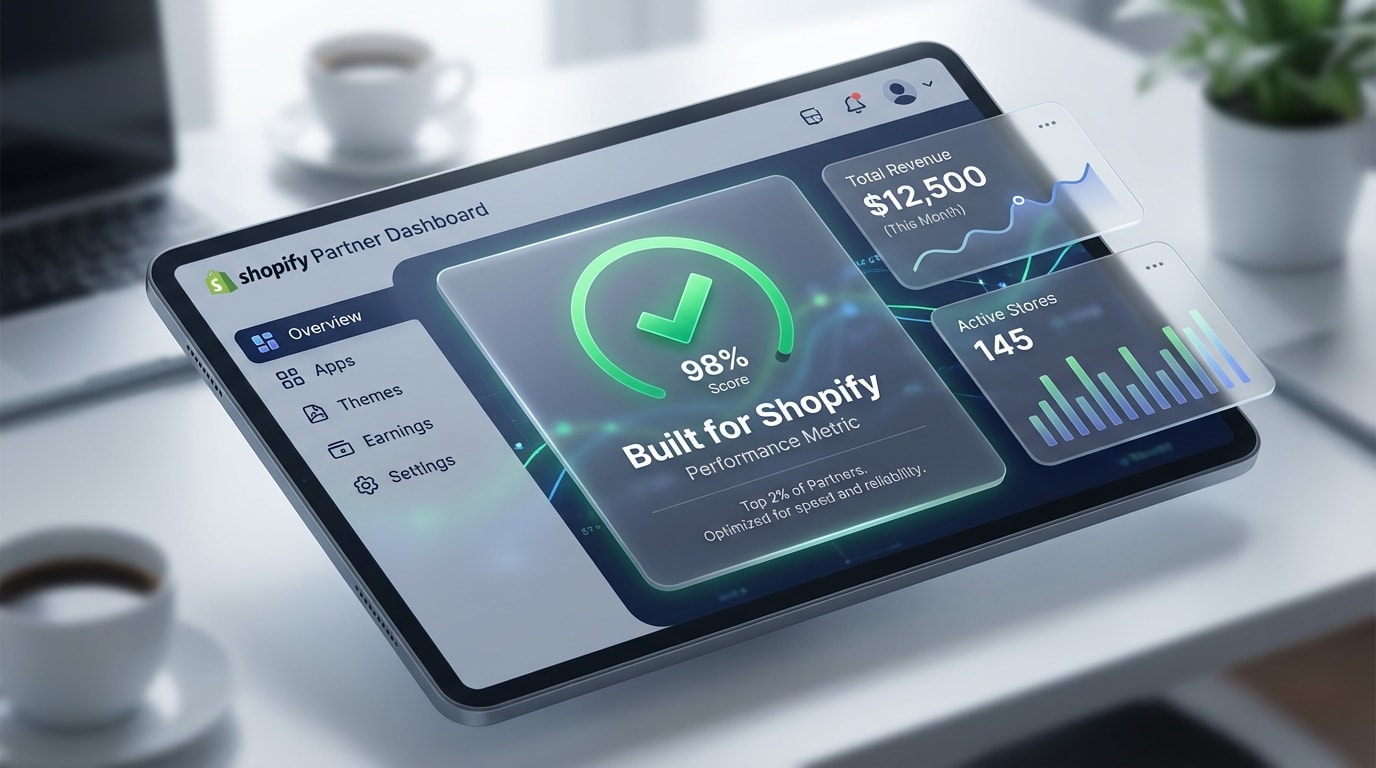
Hitting the performance benchmark is required to earn the Built for Shopify badge.
Before fixing your speed issues, you need to understand how Shopify evaluates your store. Here are the core rules.
1. The 10-Point Performance Limit
Shopify maintains strict quality control for apps. According to the Shopify Help Center, apps cannot decrease storefront speed by over 10 performance points. Shopify calculates this score using Lighthouse metrics. This Built for Shopify evaluation differs slightly from standard Google PageSpeed Insights because it isolates the specific load time added by the app itself.
2. Core Web Vitals That Matter
Three main metrics determine your success:
- Largest Contentful Paint (LCP): Measures how fast your main content loads.
- Cumulative Layout Shift (CLS): Measures visual stability.
- First Input Delay (FID): Measures responsiveness.
CLS is particularly problematic for product badges. When a badge loads late, it pushes the text down and creates a jarring user experience.
3. Why the Badge Drives Conversions
Balancing fast code with visual labels is the ultimate goal. Badges act as a powerful middle-of-funnel trust signal for buyers. Highlighting sales or low stock directly on the product image creates urgency and increases sales. To find the right tool for your store, check out our guide on the Top 5+ Best Shopify Product Badges & Labels Apps For 2024.
II. Key Statistics on App Bloat
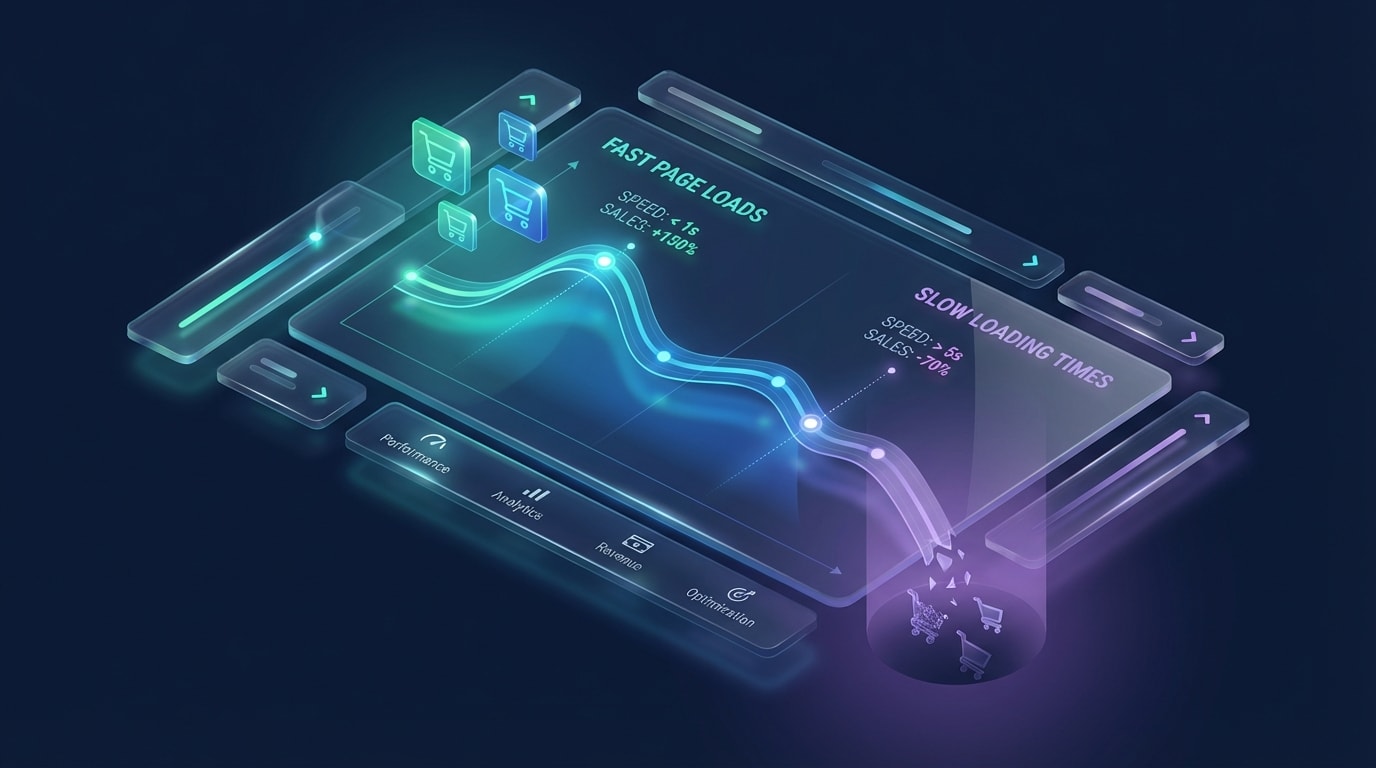
Even a one-second delay can drastically impact your conversion rates.
App bloat is a silent conversion killer. Here is the data behind how speed impacts your bottom line.
1. The 2.5-Second LCP Threshold
According to developer resource gadget.dev, maintaining an LCP 2.5 seconds shopify threshold is mandatory for Built for Shopify qualification. Much happens during that 2.5-second window. Your store must fetch assets, execute scripts, and render the page. Heavy server-side rendering or unoptimized App Bridge routes quickly push you past this limit, frustrating your shoppers before they even see your products.
2. The 500ms-1000ms Penalty per App
Data from Speed Boostr reveals that a single poorly coded app can add 500ms to 1000ms to your page load times. This is the definition of app bloat. Legacy apps inject redundant JavaScript that blocks the main rendering thread. Modern apps take a different approach. Tools like Fordeer deliver lightweight assets via a Content Delivery Network (CDN), ensuring you get the marketing benefits without the severe speed penalty.
III. 5 Strategies to Optimize Shopify Badge App Performance
Fixing your speed metrics requires technical audits and smart architectural choices. Here is how to keep your store lightning fast.
1. Audit Your Current App Bloat
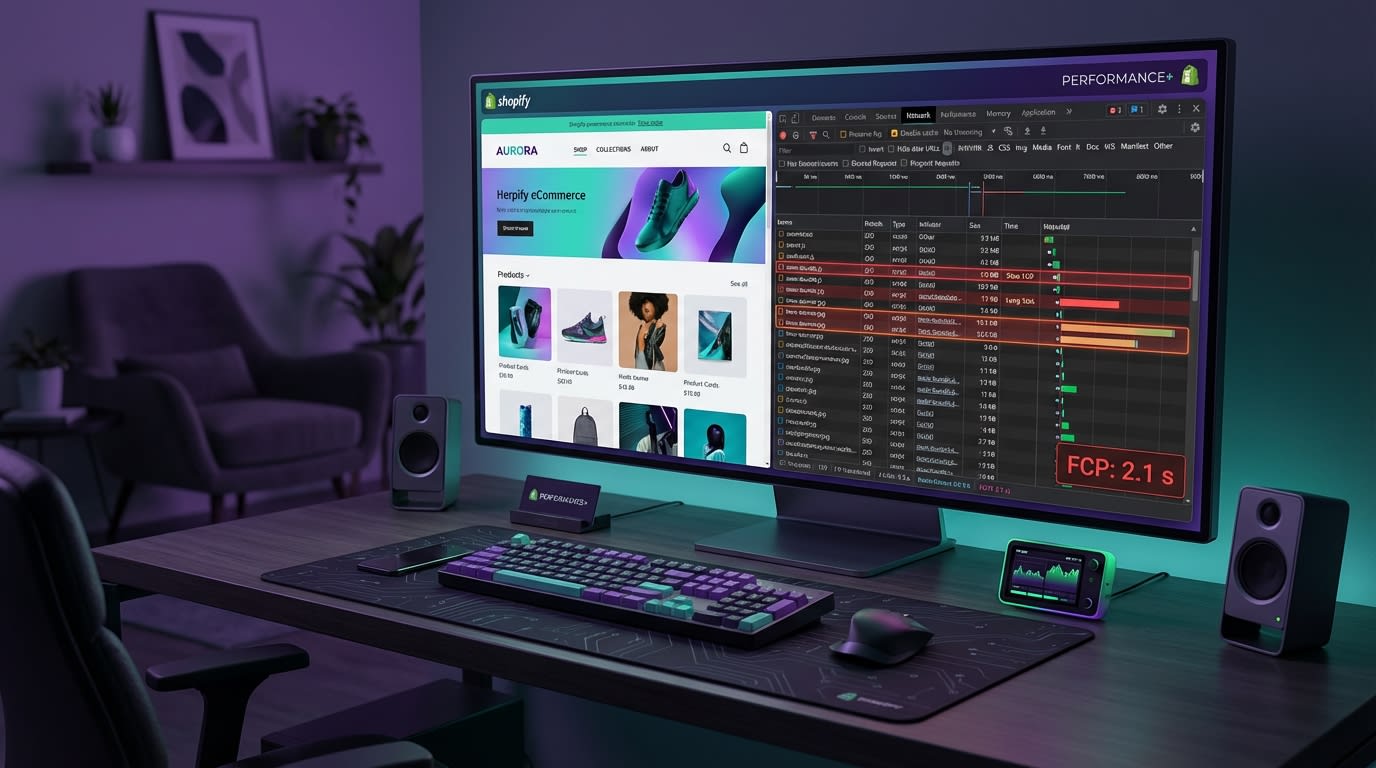
Use Chrome DevTools to simulate the Shopify App Performance test.
Before adding any new apps, you need a clear picture of your baseline speed. Identifying which apps drain your 10-point allowance is step one.
Here's how to do it:
- Run a Lighthouse Audit: Use an incognito window to prevent Chrome extensions from skewing your data.
- Use Shopify CLI: Simulate merchant performance tests locally to isolate app impact.
- Check the Network Tab: Look for massive JavaScript payloads blocking the main thread during initial load.
By purging legacy apps that no longer serve a purpose, you easily reduce shopify app bloat.
2. Implement Server-Side Rendering (SSR) for Labels
Relying entirely on client-side JavaScript to render product badges is a recipe for layout shifts.
Why this matters: When a badge pops into existence after the surrounding text has loaded, it pushes content down. This destroys your CLS score.
Here's how to fix it:
- Inject badge markup directly into your Liquid templates.
- Leverage Shopify Theme App Extensions to ensure assets load synchronously.
- Stop using heavy scripts to find elements and append badges later.
Pro Tip: If you must load badges asynchronously, use CSS to reserve the exact pixel height and width beforehand. This prevents text from jumping.
3. Minify and Optimize Badge Assets
Marketing labels should not weigh as much as high-resolution product photos.
Why this matters: Large PNGs or unoptimized CSS files delay your content paint times and frustrate mobile users.
Here's what to do:
- Switch to SVGs: Use scalable vector graphics for badges. They are infinitely smaller and look crisp on mobile devices.
- Minify code: Ensure your app CSS and JavaScript files are compressed.
- Leverage CDNs: Serve visual assets from a Content Delivery Network located physically close to your customer.
For more strategies on using these lightweight visuals effectively, read our full guide on Optimizing Your Shopify Store with Effective Product Badges.
4. Optimize App Bridge Routes and APIs
For developers, the backend architecture dictates the frontend experience. Slow API responses during the initial data fetch will bottleneck your entire application.
Here's how to speed things up:
- Move routing logic to edge functions to decrease latency.
- Cache aggressively. Do not query the Shopify API on every single page load if the badge data remains unchanged.
- Optimize webhooks to ensure background syncs never lock up your database during peak traffic.
5. Switch to a Lightweight App
Sometimes, the best optimization is simply upgrading your tech stack. You should not have to become a performance engineer just to run a Black Friday sale.
Here's the solution:
- Only install product label apps that have officially passed the Shopify app speed test.
- Use Fordeer Product Labels & Badges. It is specifically engineered to respect the 10-point limit and utilizes optimized asset delivery to keep your store fast.
IV. Fixing the "Hidden Cold Boot Tax"
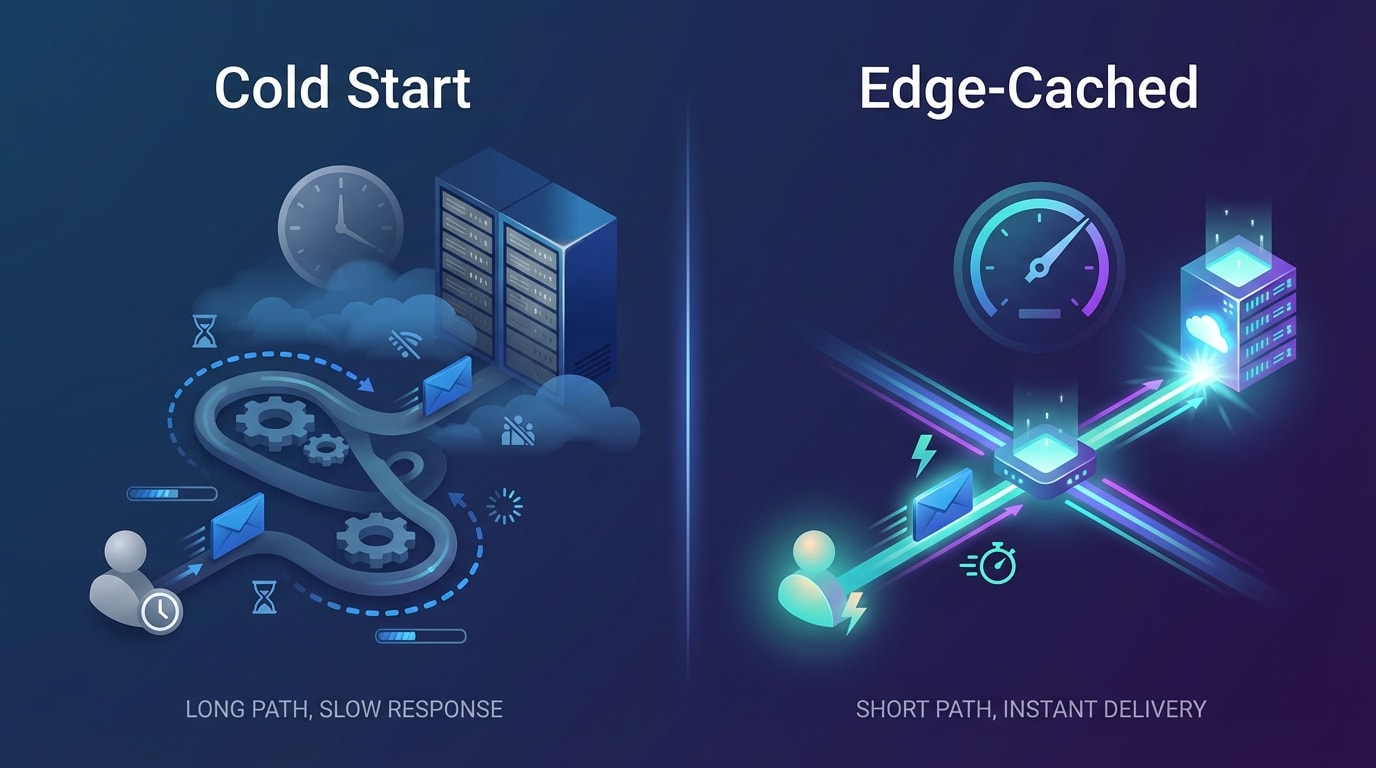
Serverless cold boots can silently kill your marketing efforts.
Developers often discuss general speed, ignoring the delay in badge rendering caused by serverless hosting wake-up times. This is known as the Cold Boot Tax.
1. The Visibility Problem
If your app uses serverless functions, it goes to sleep during periods of inactivity. When a customer lands on your store, the server takes up to two seconds to wake up. By the time the script executes and the badge renders, the merchant has already scrolled past the product. You lose the visual marketing benefit completely.
2. The Solution
To bypass this hidden tax, you need an app that utilizes aggressive edge caching. By storing the badge logic closer to the user, you eliminate the cold start delay entirely. If you are building an app, move your critical path rendering away from cold-boot-prone serverless endpoints and directly into Shopify App Extensions.
V. Conclusion
Optimizing your shopify badge app performance speed does not have to be a nightmare. By auditing your current setup, reserving layout space to prevent CLS, and choosing lightweight apps, you maintain a lightning-fast store while leveraging high-converting visual marketing.
You don't have to tackle everything at once. Start by checking your Shopify Speed Report today and identifying your heaviest apps. With the right tools, passing the Built for Shopify test is entirely within your reach. You've got this!
Follow the Fordeer Team for more useful updates!
- Install Fordeer Apps for Free
- Get immediate assistance by chatting with us
- Join Fordeer Commerce Community for fresh app updates, expert tips, and private deals.

