

Instagram Story-Style Videos on Shopify: How to Add a Stories Feature to Your PDP


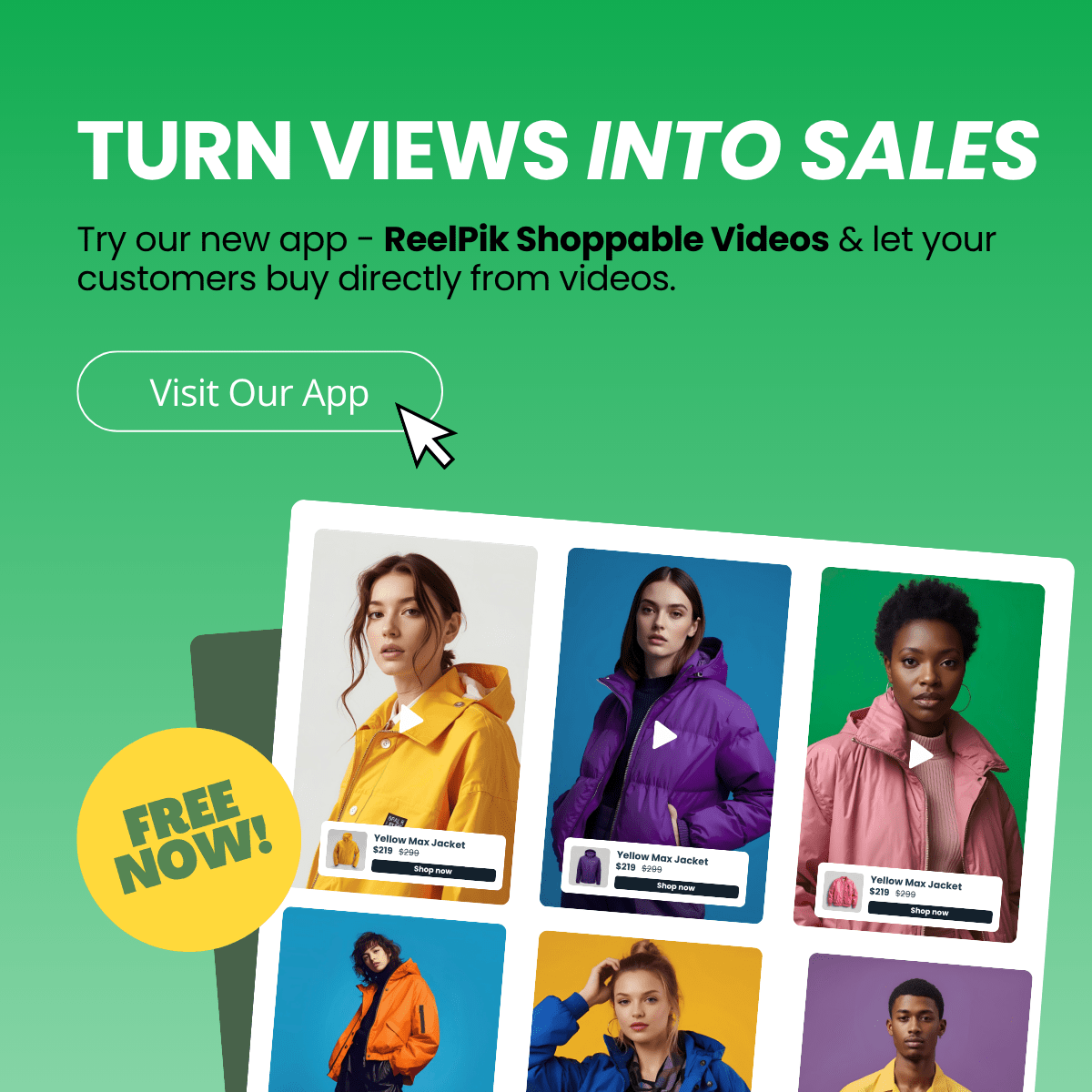
Merchants know video sells, but adding video to a storefront usually comes with a massive headache. It tanks site speed. Sourcing user-generated content is a logistical nightmare. Tracking if those videos actually drive revenue feels like guessing. You want the engagement of Instagram without sacrificing your core vitals.
Bridging the gap between social media engagement and onsite conversion requires more than just embedding a YouTube link. A dedicated Shopify video story feature transforms passive viewing into an interactive, mobile-first shopping experience right on your product pages. As buyers increasingly expect TikTok-style scrolling while they shop, this has become a middle-of-funnel necessity.
In this guide, we will break down how to implement shoppable videos effectively. We will explore strategies to streamline your workflow, optimize placements for higher conversions, and uncover the hidden SEO benefits most competitors ignore.
Let's get started!
I. The Shift to Shoppable Video on Shopify
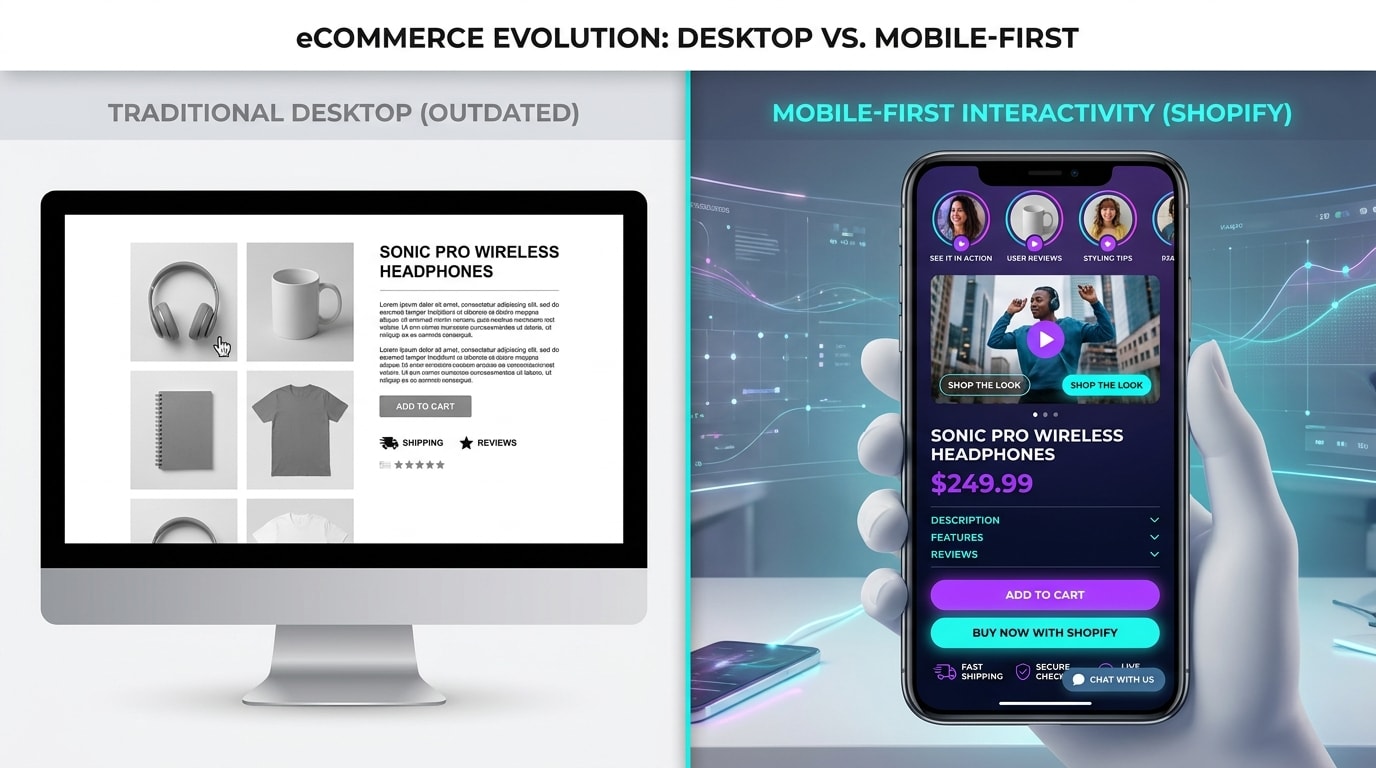
Interactive video stories bridge the gap between social discovery and onsite purchasing.
1. What Makes a Video Shoppable?
Traditional embedded videos are passive. Customers hit play, watch a widescreen video, and then have to manually scroll around your site to find the product mentioned. A shoppable video story changes this dynamic completely.
These are vertical, mobile-first video clips that live natively on your store. They include interactive elements like direct add-to-cart tags and clickable product overlays. Instead of just watching, the user taps the screen to view product details, select their size, and add the item to their cart without ever leaving the video player.
2. The Conversion Impact
Capturing shoppers in the middle of the funnel requires building instant trust. Industry benchmarks show that implementing shoppable video can increase conversion rates by up to 30%.
The reason is simple. Video reduces buyer hesitation by showing real-life product fits, scale, and movement. When a customer sees a fabric moving on a real person or a gadget working in real time, their purchasing anxiety drops. It gives them the final push needed to move from consideration to checkout.
3. Solving the Common Roadblocks
The two biggest fears merchants have with onsite video are site speed degradation and asset management chaos. Adding heavy video files to a Shopify theme is a guaranteed way to increase bounce rates.
Modern video story apps solve these exact problems. They use lightweight integrations and external hosting to keep your storefront lightning fast. By the end of this article, you will have a clear roadmap to bypass these technical traps and turn your product pages into high-converting social experiences.
II. Building Your Video Foundation: Asset Management
Before you can boost conversions, you need the right assets. Managing videos for large catalogs is notoriously difficult. Here is how top brands categorize and source their video content.
1. User-Generated Content (UGC)
UGC includes customer reviews, unboxing videos, and authentic usage clips created by real buyers.
This type of content builds the highest level of social proof. It actively reduces return rates by showing true product fit and real-world color accuracy. Stop downloading files from social media and manually uploading them to your store. Look for apps that offer automated TikTok syncing or Instagram Reels importing to pull UGC directly into Shopify. For a complete system on sourcing and managing these powerful assets, read The Complete Guide to User-Generated Content for eCommerce.
2. Brand-Led Educational Content
This category includes high-quality tutorials, founder stories, and behind-the-scenes content produced by your team.
Brand-led video matters because it controls the narrative. It answers complex product FAQs directly on the Product Detail Page. Use these professional assets for your hero products. They work perfectly as welcoming videos that greet new visitors and explain your brand's unique value proposition.
3. App Consolidation (Tolstoy vs. Vidjet vs. ReelPik)
The Shopify ecosystem offers several video apps. When evaluating options like Tolstoy Shopify integrations, Vidjet Shopify setups, or ReelPik, look past the basic video player interface.
The true differentiator for merchants is UGC sourcing ease and rights management. Choosing a unified tool streamlines managing both UGC and brand content without cluttering your dashboard. You want an app that organizes your library automatically, allowing you to drag and drop assets onto product pages in seconds.
III. 6 Strategies to Maximize Video Story Conversions
Having a video story app installed is not enough. To truly turn engagement into revenue, you need a deliberate strategy for placement, UI, and tracking.
1. Implement Direct Add-to-Cart Tags
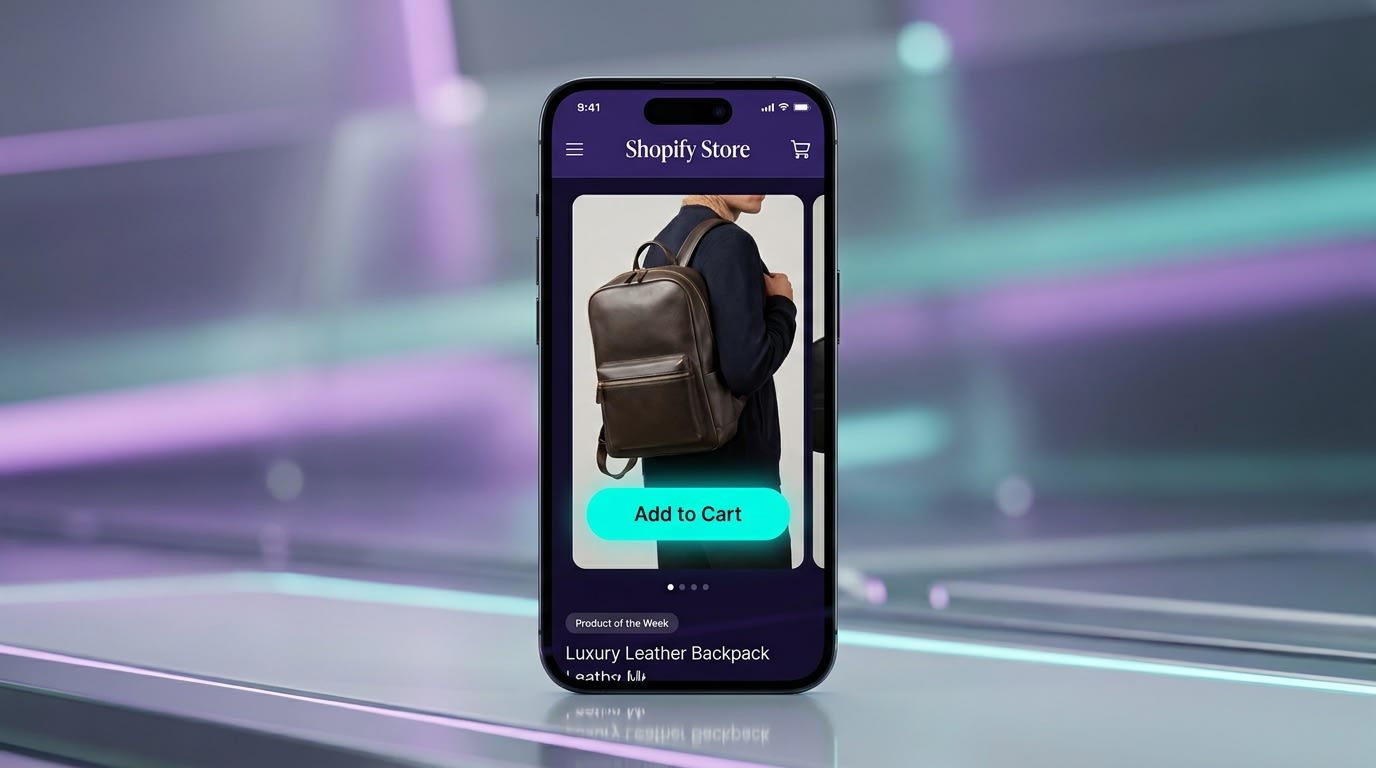
Shoppable tags remove friction by allowing customers to buy without leaving the video experience.
Friction is the enemy of mobile conversions. If a customer watches a video story and has to close it to hunt for the buy button, you have lost them.
Why this matters: It collapses the funnel from discovery straight to purchase.
Here is how to implement it:
- Use in-video product tags: Link the exact variant shown in the video directly to the clickable tag.
- Enable quick-checkout: Ensure your video app allows users to select their size and color from within the video player.
- Keep CTAs clear: Use action-oriented text like Shop this look or Add to Bag instead of generic buttons.
2. Match the Instagram/TikTok UI Experience
Consumers have been trained by social media on how to interact with vertical video. Do not force them to learn a new interface on your site.
Why this matters: Inconsistent UI between your Shopify store and their social experience causes confusion and bounces.
Here is how to implement it:
- Familiar gestures: Ensure tap-to-pause, swipe-to-skip, and hold-to-hide functions mimic Instagram stories for Shopify perfectly.
- Progress bars: Include the segmented story progress bar at the top of the video container so users know how many clips remain.
- Seamless integration: Customize the app's brand colors so the video player feels native to your theme, not like a bolted-on third-party widget.
3. A/B Test Floating vs. Inline Placements
Not all buyers are at the same stage of the journey when they land on your site. You need to present video where it makes the most contextual sense. This strategic placement is a core part of Optimizing Product Pages: Strategies to Drive Conversions and Increase Customer Satisfaction.
- Floating Videos (Bottom corner): Best for homepage visitors. Use these for brand-level storytelling, broad UGC, or welcoming first-time visitors. It follows them as they browse.
- Inline Stories (Under product galleries): Best for product pages. Use these for product-specific demonstrations and sizing guides.
- Testing strategy: Rotate a founder welcome video against a customer compilation video in the floating widget to see which drives higher time-on-page.
Pro Tip: Limit inline video stories to 3-5 hyper-relevant clips per product to maintain focus and prevent choice paralysis.
4. Connect Video Insights to ROI Tracking
The biggest frustration merchants face is the difficulty in tracking if videos actually drive sales. Vanity metrics like view counts do not pay the bills.
Why this matters: You need to justify your marketing investment with hard data to scale what works.
Here is how to implement it:
- Move beyond views: Use your app's dashboard to track specific Add-to-cart and Checkout initiated metrics directly attributed to video clicks.
- UTM Tracking: Ensure the app passes tracking data correctly to Shopify Analytics and Google Analytics 4.
- Identify winners: Find the specific UGC video driving the most revenue and repurpose it for your paid ad campaigns on Meta and TikTok.
5. Leverage Interactive Elements for Zero-Party Data
Shoppable video is an incredible tool for audience research. It serves as a direct line to your customers' preferences.
Why this matters: Privacy updates have made data collection harder. Interactive video stories encourage users to willingly hand over their preferences in a fun, native format.
Here is how to implement it:
- Add polls: Ask users which color they prefer directly inside the video story.
- Quiz features: Use video to guide users to the right product by asking questions like "What is your skin type?"
- Email capture: Gate exclusive behind-the-scenes video drops with an email signup. Ensure this integrates seamlessly with Klaviyo or your chosen email provider.
6. Automate Your Social Sync Workflows
Manually downloading content from TikTok and uploading it to Shopify is an unsustainable drain on your time.
Why this matters: Fresh content drives repeat visits. If updating videos takes hours, your storefront will go stale and customers will lose interest.
Here is how to implement it:
- Set up auto-sync: Connect your brand's Instagram Reels or TikTok account directly to your Shopify video app.
- Auto-tagging: Configure rules so when a video mentions a specific hashtag, it automatically maps to that corresponding product page.
- UGC Curation: Use automated tools to easily request usage rights from creators and instantly port approved videos straight into your onsite story feed.
IV. The "Hidden" Benefits: Site Speed & SEO

Properly optimized video apps use external CDNs to keep your store's load times lightning fast.
Most merchants only focus on the conversion rate optimization side of video. There is a massive technical advantage that top stores are currently exploiting to gain organic traffic.
1. Beating the Site Speed Trap
"How do I add video without slowing down my store?" is the number one question merchants ask. The answer is simple. Never host the video on Shopify directly.
When using a dedicated app, the video files are hosted on a Global Content Delivery Network. The app uses lazy-loading. This means the heavy video data only loads after the core page elements (like the buy button, text, and main image) are fully interactive. According to speed benchmarks, this gives you rich media capabilities without suffering the Lighthouse score penalty that normally kills conversions.
2. The Video SEO Goldmine
Competitors completely ignore the organic traffic potential of onsite video. Google has increasingly dedicated prime search engine results page real estate to short vertical videos on mobile.
When you use a sophisticated video story app, it automatically generates JSON-LD Video Object Schema in your site's code. This tells search engines exactly what the video is about, allowing your product pages to rank visually in Google Video searches. Pushing this content into the Google Web Stories format increases your organic reach far beyond the customers already browsing your site.
V. Conclusion
So there you go—turning your static product pages into interactive experiences does not have to be a technical nightmare. By implementing a lightweight Shopify video story feature, you can leverage UGC, speed up your workflows, and track every dollar of ROI effectively.
Start small. You do not need to overhaul your entire site today. Pick your top three best-selling products, sync a few high-performing TikToks or Instagram Reels, add shoppable tags, and watch the analytics. Once you see the conversion lift, scaling across your catalog is just a few clicks away. You've got this!
Follow the Fordeer Team for more useful updates!
- Install Fordeer Apps for Free
- Get immediate assistance by chatting with us
- Join Fordeer Commerce Community for fresh app updates, expert tips, and private deals.

