

Shopify Cart Page Videos: Reduce Abandonment with One More Nudge Before Checkout



Cart abandonment is the silent killer of eCommerce revenue. Just when a shopper is one click away from purchasing, doubt creeps in. While most merchants try to save these sales with automated emails hours later, the smartest brands validate the purchase right inside the cart drawer with targeted video content.
Finding the right Shopify video for cart page implementation is tricky. You want to showcase shoppable user-generated content to trigger impulse buys, but heavy video files can easily destroy your page speed. With most online tutorials only offering silent screen recordings, merchants are left wondering how to implement video without breaking their Dawn theme.
In this guide, we break down the technical constraints of Shopify's cart media, provide safe Liquid code snippets for manual embedding, and show you exactly how to add video to your cart without sacrificing performance.
Let's get started!
I. Technical Limits of Shopify Cart Media
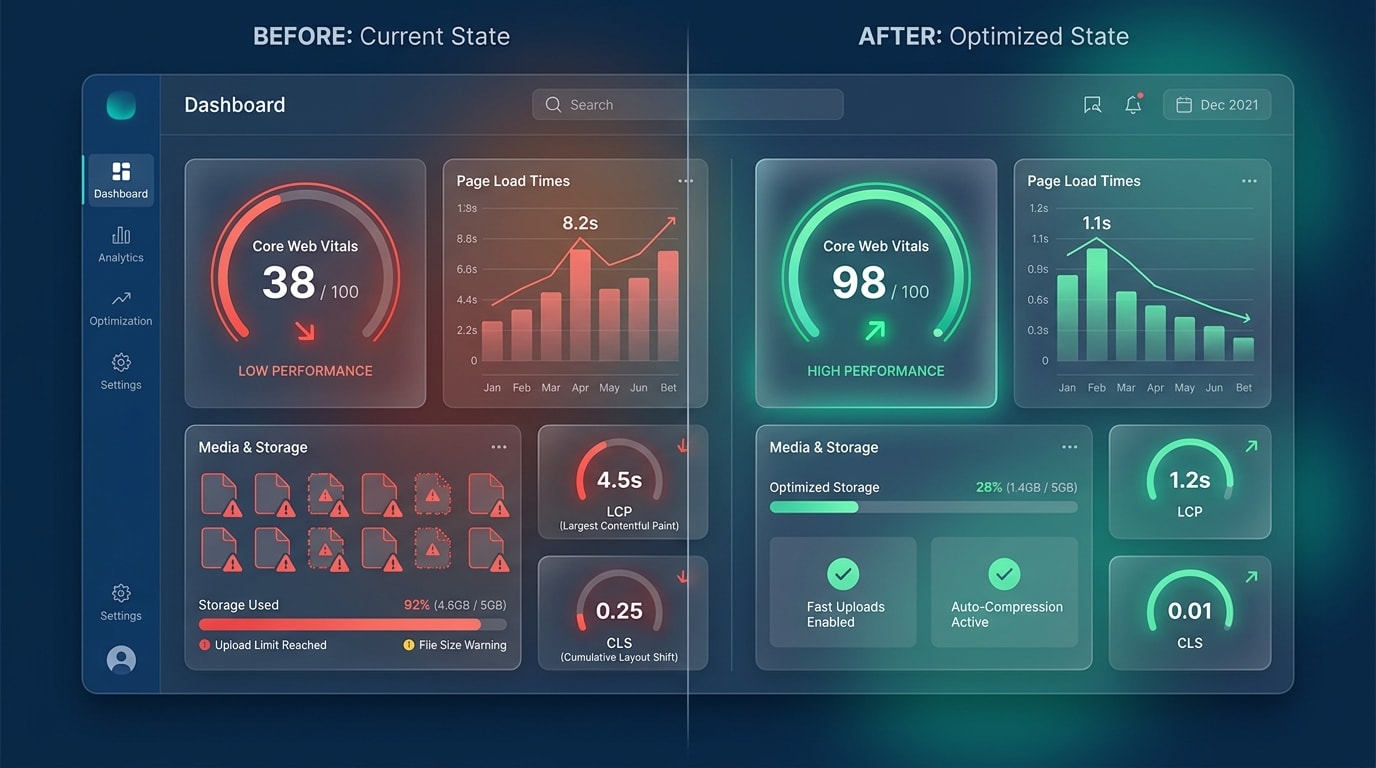
Balancing visual impact with checkout speed is critical for cart conversions.
1. The 20MB and 250 Item Caps
Shopify enforces strict rules on native media. The platform caps your uploads at exactly 250 images, 3D models, or videos per product.
More importantly, there is a rigid 20MB limit for internal Shopify video uploads. These limits force merchants to make a difficult choice. You either compress your MP4 files heavily for internal hosting, or you rely on external embeds like YouTube and Vimeo for your cart page videos.
2. Core Web Vitals and LCP Impact
Adding video directly affects your Largest Contentful Paint (LCP) score. This metric measures how quickly the main content of a web page loads.
Auto-playing MP4s on mobile devices carries a massive hidden performance cost. A raw video file forces the mobile browser to download heavy assets before it even renders the checkout button. In contrast, using a smart, lazy-loaded shoppable feed app keeps your LCP score fast and your cart highly responsive.
If you want to maintain top speeds across your entire store while implementing these features, check out our complete guide on How to Optimize Your Product Page for Higher Conversion Rates.
3. Basic Shopify vs. Shopify Plus Constraints
Your store's subscription plan dictates your technical approach to cart media.
Standard Shopify plans rely entirely on traditional Liquid cart pages like cart.liquid or cart-drawer.liquid. These files allow for manual code editing. However, Shopify Plus merchants use modern Checkout Extensibility. High-volume Plus merchants must use approved specific apps or custom Functions rather than basic theme hacks to maintain their compliance.
II. 5 Strategies to Implement Video on Your Cart Page
There is no single perfect approach to cart media. Merchants must choose their specific method based on their technical comfort, budget, and their current Shopify plan. Here are the top five ways to get it done.
1. Embed Copy-Paste Liquid Code for Dawn Theme
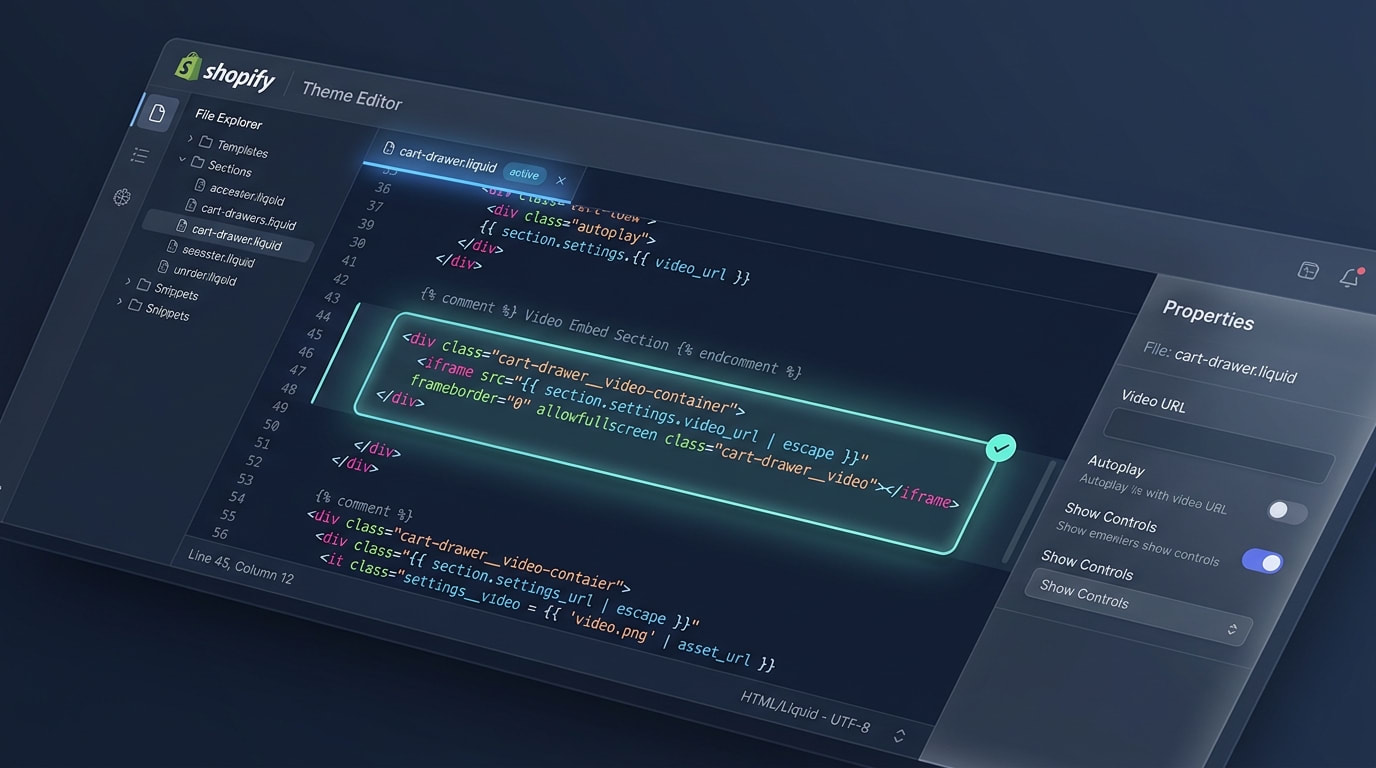
Adding a lightweight HTML5 video tag directly into your cart drawer.
Many merchants search GitHub for free template solutions to avoid recurring monthly app costs.
Why this matters: Manual embedding gives you total control over the code without third-party app bloat. This is ideal for smaller stores operating on a tight budget.
How to implement:
- Locate your file: Open
cart-drawer.liquidormain-cart-items.liquidinside your Shopify theme code editor. - Insert the snippet: Add a clean HTML5
<video>tag right above the main checkout button div. - Mute and loop: Ensure the HTML code strictly includes
autoplay muted playsinline loop. This ensures a seamless experience for your mobile users without requiring them to tap a play button, as iOS and Android automatically block unmuted autoplay videos.
While highly effective, remember that hardcoding means changing the video requires a developer every single time you want a new promotion.
2. Leverage Automated UGC with Shoppable Video Apps
If you want to cycle through fresh user-generated content without touching complex Liquid code, installing a dedicated app is the safest route.
- Dynamic Content: Apps like ReelPik allow you to link specific TikToks or Instagram Reels to specific cart items dynamically based on the user's cart contents.
- Performance Management: Built-for-Shopify apps handle the heavy lifting of video compression and global CDN delivery completely automatically. This saves you hours of manual technical work.
- Analytics Integration: Unlike a static manual code block, apps track exactly how much revenue the cart video actually generated for your business.
3. Utilize Shopify Plus Checkout Extensibility
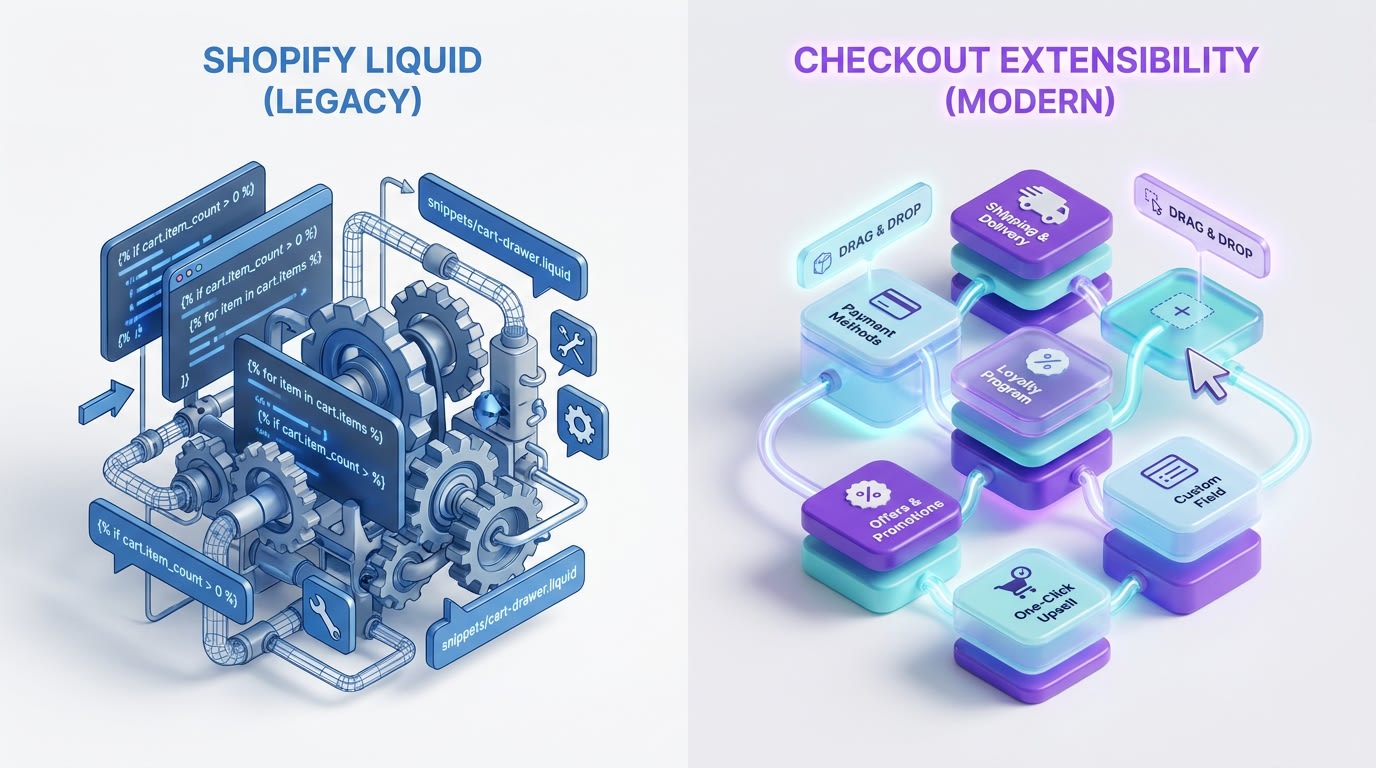
Shopify Plus merchants must use modern UI extensions rather than legacy Liquid hacks.
For enterprise brands, traditional cart.liquid edits are rapidly becoming legacy technology.
Why this matters: Shopify is aggressively moving toward a locked-down checkout environment. Extensibility ensures your cart video remains compliant, functional, and completely secure during platform updates.
How to implement:
- Use UI components: Deploy approved video components via custom apps built specifically for Checkout Extensibility.
- Target the right zones: Place your trust and validation videos squarely in the order summary section for maximum visibility.
- Maintain PCI compliance: Keep external tracking scripts completely out of the payment flow to avoid security violations.
4. Lazy-Load Videos to Protect Page Speed
Do not let a conversion-boosting video become the reason your website crashes on slower 3G cellular networks.
Pro Tip: Never load the cart video file until the user actually clicks to open the AJAX cart drawer. Loading hidden videos in the background destroys your initial page speed score.
How to implement:
- Use poster images: Show a lightweight WebP image thumbnail first. Only load the heavy video file when the user physically clicks play.
- Defer JavaScript: If you are using a third-party video player, ensure the script is deferred by adding
defer="defer"in your theme header code. - Size appropriately: Compress your MP4 files down to 720p maximum. Mobile shoppers simply do not need 4K resolution in a tiny cart drawer widget.
5. A/B Test Video Placements in the AJAX Cart
Just dropping a video into the cart drawer is not enough. Your exact placement dictates the customer interaction rate.
- Above the Checkout Button: This creates high visibility immediately. Be careful, as it can push the actual payment button below the fold on smaller smartphone screens.
- Below the Line Items: This acts as a passive trust signal. It keeps the primary checkout call-to-action visible immediately when the drawer opens.
- Within the Upsell Module: Use the video specifically to explain a one-click post-purchase add-on product rather than just showing a generic brand video.
III. Other Things to Keep in Mind for Cart CRO
Once the technical implementation is completely handled, you need to ensure the video content itself is engineered for bottom-of-funnel conversions. Before checking out, shoppers need absolute maximum clarity. For a broader look at maximizing your store's layout, read our guide on Optimizing Product Pages: Strategies to Drive Conversions and Increase Customer Satisfaction.
1. Vertical 9:16 Formatting for Mobile Buyers
Horizontal 16:9 YouTube embeds look terrible in narrow mobile cart drawers. They force black bars onto the screen and make the product look tiny.
Vertical UGC formats style naturally fit the UI of modern slide-out carts. Mobile traffic accounts for the vast majority of impulse buys today. When the video takes up the full screen real estate appropriately, shoppers are far less likely to abandon the checkout process. Making proper vertical formatting a priority is critical for success.
2. Complying with GDPR and Trust Signals
A video alone is rarely enough to secure a hesitant buyer. You need to surround your video player with standard trust signals like secure payment badges and security lock icons.
Additionally, tracking video views in the cart requires proper cookie consent for EU traffic under GDPR rules. Make sure your video sits naturally alongside clear shipping information and simple return policy links to reassure the buyer fully.
3. Matching Video Content to Buyer Intent
There is a massive difference between top-of-funnel brand awareness videos and bottom-of-funnel cart validation videos.
At the cart stage, customers already know what the product is. Now they need reassurance. Use authentic unboxing videos, rapid FAQs, or genuine social proof testimonials. An explainer video detailing a product's warranty perfectly reduces last-second hesitation and pushes the customer directly to the payment screen.
IV. Conclusion
Adding a video to your Shopify cart page is one of the most effective ways to reduce abandonment and build last-second trust. Whether you choose to manually embed Liquid code in your Dawn theme or leverage an automated UGC app, the key is balancing visual impact with uncompromising page speed.
Do not let technical limitations hold your conversion rate back. Start small. Test a lightweight video in your cart drawer, and watch exactly how it influences your buyer behavior. You have the tools to save those abandoned carts right now.
Follow the Fordeer Team for more useful updates!
- Install Fordeer Apps for Free
- Get immediate assistance by chatting with us
- Join Fordeer Commerce Community for fresh app updates, expert tips, and private deals.

