

Shopify Pre-Order: Should You Charge Before You Ship? (Pros, Cons, and Legal Notes)


There is nothing more frustrating than securing a massive pre-order sale, only to realize the credit card authorization expired before your product was ready to ship. You are left with a tough choice: politely ask the customer to re-enter their payment details or lose the sale entirely.
For merchants dealing with advance orders, custom manufacturing, or long lead times, knowing exactly how to handle your shopify collect payment before shipping workflow is crucial. It is a delicate balancing act between securing your cash flow and maintaining customer trust without running afoul of payment gateway limits.
In this guide, we break down the notorious authorization gap, explain legal guidelines like the FTC Mail-Order Rule, and walk you through six actionable strategies to safely capture payments before fulfillment.
Let's get started!
I. Overview of the Authorization Gap
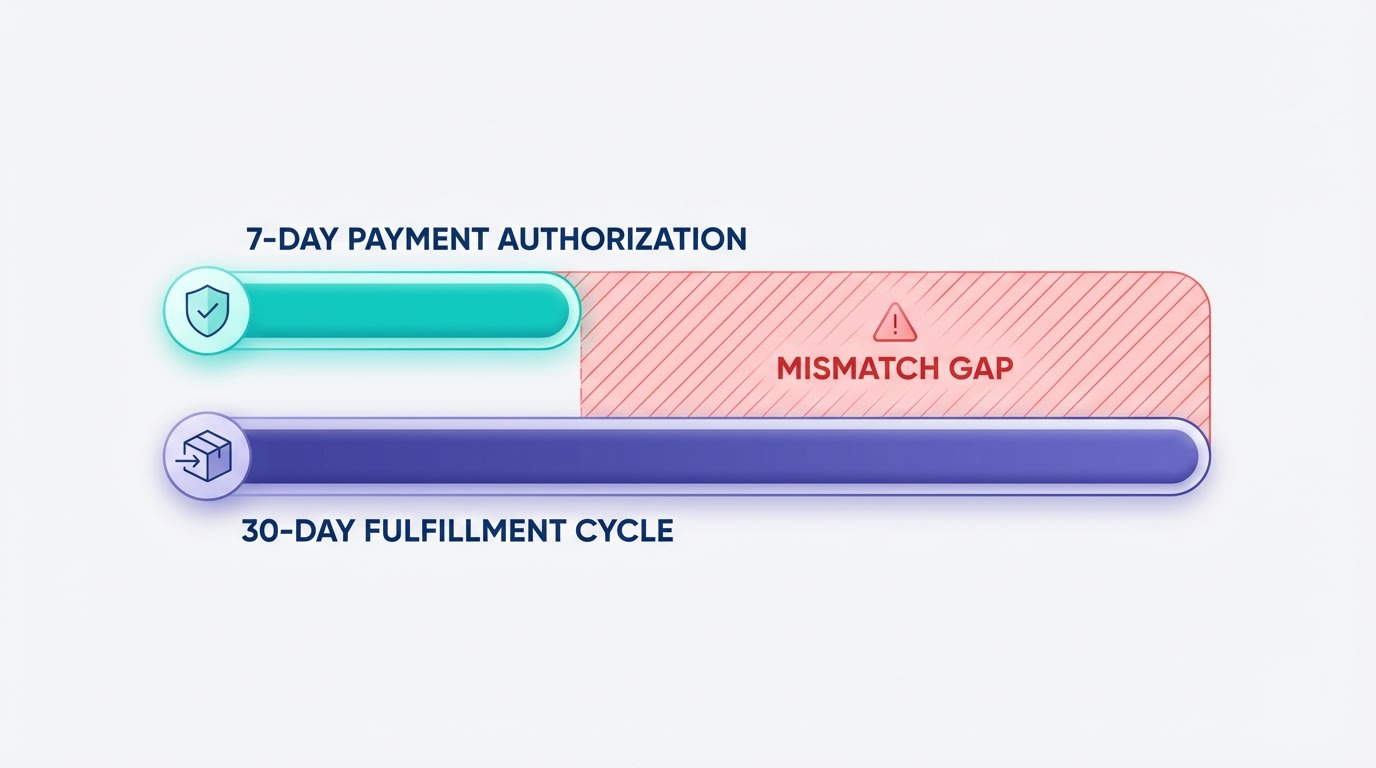
The Authorization Gap is the number one hurdle for merchants selling advance items.
1. What is the Authorization Gap?
Shopify Payments automatically authorizes a customer's credit card at checkout. This action reserves the funds in their account. However, standard gateways only hold this authorization for 7 days. If your fulfillment process takes 14 to 30 days, you face a significant gap. The authorization expires before you can capture the funds. When this happens, you cannot automatically charge the card. Customers are forced to re-checkout, which directly leads to abandoned orders and lost revenue.
2. Legal Compliance: The FTC Mail-Order Rule
Charging customers upfront comes with strict federal guidelines. The Federal Trade Commission (FTC) requires you to ship items within the timeframe stated on your product page. If shipping takes longer than promised, you must immediately notify the customer of the delay. You are also legally required to offer a full refund option. Staying compliant protects your business from chargebacks, suspended merchant accounts, and heavy legal penalties.
3. Cash Flow vs. Customer Trust
Every advance sale forces you to make a choice. Capturing funds upfront gives you immediate manufacturing capital to pay suppliers. Delaying the capture builds buyer trust. Customers hate seeing a credit card charge weeks before a tracking number appears. To balance this, you need a solid Boosting Pre-Order and Pre-Sale Success: Strategies to Drive Anticipation and Increase Sales framework. Clear communication prevents negative sentiment from spiking while keeping your daily operations funded.
II. Shopify Payment Capture Windows Explained
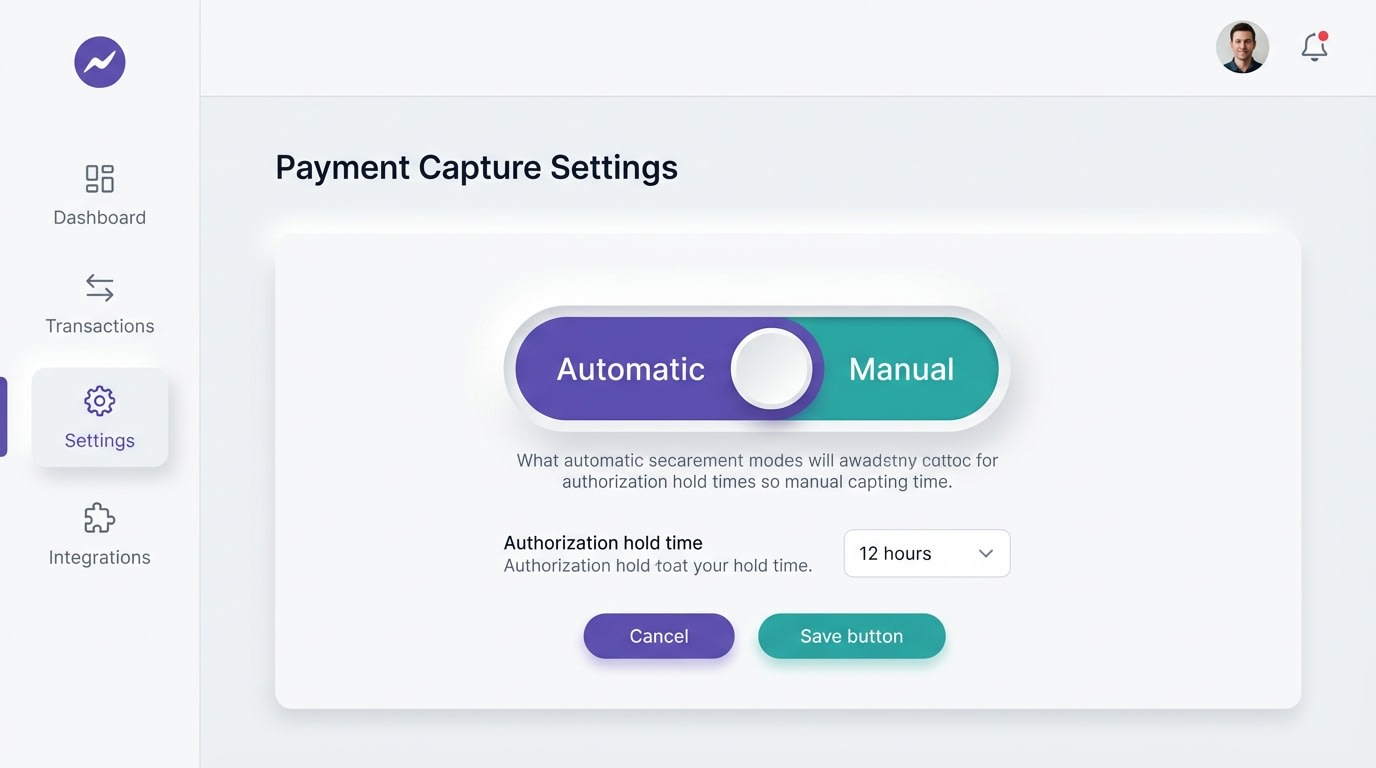
Shopify gives you different options to control exactly when funds move from the customer's bank to yours.
1. The Standard 7-Day Window
By default, Shopify Payments operates on a strict 7-day authorization window. The moment a customer clicks purchase, the bank places a hold on those funds. If you do not capture that payment within exactly 168 hours, the hold drops. You completely lose the ability to process that transaction automatically. Leaving authorizations unmanaged creates massive accounting headaches and forces your team to manually chase down buyers for payment.
2. Extended Authorization Periods
There are a few exceptions to the 7-day rule. Shopify Plus merchants can request extended authorization periods directly through support. Specific third-party gateways like Authorize.net also allow holds for up to 30 days. However, relying solely on gateway extensions is risky. Different credit card issuers enforce their own limits regardless of your gateway settings. An extended authorization from your gateway might still be rejected by the buyer's bank after two weeks.
3. Manual vs. Automatic Capture
Shopify provides three main payment capture settings. Automatic capture at checkout processes the funds immediately. Automatic capture at fulfillment waits until you generate a shipping label. Manual capture requires you or your team to click a button to process the charge. Manual capture works well for low-volume stores. For high-volume businesses, clicking capture on hundreds of orders is exhausting and error-prone without proper automation.
III. 6 Strategies to Safely Capture Payments Before Shipping
Managing your payment captures correctly saves you thousands in abandoned pre-orders and chargeback fees. Here are the most effective strategies to align your payment capture with your fulfillment cycle.
1. Leverage Pre-Order Apps with Vaulted Cards
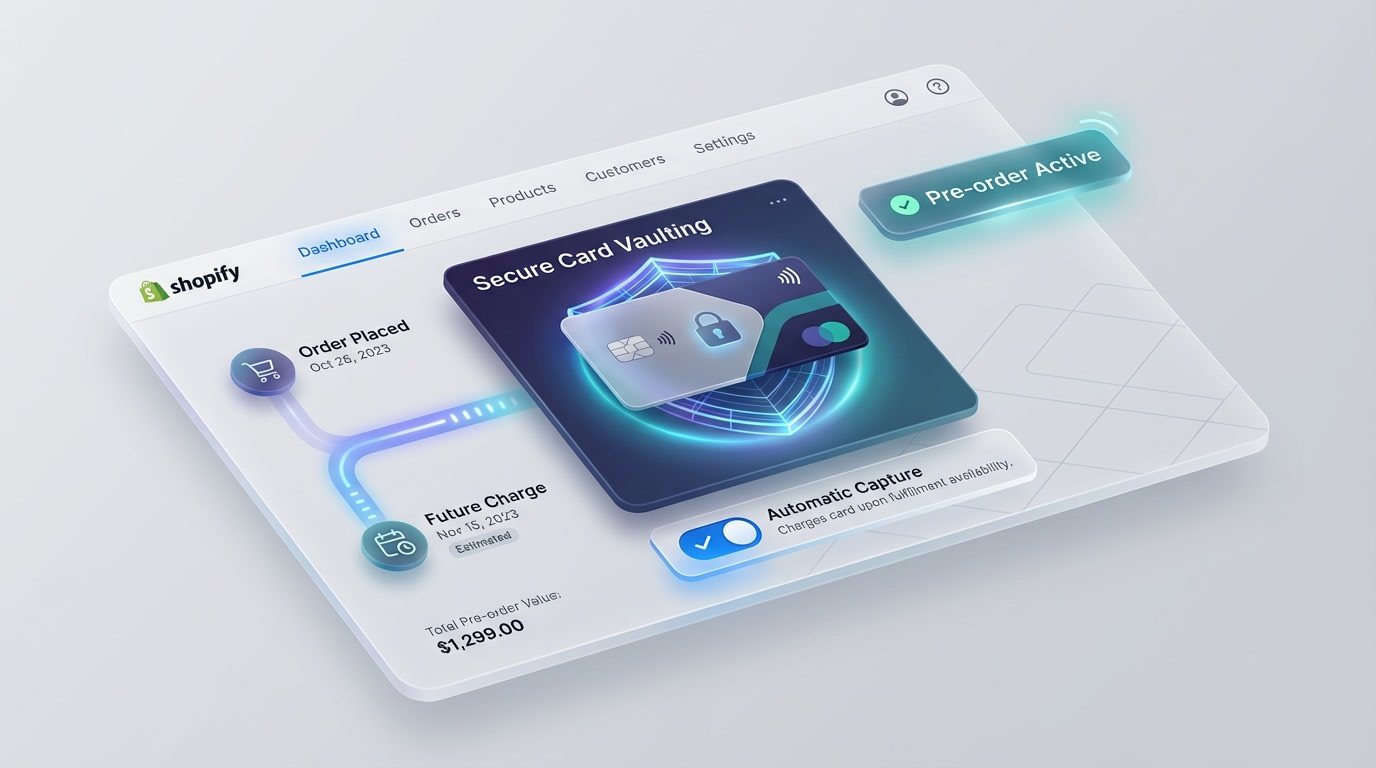
Using a dedicated app bypasses the 7-day limit by safely vaulting customer details.
For long lead times over 7 days, standard authorizations simply fail. The most secure method is using an app that utilizes Shopify's card vaulting API.
Why this matters: Vaulting allows you to safely store the payment method. You can automatically charge the customer precisely when the item is ready to ship, without requiring them to re-enter their details. Incorporate this technical setup into a complete 5-Step Preorder & Presale Strategy to Build Customer Loyalty on Shopify.
Here's how:
- Install a dedicated app: Look for trusted solutions like the Fordeer PreOrder Now app.
- Enable deferred charges: Set the payment trigger to match your exact inventory arrival date.
- Automate notifications: Send a reminder email 48 hours before capture to prevent chargebacks.
2. Utilize Partial Payments and Deposits
Instead of capturing the full amount upfront or risking an expired authorization, capture a small percentage as a deposit.
Why this matters: A deposit secures buyer commitment. It provides immediate manufacturing capital while reducing sticker shock for customers waiting weeks for delivery.
Here's how:
- Set up a deposit structure: Decide if a 20%, 50%, or flat-fee deposit makes sense for your profit margins.
- Capture the initial amount immediately: Set Shopify to automatically capture the required deposit at checkout.
- Schedule the remainder: Automate the final invoice to trigger when the item enters your fulfillment queue.
3. Automate Capture at Fulfillment with Shopify Flow
For merchants on the Advanced or Plus plans, manual button-clicking does not scale. Build custom automations to handle this seamlessly.
Why this matters: Automation removes human error. It ensures you never accidentally let an authorization expire while waiting for warehouse updates.
Here's how:
- Create a new Flow: Go to Shopify Flow and set the trigger to
Order fulfillment created. - Set the condition: Ensure the order matches specific tags like "pre-order."
- Add the action: Select
Capture Paymentto automatically process the funds exactly as the shipping label prints.
Pro Tip: Always set an alternate flow to notify your customer service team if an order remains unfulfilled for 6 days. This prevents accidental expiry.
4. Implement Manual Capture for Fraud Prevention
Sometimes collecting payment before shipping is about security rather than inventory delays.
Why this matters: Capturing a fraudulent order costs you steep chargeback fees and lost inventory. A brief 24-hour delay allows Shopify's fraud analysis tools to properly vet the transaction.
Here's how:
- Change settings: Navigate to Settings > Payments and select manual capture.
- Review high-risk tags: Wait 24 hours before capturing high-value orders.
- Void suspicious orders: If fraud analysis returns a red flag, void the authorization immediately. No capture means no chargeback fee.
5. Over-Communicate to Build Buyer Trust
If you decide to automatically capture the full payment at checkout for an item shipping in three weeks, your communication must be flawless.
Why this matters: Silence leads directly to customer anxiety. Anxiety turns into support tickets and costly chargebacks.
Here's how:
- Update product pages: Explicitly state the timeline. Write: "Your card will be charged today. Item ships in 3 weeks."
- Customize order confirmations: Edit your Shopify notification templates to reinforce this exact shipping timeline.
- Send weekly updates: Keep buyers fully in the loop about manufacturing or shipping progress.
6. Handle Expired Authorizations Gracefully
Despite your best efforts, some authorizations will expire before you can capture them. Your handling of this dictates whether you save the sale.
Why this matters: A clunky re-order process frustrates customers. You need a frictionless way to recover that payment quickly.
Here's how:
- Avoid manual re-creation: Do not ask them to go back to your website and start over.
- Send a draft order invoice: Duplicate the original order, apply necessary discounts, and email them a direct checkout link.
- Incentivize the inconvenience: Include a small discount code or free shipping upgrade in the re-authorization email as an apology.
IV. When to Choose Which Payment Strategy
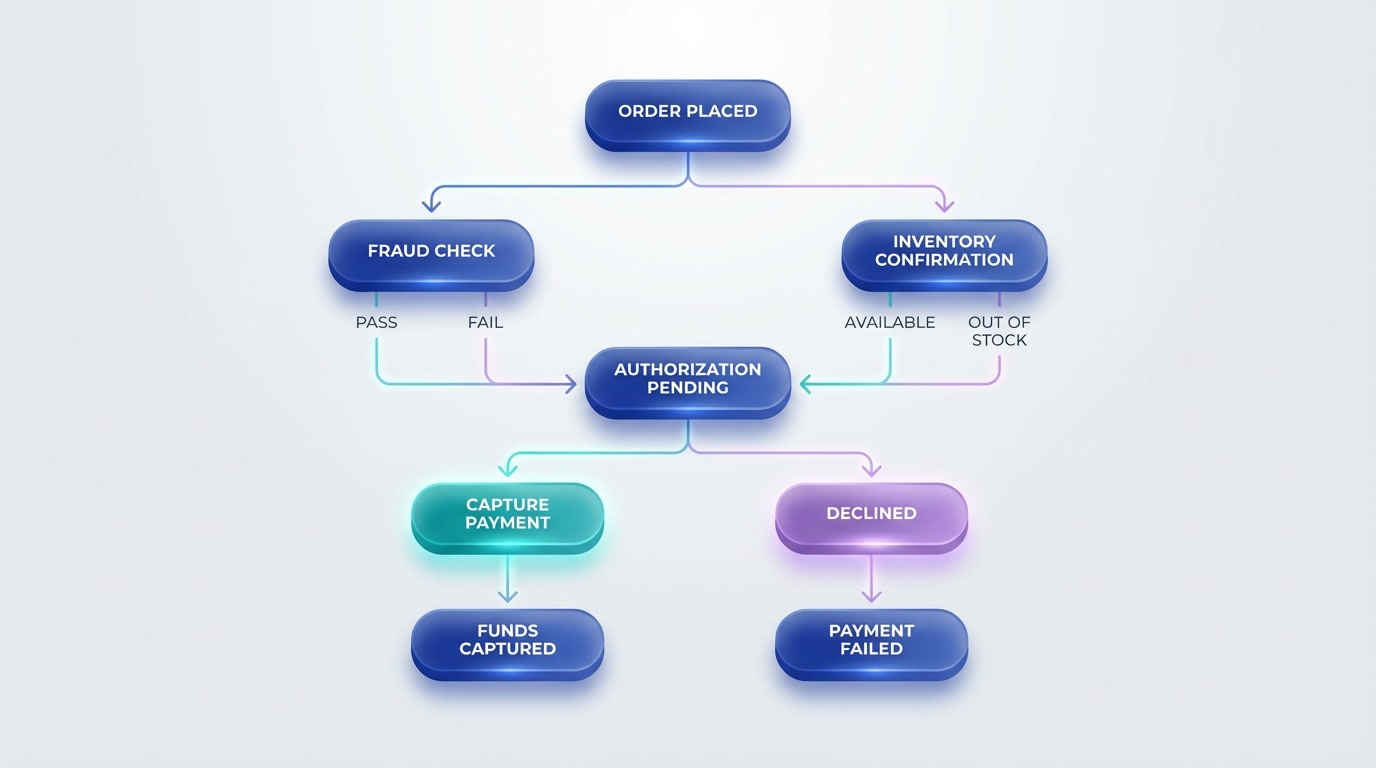
Match your payment strategy to your exact operational timeline to reduce friction.
Not all delays are created equal. Align your capture strategy with your precise fulfillment timeline:
1. Short Delays (Under 7 Days)
If you are running a slight backlog or waiting for a quick inventory restock, Automatic Capture at Checkout works perfectly. You do not risk authorization expiry. You secure immediate cash flow to pay your suppliers without heavily frustrating the buyer.
2. Standard Pre-Orders (2 to 4 Weeks)
For standard advance sales, rely on Partial Payments and Deposits. Capturing a 50% deposit upfront covers your raw material costs while keeping the customer invested. You can then use an app or automated invoice to collect the remaining balance right before generating the shipping label.
3. Long Lead Times / Custom Manufacturing (1+ Months)
If your products require extended manufacturing, you must use a pre-order app with vaulted credit cards. Trying to string along standard authorizations will fail. Demanding full upfront payment for a six-week wait will skyrocket your abandoned cart rate. Vaulting the card allows you to promise a safe "charge upon shipping" experience.
V. Conclusion
Managing exactly how and when you capture payments does not have to be a guessing game. While the authorization gap presents a real challenge for merchants selling pre-orders, understanding your gateway limits and leveraging the right automation makes the process seamless.
By matching your payment capture strategy to your fulfillment timeline, you protect your cash flow. You comply with FTC legal requirements. Most importantly, you maintain a high level of trust with your buyers. You do not have to tackle this manually. Let smart apps handle the heavy lifting while you focus on scaling your store.
Follow the Fordeer Team for more useful updates!
- Install Fordeer Apps for Free
- Get immediate assistance by chatting with us
- Join Fordeer Commerce Community for fresh app updates, expert tips, and private deals.

