

Shopify Video SEO: How to Rank Your Product Videos on Google and YouTube


You just uploaded a stunning product video to your Shopify store, expecting a boost in conversions. Instead, your Online Store Speed score tanks, and Google ignores the video in Search. It is a frustrating cycle for merchants who know video is the future but struggle with the technical baggage.
As we approach 2026, Shopify video SEO optimization is not just about slapping an MP4 onto a product page. With page load speed being a critical ranking factor, properly configuring your video content is mandatory. The debate between hosting natively versus embedding YouTube links is just the tip of the iceberg.
In this guide, we break down hosting trade-offs, reveal the hidden indexing gap most competitors miss, and provide a comprehensive checklist to optimize your store video content. Let's get your videos ranking without sacrificing performance!
I. The Shopify Video Hosting Debate: Native vs. Embeds
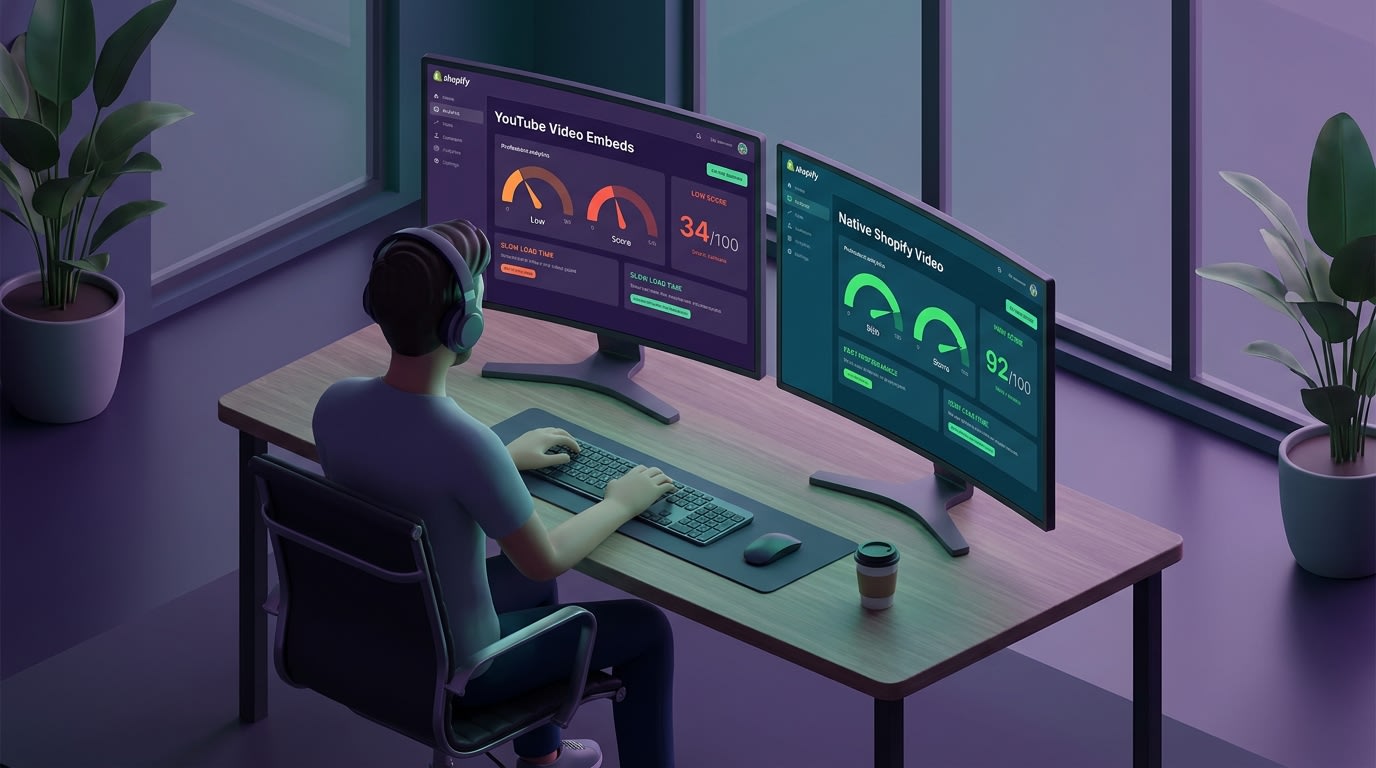
Choosing the right hosting method is the foundation of your video SEO strategy.
Choosing where your video lives dictates how search engines index it.
1. Shopify Native Files (The Speed Advantage)
Uploading an MP4 directly to Shopify Files keeps everything on your own domain. This approach wins on page speed because it prevents the browser from loading third-party tracking scripts or executing external DNS lookups. Your Largest Contentful Paint (LCP) stays low.
There is a catch. Google algorithms struggle to index native Shopify files into rich video results without extensive manual coding.
2. YouTube/Vimeo Embeds (The Reach Advantage)
YouTube is the second-largest search engine globally. Hosting there and embedding the link on your product page builds massive external SEO authority.
The downside is performance. Heavy iframes drag down Core Web Vitals. Every embedded player forces your store to download extra JavaScript. This delays your page load. Additionally, clicking a YouTube video can pull buyers away from your checkout flow into competitor recommendations.
3. The Page Speed Impact (Core Web Vitals)
According to Shopify Help Center data, adding one unoptimized video can drop your Online Store Speed score by 10 points. Balancing visual proof with strict speed optimization is the ultimate goal for 2026. Buyers want to see your product in action, but they bounce if the page takes over three seconds to load. Proper technical configuration solves this dilemma.
II. 6 Steps to Master Shopify Video SEO Optimization
This is where you bridge the gap between basic video uploads and actual search visibility. Here are the essential technical strategies you need to implement.
1. Fix the Hidden Indexing Gap with Video Schema
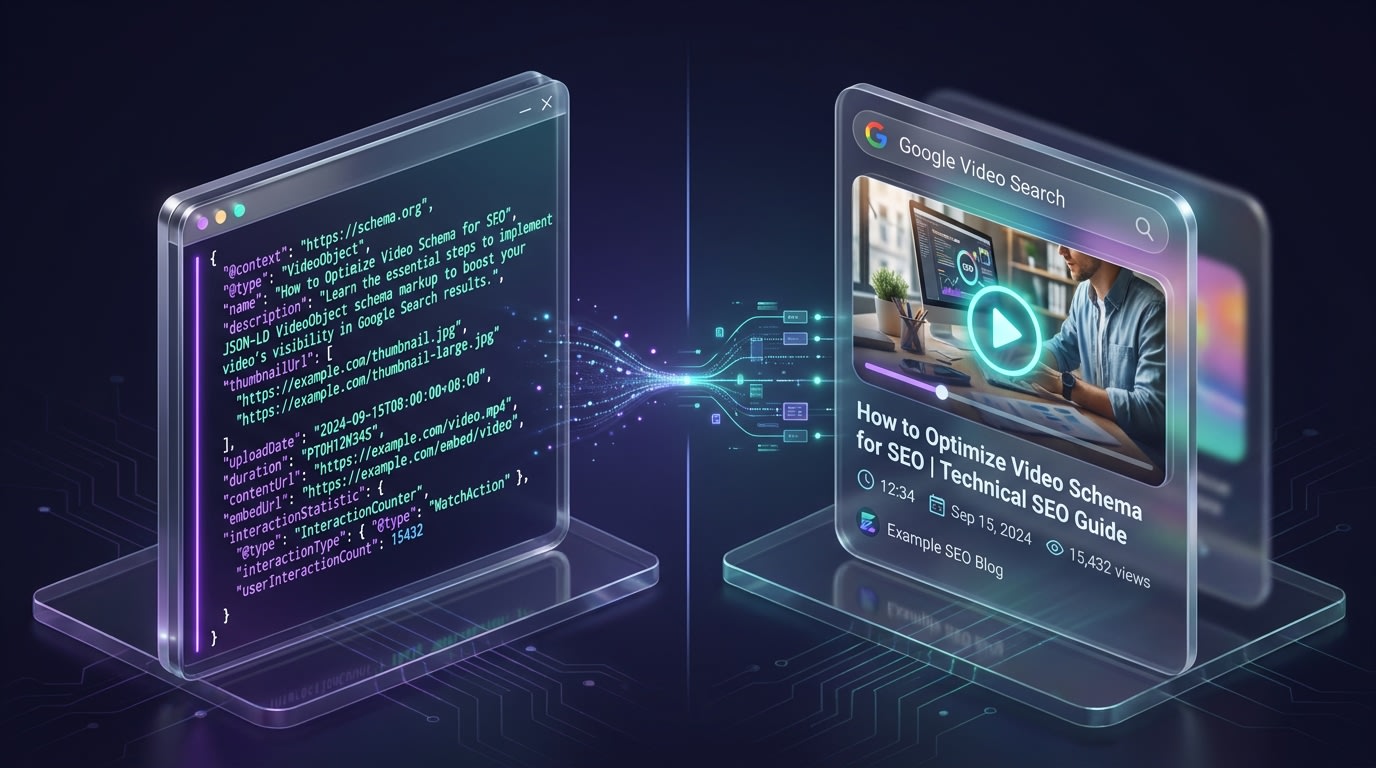
Without proper Schema markup, Google's crawlers might completely miss your product videos.
Merchants assume placing a video on a product page guarantees it will show up in Google Search.
Why this matters: Without a dedicated VideoObject Schema (JSON-LD), Google often ignores the content. This is the biggest missed opportunity in Shopify video SEO.
How to implement:
- Generate the JSON-LD: Create a data snippet that includes the video title, description, thumbnail URL, and upload date.
- Inject into Liquid Files: Paste this code into your product.liquid or theme.liquid files where the video appears.
- Automate the process: If manual coding sounds risky, third-party apps automatically inject this schema. This ensures instant eligibility.
2. Compress Videos for Maximum Speed (WebM vs. MP4)
Raw video files are the enemy of your Core Web Vitals.
Why this matters: Heavy files increase your Largest Contentful Paint time. This leads to higher bounce rates and lower rankings.
How to implement:
- Convert to WebM: While MP4 is standard, the WebM format offers superior compression with minimal quality loss specifically for web browsers.
- Cap file sizes: Keep background videos under 10MB and product explainer videos under 20MB.
- Remove audio from background loops: If the video plays automatically in a hero section, strip the audio track entirely. This saves massive amounts of data.
3. Implement Lazy Loading Attributes
Do not force browsers to download a video they have not scrolled down to see.
Why this matters: Loading all media assets immediately upon page load will destroy your Shopify speed score.
How to implement:
- Use the lazy loading tag: Ensure your video HTML or iframe embeds include the essential loading attribute.
- Implement a placeholder image: Show a lightweight, compressed WebP thumbnail first. Only load the heavy video player when the user clicks play.
- Delay third-party scripts: If using external hosts, use a facade script that loads the heavy player only upon user interaction.
Pro Tip: Using a facade for embedded videos can improve your page load speed by up to 3 seconds. That is a massive win for mobile SEO.
4. Optimize File Names and Alt Text
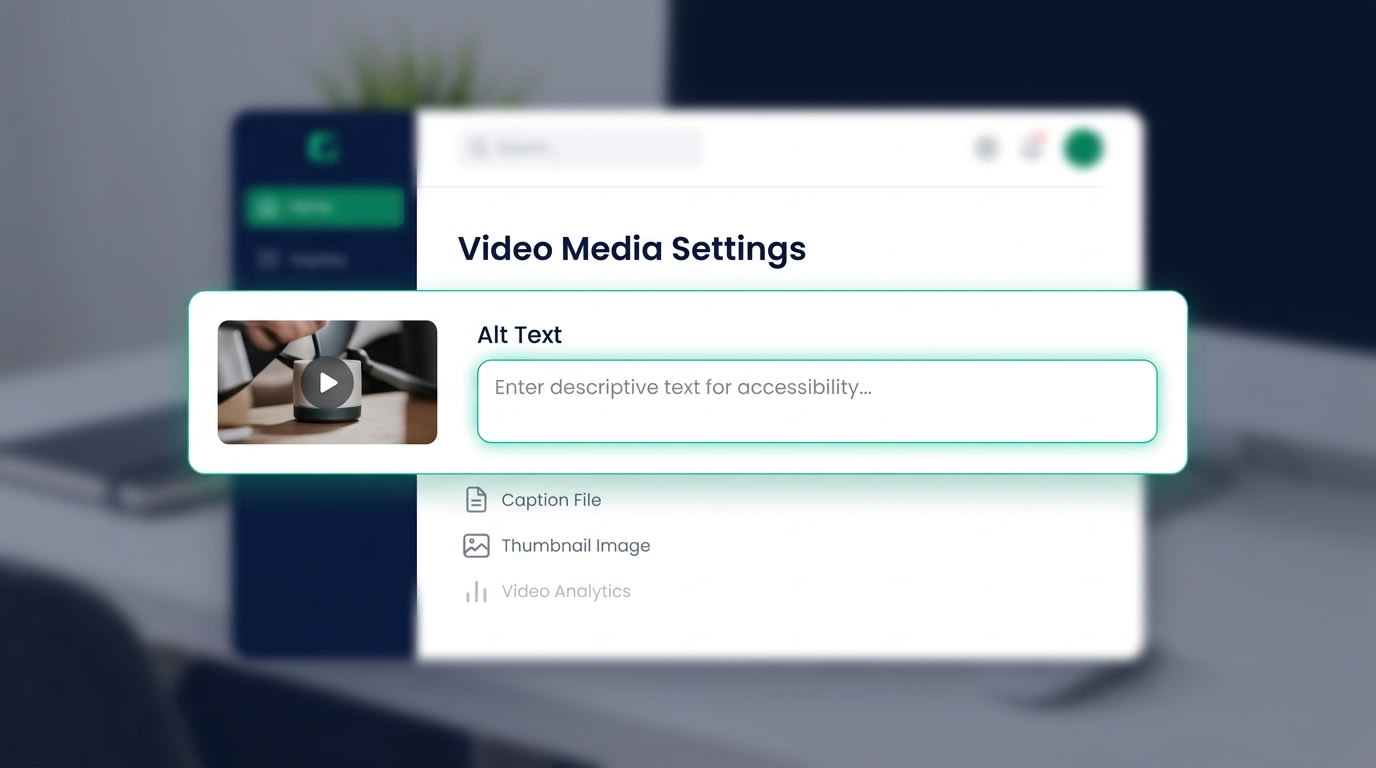
Basic file hygiene is still a major ranking factor for multimedia content.
Search engines cannot watch videos. They read the text surrounding them.
Why this matters: Uploading a file named finalv2edit.mp4 tells Google absolutely nothing about your product.
How to implement:
- Rename before uploading: Use descriptive, keyword-rich names like minimalist-leather-wallet-demo.mp4.
- Fill out Alt Text: Describe the video accurately for screen readers to meet W3C Accessibility Standards.
- Surround with context: Ensure the text immediately around the video relates directly to the content. Just like mastering Shopify Checkout Page Optimization for Higher Conversions, small details in your product page text make a huge difference in buyer trust.
5. Leverage Video Transcripts for Accessibility
Transcripts are a fantastic two-birds-one-stone SEO tactic.
Why this matters: They make your store accessible to hearing-impaired users while feeding search engines hundreds of highly relevant, contextual keywords.
How to implement:
- Extract the text: Use a free transcription tool to pull the spoken words from your product video.
- Format as an accordion: Place the transcript below the video in a collapsible toggle. It does not clutter the user experience but remains readable by search bots.
- Highlight features: Bold key product features within the transcript to signal importance to crawlers.
6. Integrate Shoppable UGC Videos
User-Generated Content (UGC) is dominating search intent right now.
Why this matters: Buyers actively search for product reviews or unboxing experiences. Hosting optimized UGC videos directly on your store captures this mid-funnel search intent.
How to implement:
- Curate social proof: Download high-performing TikToks or Reels from your top affiliates.
- Make it shoppable: Use interactive tags that link directly to the checkout page. If you want a deep dive into driving sales, read The Complete Guide to Increase Shopify Conversion Rates.
- Automate the optimization: Instead of manual uploads, an app like ReelPik automatically handles the compression, lazy-loading, and formatting of shoppable video feeds without slowing down your store.
III. Future-Proofing Your Video Strategy for 2026

Adapting to AI search is the next frontier for Shopify merchants.
The landscape of search is changing rapidly. What works today will be table stakes tomorrow. Here is how to stay ahead of the curve.
1. Adapting to AI Search (SGE) and Visual Proof
Google Search Generative Experience (SGE) is fundamentally changing how results appear. This AI-driven engine prioritizes rich media over plain text blocks. Algorithms now heavily weight visual proof. Showing the product in action directly answers complex user queries faster than text alone. Having a robust video SEO strategy is no longer a luxury. It is an absolute necessity if you want to appear in AI-generated overviews and maintain your competitive edge.
2. Maintaining a Dedicated Video XML Sitemap
A standard Shopify sitemap lists your pages and products. A dedicated Video Sitemap is entirely different. Submitting a separate video sitemap via Google Search Console forces crawlers to index your visual content faster. Maintaining this manually is incredibly tedious. Instead, leverage automated tools that ping Google Search Central the moment a new video goes live on your store. This guarantees your fresh content ranks before competitors even realize you launched it.
IV. Conclusion
Mastering Shopify video SEO optimization does not mean choosing between stunning visuals and fast page speeds. By injecting proper JSON-LD Schema and compressing your files, you can dominate the search results.
Your store performance is paramount. Start small by updating your file names and implementing lazy loading. As your store grows, leverage automated tools to handle schema and compression. You have got this! Every optimized file brings you one step closer to higher rankings and more sales.
Follow the Fordeer Team for more useful updates!
- Install Fordeer Apps for Free
- Get immediate assistance by chatting with us
- Join Fordeer Commerce Community for fresh app updates, expert tips, and private deals.

