

UGC for Shopify Product Launches: How to Create Content Before You Have Fans


You've spent months perfecting a new product, dialing in your ad creative, and setting up the perfect landing page. On launch day, conversion rates fall flat. Why? You are facing the dreaded cold start problem. You are asking buyers to trust a product with zero social proof.
Most merchants treat social proof as something to worry about after they make sales. In 2026, building a system for Shopify UGC for product launch is not optional. It is the engine that dictates your launch momentum. Buyers want to see real people using your product before they pull out their credit cards.
In this article, we will break down the Launch Velocity Multiplier. We will show you a 30-day pre-launch seeding calendar and cover exact strategies to source, clear, and display authentic shoppable video content without slowing down your site.
Let's get started.
I. Overview of the UGC Launch Velocity Multiplier
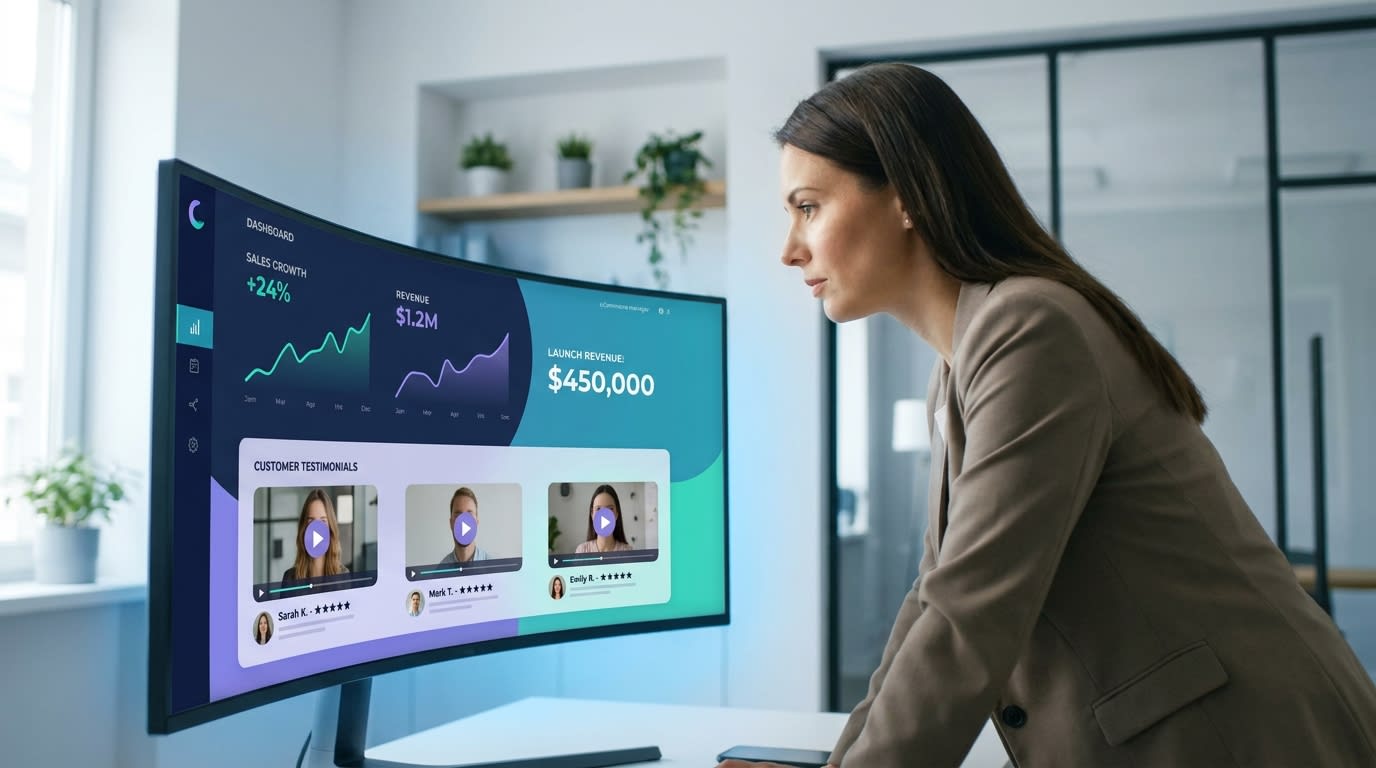
Treating UGC as an active launch asset changes the trajectory of your sales.
1. Solving the Cold Start Dilemma
Launching a blank product page with no reviews or videos creates immediate hesitation. High-quality studio photography is no longer enough to convert modern shoppers. Customers crave authenticity and real-world application. Seeing peer validation on day one has a massive psychological impact. It instantly builds the baseline trust needed to drive that first critical wave of sales.
2. The Launch Flywheel Effect
A successful launch relies on a continuous momentum loop. Pre-seeded UGC drives day-one sales. Those early sales trigger rapid 48-hour post-purchase email flows. Finally, these new buyers generate even more UGC to fuel your ongoing campaigns. Syncing your review requests with your email and SMS tools immediately post-purchase is a game changer for keeping this flywheel spinning indefinitely.
3. The ROI of Day-One Social Proof
Data shows that featuring UGC on a product page increases conversion rates by up to 3.2%. For new brands, this represents a massive financial advantage. Using authentic user content strategies can slash your professional content costs by up to 90%. This directly lowers your customer acquisition costs (CAC) during expensive paid ad launches, giving you more budget to scale.
II. The 30-Day Pre-Launch UGC Calendar
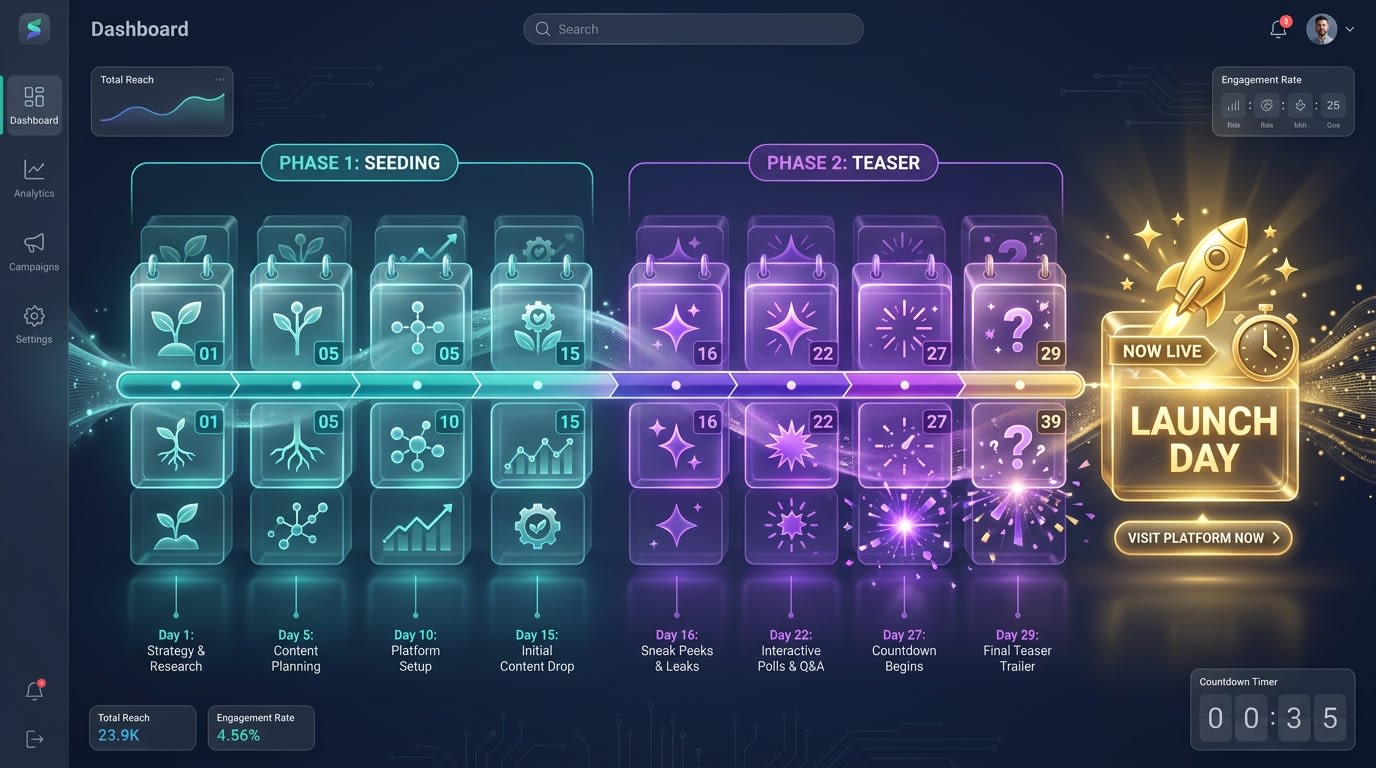
A strategic pre-launch calendar ensures you have shoppable content ready for launch day.
The best time to get UGC is before your product is even publicly available. A clear timeline keeps your launch organized and ensures you never face the zero-review hurdle.
Day -30 to -15 (The Seeding Phase):
Send early production samples to 15-20 highly engaged existing customers, beta testers, or micro-influencers. The goal here is not broad reach or viral views. You want to capture raw, authentic unboxing experiences and honest feedback videos before the public sees the item.
Day -14 to -1 (The Teaser Phase):
Begin publishing the collected videos on your brand's TikTok and Instagram Stories. Build hype by showing real people testing the secret new product in their daily lives. Use these teaser videos to drive traffic directly to an email capture landing page to build your launch list.
Day 0 (Launch Day):
Go live with your Shopify product page. Ensure it is fully populated with a shoppable video widget featuring the seeded content. Simultaneously, launch your paid social ads using the best-performing teaser videos as your primary creatives.
Day +1 to +5 (The Automation Phase):
Activate aggressive early-buyer review requests immediately. Offer significant incentives like 30% off their next order for video submissions within the first 48 hours of delivery. This rapid collection keeps fresh content flowing into your ecosystem.
III. 6 Strategies to Weaponize Launch UGC
Execution separates a decent launch from a record-breaking one. These practical implementation tips will help you maximize your launch momentum and drive immediate revenue.
1. Build a Shoppable Video Product Page
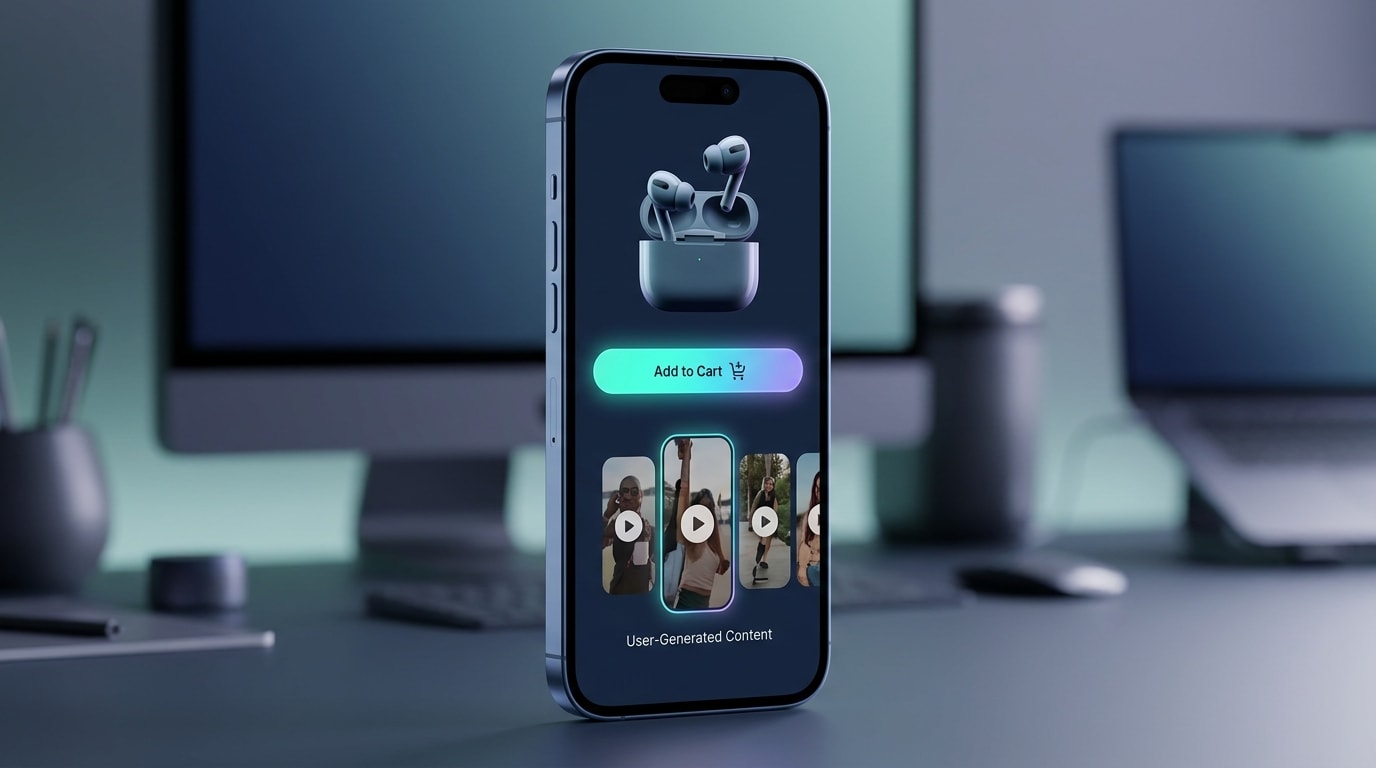
Shoppable video galleries let customers buy directly from user content.
Customers do not want to read blocks of text to understand a new product. They want to see it in action. Vertical video feels native to mobile shoppers, dramatically boosts time-on-page, and directly lifts conversion rates by keeping users engaged longer.
How to implement:
- Use the right format: Curate vertical videos directly from your pre-launch seeding phase.
- Embed smartly: Embed a TikTok-style video gallery directly below the fold so it is highly visible.
- Tag the products: Ensure the specific launch variant is tagged in the video so users can click to buy without scrolling back up.
Replacing static image galleries with interactive video feeds creates a much stronger buying impulse. For a deeper dive into building these high-converting visual galleries, check out The Complete Guide to User-Generated Content for eCommerce.
2. Automate the First 48-Hour Feedback Loop
The biggest mistake merchants make is waiting 30 days to ask for a review. For a new launch, velocity is everything. You need fresh content flowing into your ads and product pages immediately to sustain the initial momentum.
How to implement:
- Trigger on delivery: Set your post-purchase email flows to trigger exactly 24 to 48 hours after the carrier marks the item as delivered.
- Focus on unboxing: Ask specifically for unboxing videos or initial reaction content. This requires far less effort from the buyer than a long-term, detailed review.
- Incentivize heavily: Offer higher-than-usual incentives for video uploads during this critical period, such as a free gift or a deep discount.
Speeding up your feedback loop is a proven way to increase your Shopify conversion rates from day one.
3. Repurpose Customer Stories for Retargeting Ads
Launch campaigns are expensive, and professional ad creatives burn out quickly when you are aggressively targeting your audience. Rotating authentic customer content into your middle-of-funnel retargeting ads lowers your costs and beats ad fatigue.
How to implement:
- Look at which customer videos are getting the most watch-time on your store's video galleries.
- Take the first 3 seconds of an enthusiastic customer reaction and put it at the very start of your ad to serve as a strong hook.
- Use videos where customers specifically mention overcoming a common doubt they had about the new product.
Pro Tip: Do not overly edit these videos for your ads. The native text styling and raw audio often convert better than polished agency edits.
4. Leverage Influencer Whitelisting for Scale
When you partner with creators for pre-launch content, do not just post it on your brand's feed. Running ads through the creator's handle adds massive credibility to a brand-new product because it feels like a genuine recommendation from a friend.
How to implement:
- Negotiate upfront: Include 30-day ad whitelisting rights in your initial product seeding contracts with every creator.
- Use Meta Ads Manager: Request partner access to run Spark Ads on TikTok or Partnership Ads on Instagram directly through their profiles. This setup blends seamlessly into user feeds.
- Target their lookalikes: Use the creator's engaged audience as a seed audience to find new buyers who match the exact profile of your ideal launch customer.
5. Supplement with AI-Generated Content Strategically
If you have an incredibly tight budget and absolutely cannot get early seeding videos, AI offers a solid fallback plan. It helps slash content production costs while still providing necessary movement and context to your product pages.
How to implement:
- Use for B-roll: Utilize AI tools to generate lifestyle backgrounds or product-in-use B-roll for your launch teaser videos.
- Never fake testimonials: Only use AI for aesthetic visuals. Never use it to generate fake human reviews or deceptive voiceovers.
- Phase it out: Treat AI content as a temporary placeholder. The moment real customer videos start arriving post-launch, rotate the synthetic content out of your active galleries immediately.
6. Track Launch-Specific Video KPIs
You cannot scale what you do not measure. During a launch, your standard metrics need a video-specific overlay so you know exactly what is driving revenue. Knowing which piece of UGC performs best allows you to double down your ad spend efficiently.
How to implement:
- Monitor RPV: Track Revenue Per Visitor specifically for users who interact with your shoppable video widgets versus those who do not.
- Watch engagement rates: Look at the drop-off points in your on-site videos. Cut the video down if everyone stops watching at the 5-second mark.
- Track attribution: Ensure your post-purchase surveys include a "Where did you hear about us?" question specifically mentioning social media videos. This clarifies your true return on ad spend.
IV. Essential Technical & Legal Considerations
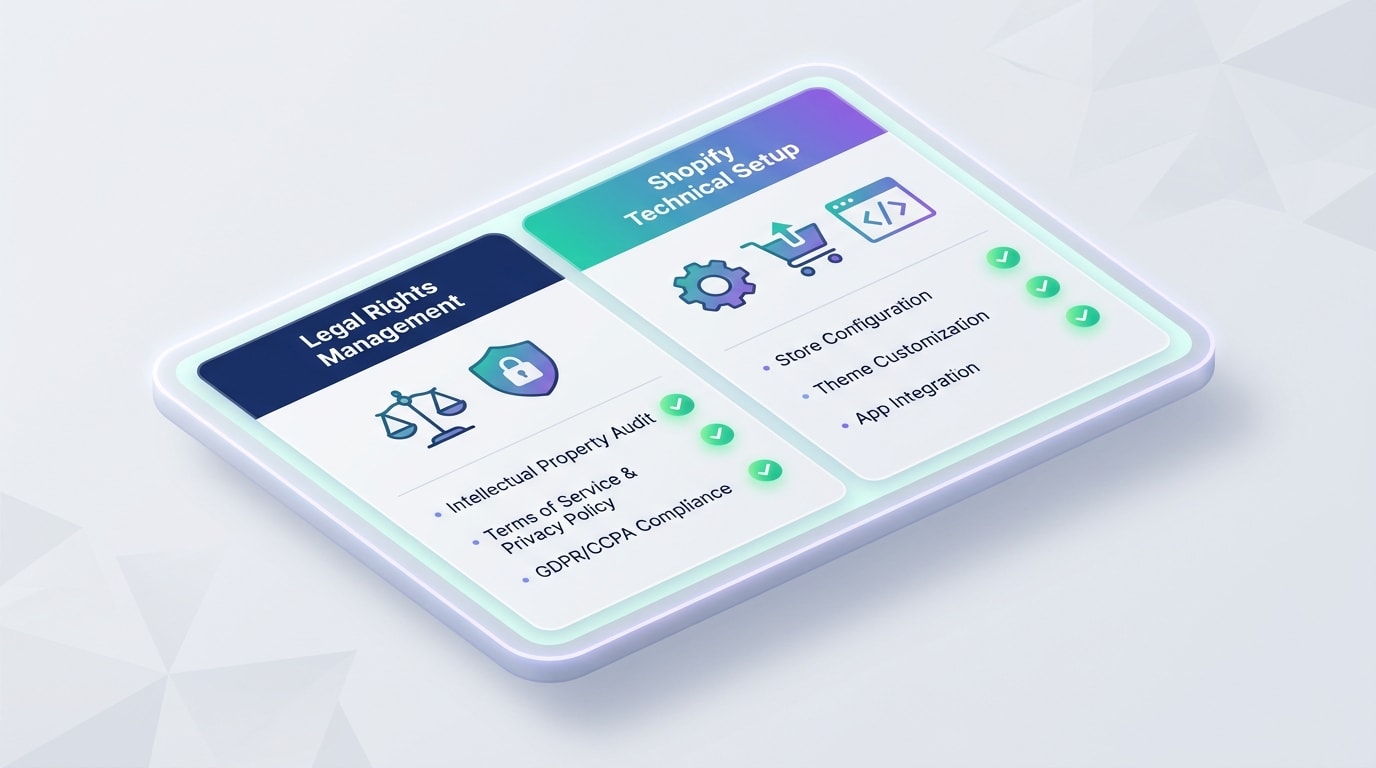
A great strategy falls apart without proper legal clearance and technical execution.
1. Navigating Usage Rights Management
Nothing derails a product launch faster than a legal dispute over an advertisement. Using a customer's Instagram story in your paid launch ads without explicit permission is a major financial and reputational risk.
How to protect your brand:
- Get explicit consent: Never assume a tag gives you commercial rights. Reach out via direct message and ask for explicit permission to use their content in marketing and advertising materials.
- Use collection tools: Utilize review platforms that automatically send a Terms & Conditions link when a user submits a video to your store.
- Organize your library: Keep a secure folder of screenshots confirming approval for every piece of content you run in Meta or TikTok ads.
2. Shopify 2.0 App Blocks vs. Liquid Code
Merchants often worry that adding video widgets will tank their site speed right when heavy launch traffic hits. Slow sites kill conversions instantly.
Technical best practices:
- Use App Blocks: If you are on a modern Shopify 2.0 theme, always use App Blocks to install video tools rather than injecting raw Liquid code. It is safer, easier to remove, and loads much more efficiently.
- Insist on Lazy-Loading: Ensure your video app uses lazy loading. This means the heavy video files only load when the customer scrolls down to them, preserving your crucial top-of-page load times.
V. Conclusion
So there you go—treating Shopify UGC for product launch as an active, Day-One necessity changes the entire dynamic of your sales. You do not have to tackle everything at once. Securing just 5 to 10 authentic videos before you go live can completely eliminate the cold start problem and build immediate trust with your audience.
Start your product seeding early, set up your shoppable video galleries, and let your customers do the selling for you. You've built a great product. Now let the world prove it!
Follow the Fordeer Team for more useful updates!
- Install Fordeer Apps for Free
- Get immediate assistance by chatting with us
- Join Fordeer Commerce Community for fresh app updates, expert tips, and private deals.

