

How to Handle Returns and Refunds for Shopify Pre-Orders


If you sell items before they are manufactured, you know the dread of the 60-day mark. That is exactly when customer support tickets peak, buyer's remorse sets in, and requests for refunds start flooding your inbox. Managing long lead times is tough. Processing those requests improperly can actually damage your merchant account.
Standard inventory practices simply do not apply when a customer has to wait two to four months for delivery. Figuring out how to handle preorder returns shopify style requires navigating payment capture windows and understanding reverse logistics. It also means knowing the critical difference between a simple cancellation and a physical return.
In this guide, we break down the exact operational steps to process pre-order returns effectively. You will learn how to design a bulletproof return policy and navigate Shopify's technical constraints safely. Let's get started.
I. Overview of Pre-Order Return Realities
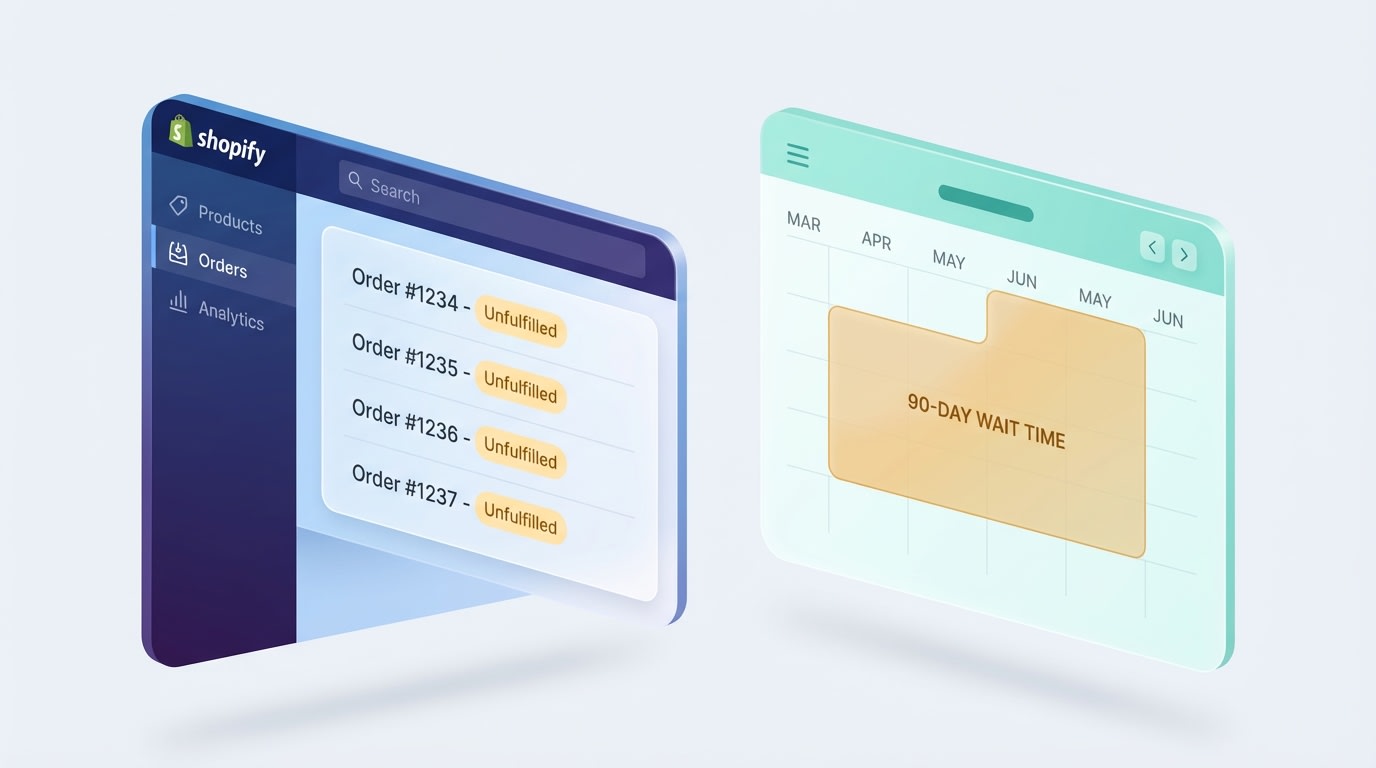
Pre-orders require entirely different inventory and timeline management than standard fulfillment
Standard fulfillment rules break down during pre-sales. Here is why managing these orders requires a completely different operational approach.
1. The Wait-Time Loophole
The gap between payment and delivery creates a major operational loophole. Standard 30-day return policies fail for pre-orders because the window often expires before the product is even manufactured. This leads to intense customer frustration. It also results in costly chargebacks if your communication drops during the long waiting period.
2. Pre-Shipment Cancellation vs. Return
You must separate these terms in your daily operations. A technical cancellation happens before the item ships. Reverse logistics only occurs when a physical item travels back to your warehouse. Canceling unfulfilled pre-orders incorrectly causes major inventory sync issues in your Order Management System.
3. Payment Capture Windows
Shopify Help Center guidelines state that authorized payment limits vary by gateway. If a capture window expires on a 90-day wait, you are forced into manual refunds. Processing refunds via PayPal or Stripe on older orders introduces strict technical constraints that standard setups simply cannot handle.
II. Essential Elements of a Pre-Sale Return Policy
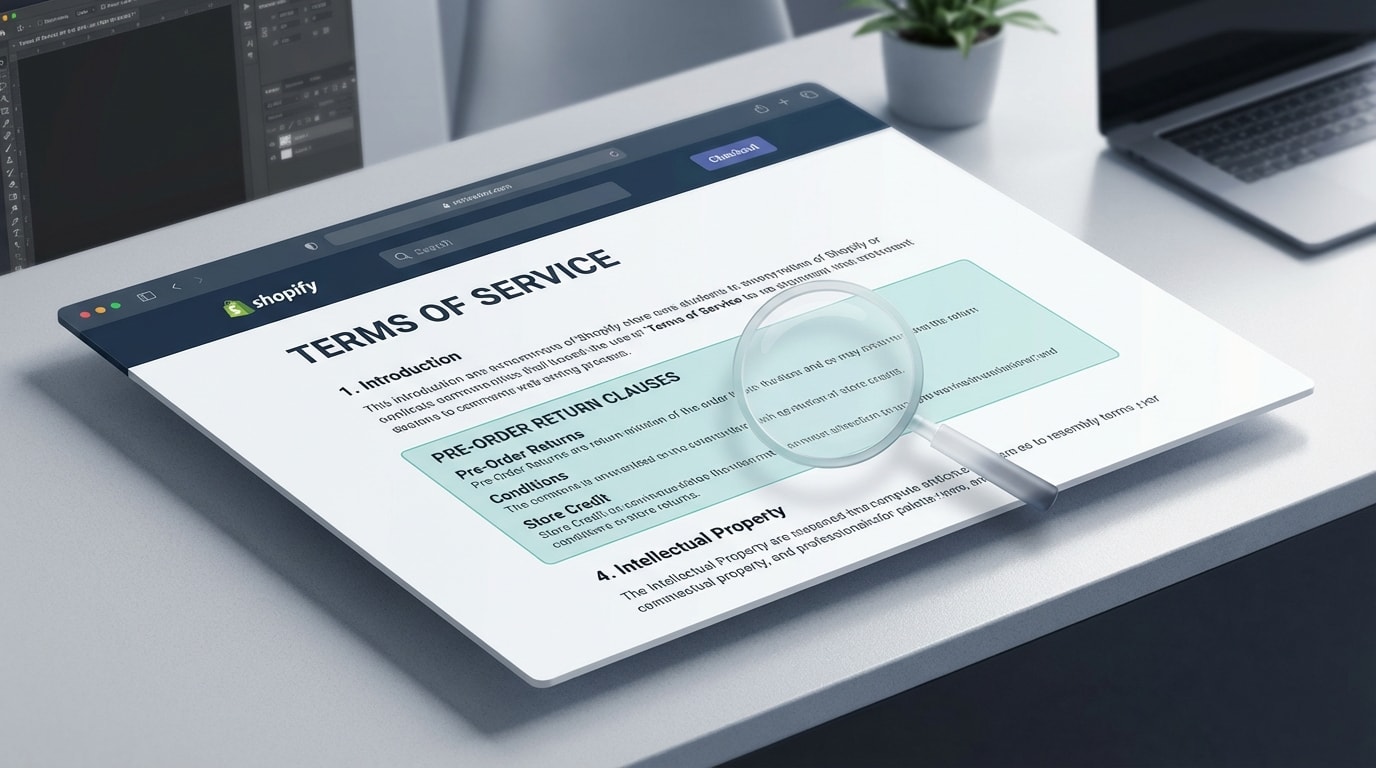
Your standard return policy template must be updated to reflect long lead times
To protect your business from costly disputes, your store needs a bifurcated policy. Standard rules apply to regular stock. Pre-sales need their own specific Terms of Service parameters.
- The Delivery-Based Window: The industry standard 30-day return window must explicitly start upon delivery, not at the time of purchase. This single change builds immediate customer trust.
- Non-Refundable Deposits: If you use partial payment apps, outline exactly what percentage of the deposit is kept. This covers production costs if the buyer cancels early.
- Restocking Fees for Late Cancellations: Clearly define restocking fees applied if a customer attempts to cancel while the item is already in transit to them.
- Split Shipping Rules: Clarify refund procedures for mixed carts. Detail what happens when a standard item shipped immediately, but the pre-order item is canceled.
- Clear Defect Protocols: Outline how to handle exchanges for highly anticipated items that arrive damaged. This is vital when no backup inventory exists.
III. 6 Strategies to Handle Pre-Order Returns Professionally
Here is exactly how to execute these specific returns inside your Shopify Admin while keeping your inventory and customer satisfaction intact.
1. Master the Unfulfilled Cancellation Process
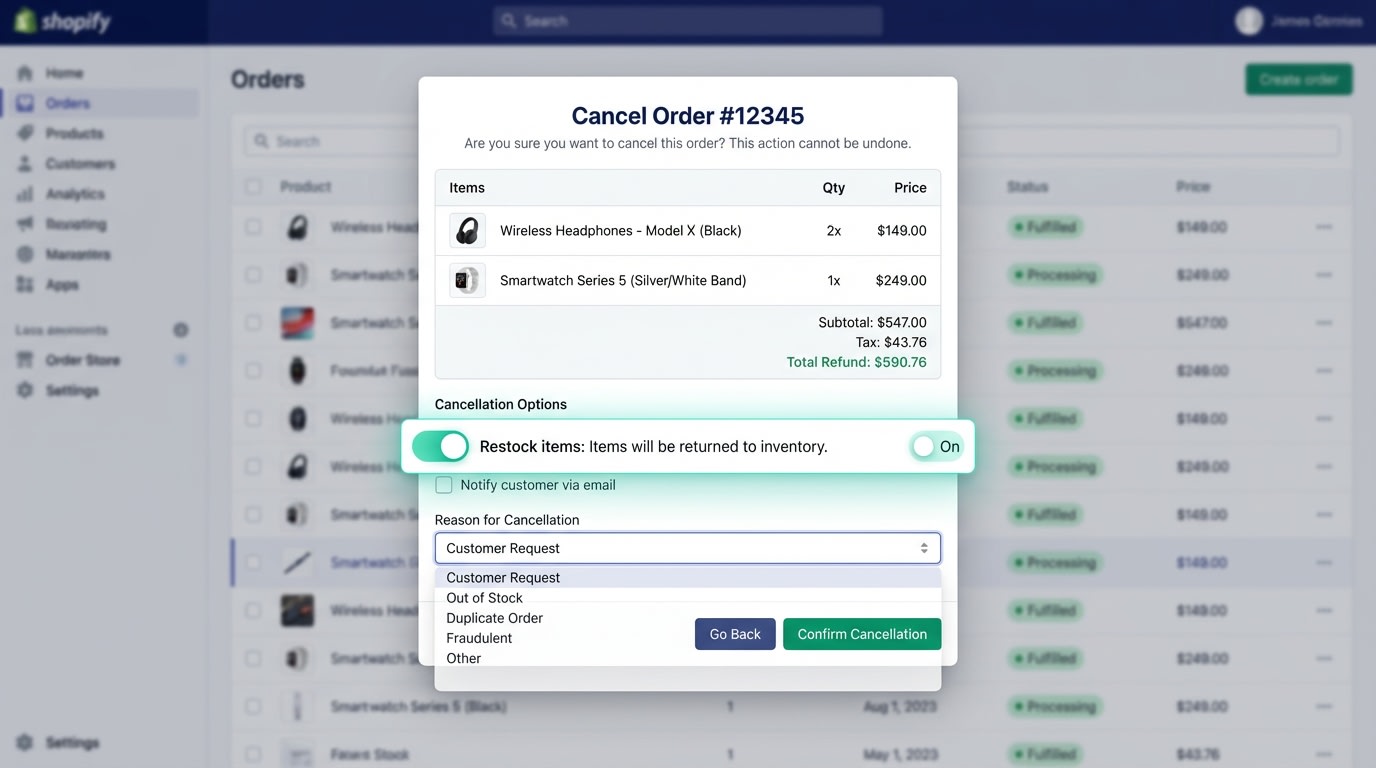
Always verify your restock toggles when cancelling an item that hasn't been manufactured yet
If a customer requests a refund before the item ships, you are technically performing a cancellation.
Why this matters: Improper cancellations will mess up your future inventory counts. It tricks your store into thinking you have stock you never actually produced.
How to implement:
- Locate the order: Find the unfulfilled order in your Shopify Admin.
- Select Cancel Order: From the More Actions dropdown, select Cancel.
- Manage the Restock Toggle: Only check "Restock items" if the manufacturer is still producing the item and you intend to sell it to someone else. If production was halted, uncheck it.
2. Navigate Expired Payment Windows
Because pre-orders involve long waits, original payment authorizations often expire by the time a refund is requested.
Why this matters: You cannot always just click "Refund" in Shopify if the transaction is older than 60 days.
How to implement:
- Check Gateway Limits: Review the original transaction details to see if the refund window has closed.
- Use Store Credit: Offer a generous gift card or store credit via Shopify Admin first to retain the revenue.
- Manual Payouts: If a cash refund is legally required, process it manually via PayPal or direct wire. Mark the order as manually refunded in Shopify to close the loop safely.
3. Handle Continue Selling When Out of Stock Complexities
Many merchants run basic pre-orders by checking the "Continue selling when out of stock" box in Shopify. For a broader approach to maximizing anticipation and managing these orders effectively, you can review these strategies for Boosting Pre-Order and Pre-Sale Success: Strategies to Drive Anticipation and Increase Sales.
Why this matters: When a returned item arrives back at your warehouse, Shopify might automatically fulfill an open backorder before you verify the item's condition.
How to implement:
- Isolate Returns: Create a separate manual location in Shopify for quarantine.
- Inspect First: Receive the physical return into this specific quarantine location.
- Transfer Inventory: Only transfer the stock to your main fulfillment location once quality control is passed.
Pro Tip: Never receive a high-value pre-order return directly into your active fulfillment location. This prevents sending damaged goods to the next buyer in line.
4. Issue Strategic Partial Refunds
Sometimes customers are upset about production delays but still want the product. A full cancellation is not your only option. Implementing a robust 5-Step Preorder & Presale Strategy to Build Customer Loyalty on Shopify helps reduce these frustrations from the start by setting clear expectations.
Why this matters: A partial refund acts as a strategic save tactic. It preserves the bulk of the sale while appeasing a frustrated buyer during long delays.
How to implement:
- Assess the Delay: If production is delayed by more than 30 days, proactively offer a 10% or 15% discount.
- Execute the Refund: Go to the order, select Refund, change item quantities to 0, and manually enter the discount amount.
- Leave a Note: Document the exact reason for the partial refund on the order timeline to prevent future double-refund claims.
5. Generate Secure Return Labels for High-Value Goods
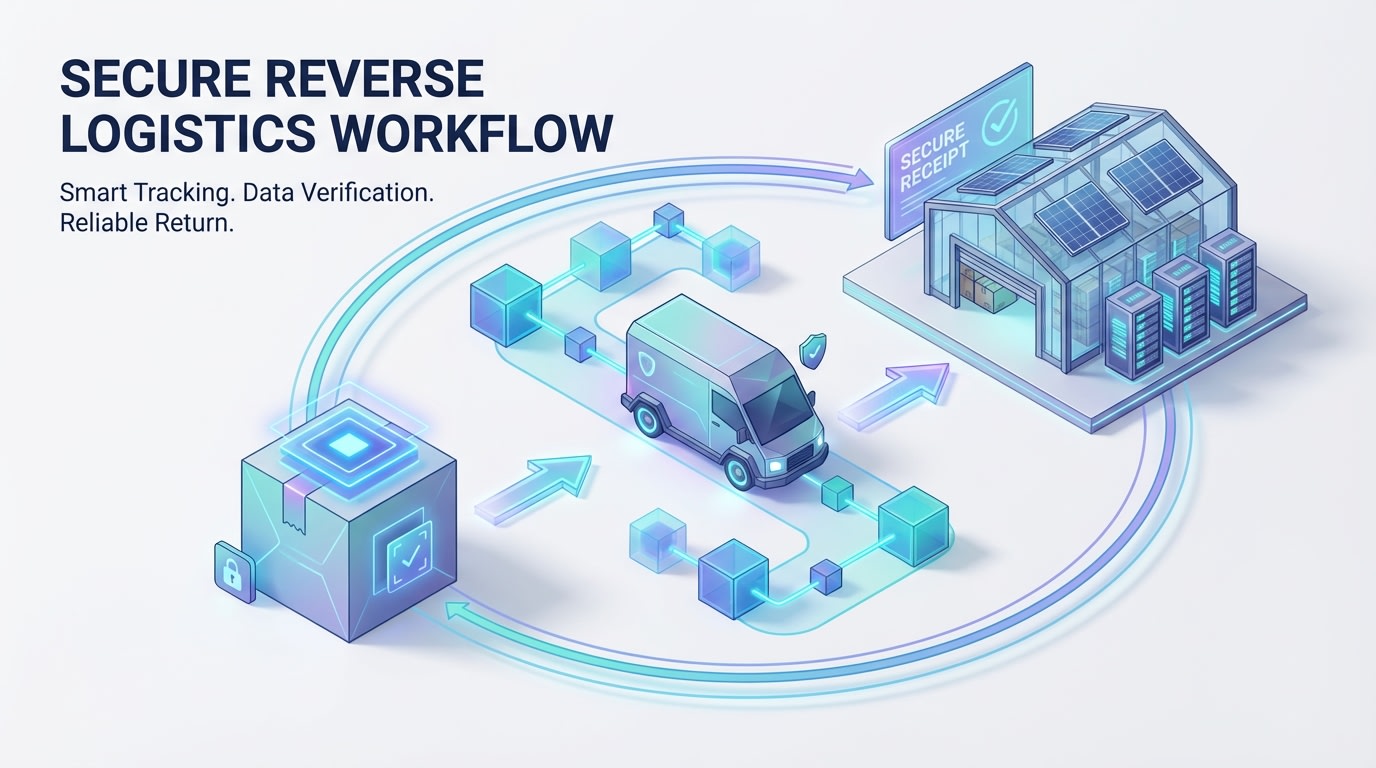
Tracked return labels are non-negotiable for expensive pre-sale items
Pre-orders are often premium items. You cannot rely on customers buying their own postage to send things back safely.
Why this matters: If a customer uses cheap, untracked shipping for a return and it gets lost, Shopify chargeback mediation will generally side with the customer.
How to implement:
- Generate In-House: Use Shopify Shipping or your fulfillment app to generate a tracked return label.
- Deduct Costs: Clearly communicate if the label cost will be deducted from their final refund.
- Set Expirations: Advise the customer the label must be scanned by the carrier within 14 days.
6. Process Non-Refundable Deposit Adjustments
If you collected a 50% deposit to fund manufacturing, returning the remaining balance requires careful Shopify Admin management.
Why this matters: Accidentally refunding the entire order, including the non-refundable deposit, destroys your margin and cash flow.
How to implement:
- Check the Original Terms: Verify the customer agreed to the non-refundable clause at checkout.
- Calculate the Balance: Ensure you are only refunding the secondary payment capture, not the initial deposit authorization.
- Communicate Clearly: Send a manual email explaining the math before hitting process. Partial numbers often confuse buyers and lead to instant disputes.
IV. Manual Processing vs. Automated Apps
Managing one or two pre-order cancellations a month through the Shopify Admin is doable. What happens when you scale?
1. The Limits of Native Shopify Admin
Manual processing is free but highly prone to human error. Clicking the wrong restock toggle or missing a payment capture deadline causes massive inventory headaches. Native Shopify also forces customers to email you directly to initiate the complex pre-order return process, which strains your support team.
2. Leveraging Self-Serve Return Portals
Tools like Loop Returns or Returnly automate the reverse logistics side once an item is shipped. However, they are often built for standard stock. If you use them, you must customize the portal's rules engine to recognize the fulfillment date rather than the purchase date. This ensures customers are not blocked from returning a pre-order that took three months to arrive.
3. Dedicated Pre-Order Applications
Using a dedicated app like Fordeer: PreOrder Now entirely changes the dynamic. Dedicated apps help you manage frontend expectations, clear up deposit structures, and sync seamlessly with your inventory. When the customer journey is transparent from day one, return rates naturally plummet because buyers know exactly what they signed up for.
V. Conclusion
So there you go. Handling pre-order returns does not have to be a logistical nightmare. By updating your return policies to reflect delivery dates, mastering Shopify's cancellation toggles, and separating unfulfilled cancellations from physical returns, you can protect your cash flow and keep buyers happy during long wait times.
You do not have to tackle everything at once. Start by updating your store's terms of service today, and then consider automating your workflows as your pre-sale volume grows.
Follow the Fordeer Team for more useful updates!
- Install Fordeer Apps for Free
- Get immediate assistance by chatting with us
- Join Fordeer Commerce Community for fresh app updates, expert tips, and private deals.

