

Shopify Video Gallery on Your Homepage: What to Show and How to Set It Up

Videos can increase conversion rates by up to 80%. But if your strategy involves embedding a massive, autoplaying YouTube playlist directly on your storefront, you are likely losing sales before the page even loads. Shoppers want to see your products in action. They won't wait around for a clunky, lagging site with third-party branding distracting them from your checkout.
Building a high-performing shopify video gallery homepage requires balancing stunning social proof with Core Web Vitals. Specifically, your Largest Contentful Paint (LCP). As a MOFU (Middle of Funnel) merchant, you need viewers to turn into buyers smoothly. You must avoid getting tangled in Custom Liquid code or hitting browser ad interventions.
In this guide, we break down Shopify's native video limits, deliver five proven strategies for a shoppable gallery, and show you exactly how to bypass mobile roadblocks. Let's get started!
I. Overview of Shopify Video Capabilities
Understand your technical limits before uploading video files to Shopify
Before you design your layout, you need to understand the backend architecture.
1. The 1GB Limit Reality Check
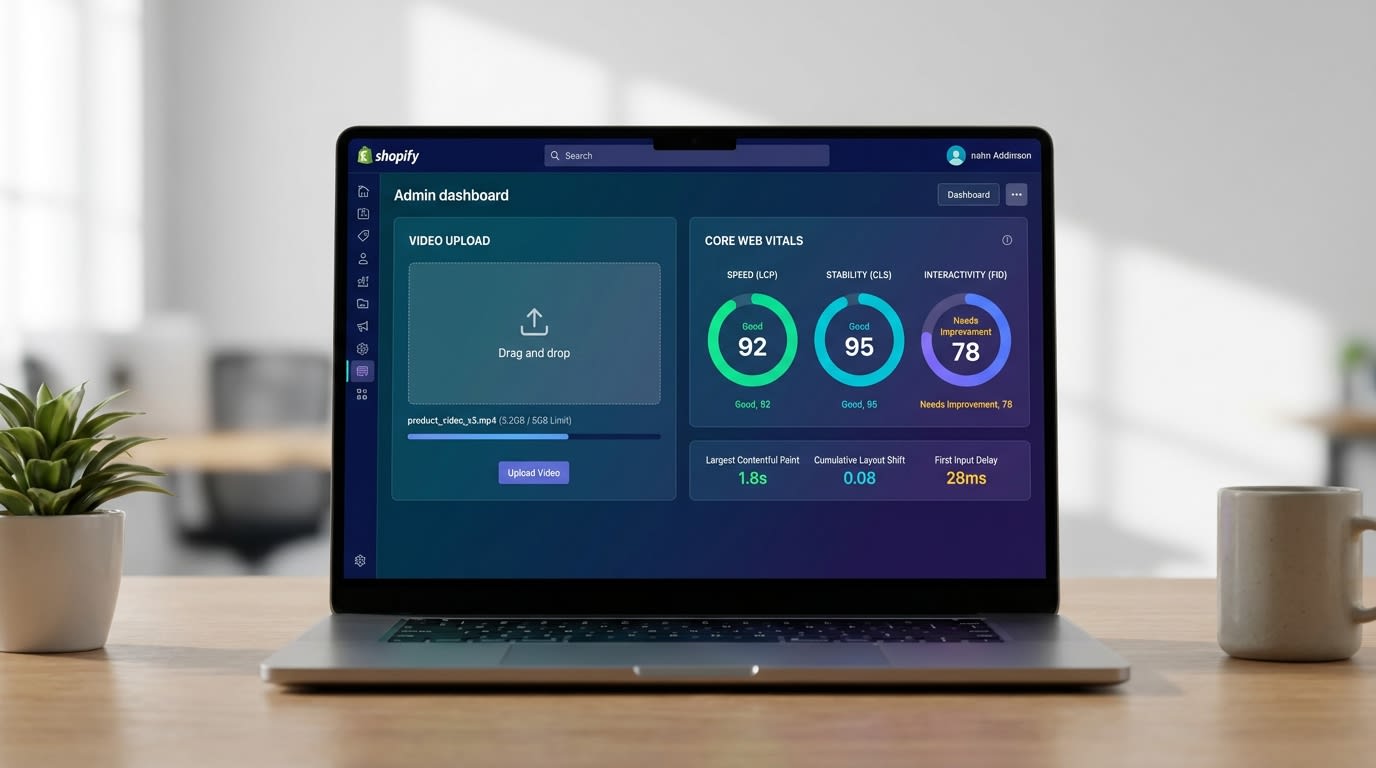
Shopify technically allows you to upload video files up to 1GB and 10 minutes long through your Settings > Files dashboard. Just because you can upload a massive file does not mean you should. Pushing a 1GB video to your storefront will instantly throttle your homepage load times. This destroys your LCP score and causes shoppers to bounce before they see a single product.
2. OS 2.0 Native Sections vs. Custom Liquid
The old way of embedding video involved pasting iframe HTML into Custom Liquid blocks. Today, Online Store 2.0 (OS 2.0) native video sections make this obsolete. For intermediate merchants, this shift means you can drag and drop a shopify os 2.0 video section directly into your layout. This guarantees cleaner code and responsive sizing without developer assistance.
3. The "Autoplay Paradox"
Here is the unique challenge with video. Excessive autoplaying files trigger a "Heavy Ad Intervention" from modern browsers like Chrome. The browser will actually block your video to save the user's bandwidth. A slow video gallery hurts your SEO and ruins engagement. Transitioning to a click-to-play model is the performance-first alternative you need.
II. 5 Strategies to Build a Shoppable Video Gallery
Integrating a video gallery drives clear ROI. Here are the most effective ways to build a high-converting display.
1. Host WebM Files Natively (No YouTube Logos)
Remove third-party logos to keep your storefront professional
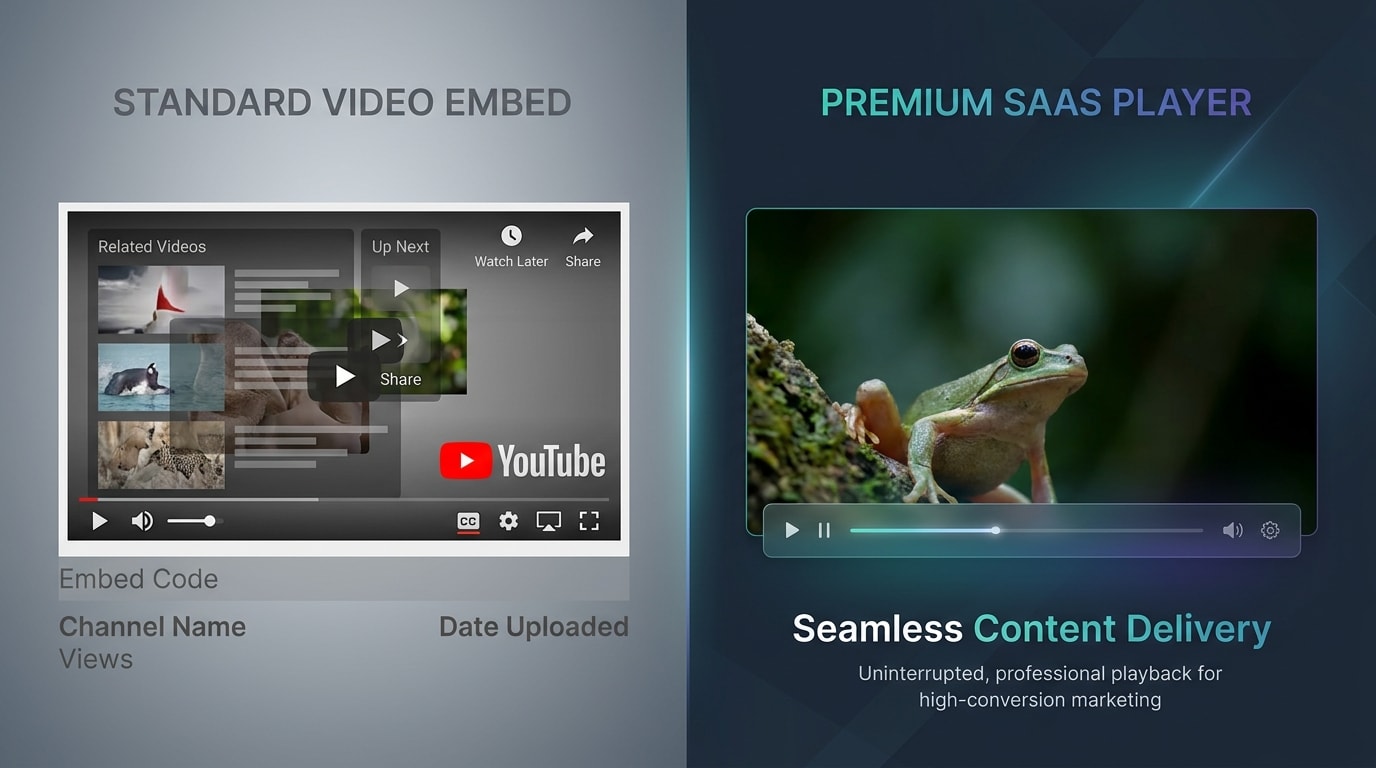
Many merchants default to YouTube links. Those recognizable red logos and suggested competitor videos instantly ruin a professional aesthetic.
Why this matters: Keeping viewers immersed in your brand ecosystem increases dwell time. When you add video to shopify without youtube, you control the entire checkout journey.
How to implement:
- Convert to WebM: Use a free converter to change your MP4s to WebM format. This provides superior compression and faster loading speeds.
- Upload to Settings > Files: Go to your Shopify Admin, upload the compressed files to your media library, and grab the CDN links.
- Use Native HTML5: Insert these links directly into your theme's native video blocks instead of third-party widgets.
2. Leverage a Shoppable Video App for Direct Checkouts
Standard galleries are passive. A shoppable video gallery turns viewers into buyers instantly.
Why this matters: MOFU users are actively evaluating your products. Removing friction by allowing them to add items to their cart directly from the video player skyrockets your conversion rates.
How to implement:
- Choose an App: Install a dedicated shoppable app that natively integrates with your product catalog.
- Tag Products: Map specific timestamps or videos to your exact product variants.
- Track ROI: Use the app analytics to monitor actual conversion tracking. Move beyond vanity metrics like views and measure the revenue generated.
Pro Tip: Position your shoppable video gallery directly below the hero banner. This captures high-intent traffic immediately.
3. Build a UGC Carousel
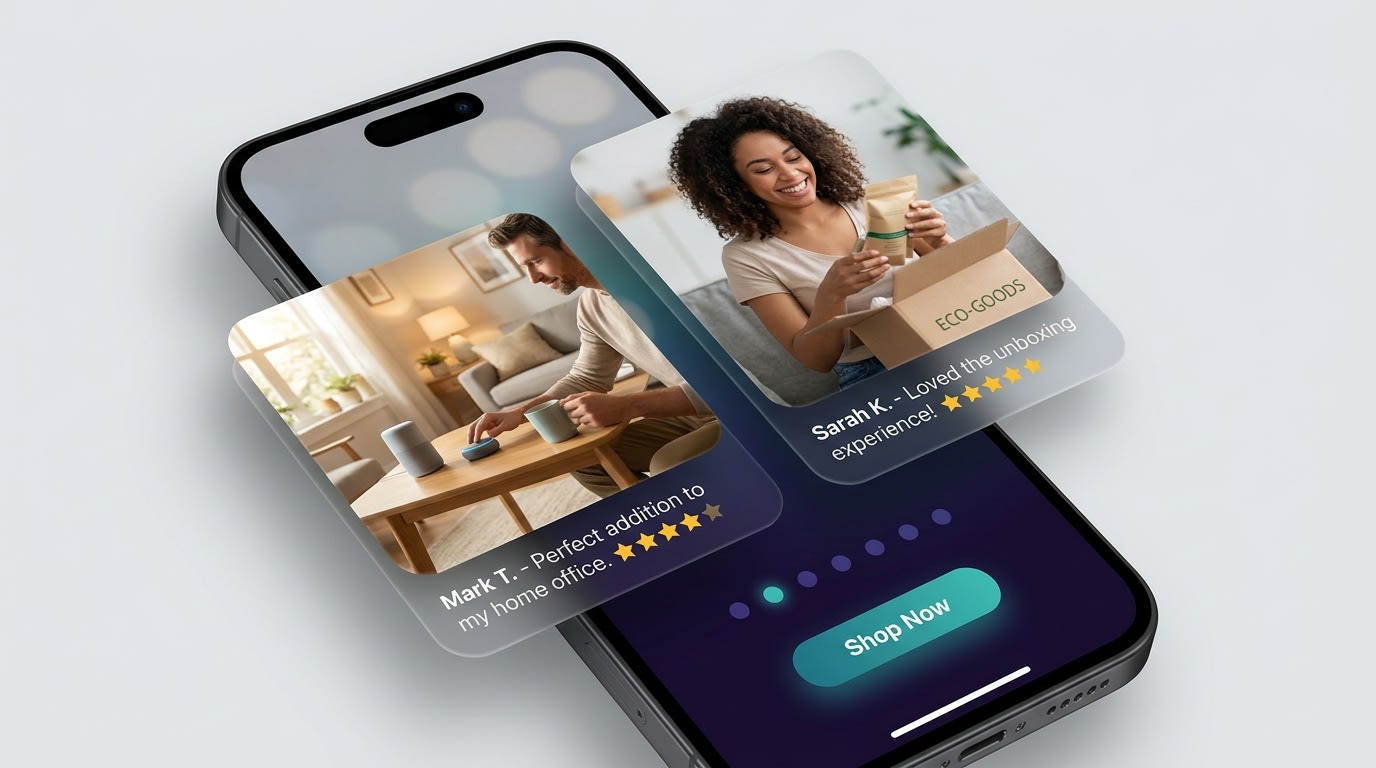
UGC galleries provide the "Social Proof Multiplier" effect
Studio videos look great, but the social proof multiplier proves that user-generated content consistently outperforms polished campaigns on homepages.
Why this matters: Authentic content from real buyers builds trust faster than standard copywriting. If you want to scale this strategy, check out our article on The Complete Guide to User-Generated Content for eCommerce for step-by-step collection methods.
How to implement:
- Collect TikTok/Reels: Gather high-performing short-form content from your brand ambassadors.
- Create a Slider Grid: Use OS 2.0 multicolumn or video grid sections to display vertical videos side-by-side.
- Keep it Vertical: Ensure the aspect ratio is set to 9:16. This mirrors the native social media experience shoppers expect.
4. Implement "Click-to-Play" Architecture
If you have a massive gallery, forcing every video to load simultaneously will destroy your Core Web Vitals.
Why this matters: Google PageSpeed Insights heavily penalizes stores with poor LCP. You need the dynamic aesthetic without the heavy digital weight.
How to implement:
- Use Cover Images: Upload high-quality JPEG or WebP thumbnail posters for every video in the gallery.
- Disable Global Autoplay: Ensure your theme settings require the user to explicitly click the play button.
- Lazy Load Video Elements: Only allow the actual video script to fire once the user clicks the thumbnail. This saves massive amounts of initial bandwidth.
5. Utilize Custom Metafields for Dynamic Grids
For stores with frequently changing campaigns, hardcoding a shopify video gallery homepage is not sustainable.
Why this matters: Metafields allow you to swap out homepage videos directly from the product or collection level without ever touching the theme editor.
How to implement:
- Create Metafield Definitions: Navigate to Settings > Custom Data and create a File metafield specifically for videos.
- Connect Dynamic Sources: In your OS 2.0 theme editor, click the dynamic source icon on your video gallery block.
- Link to Collections: Map the block to your active promotional collection. The gallery will auto-update whenever you change the underlying collection data.
III. Mobile and Performance Considerations
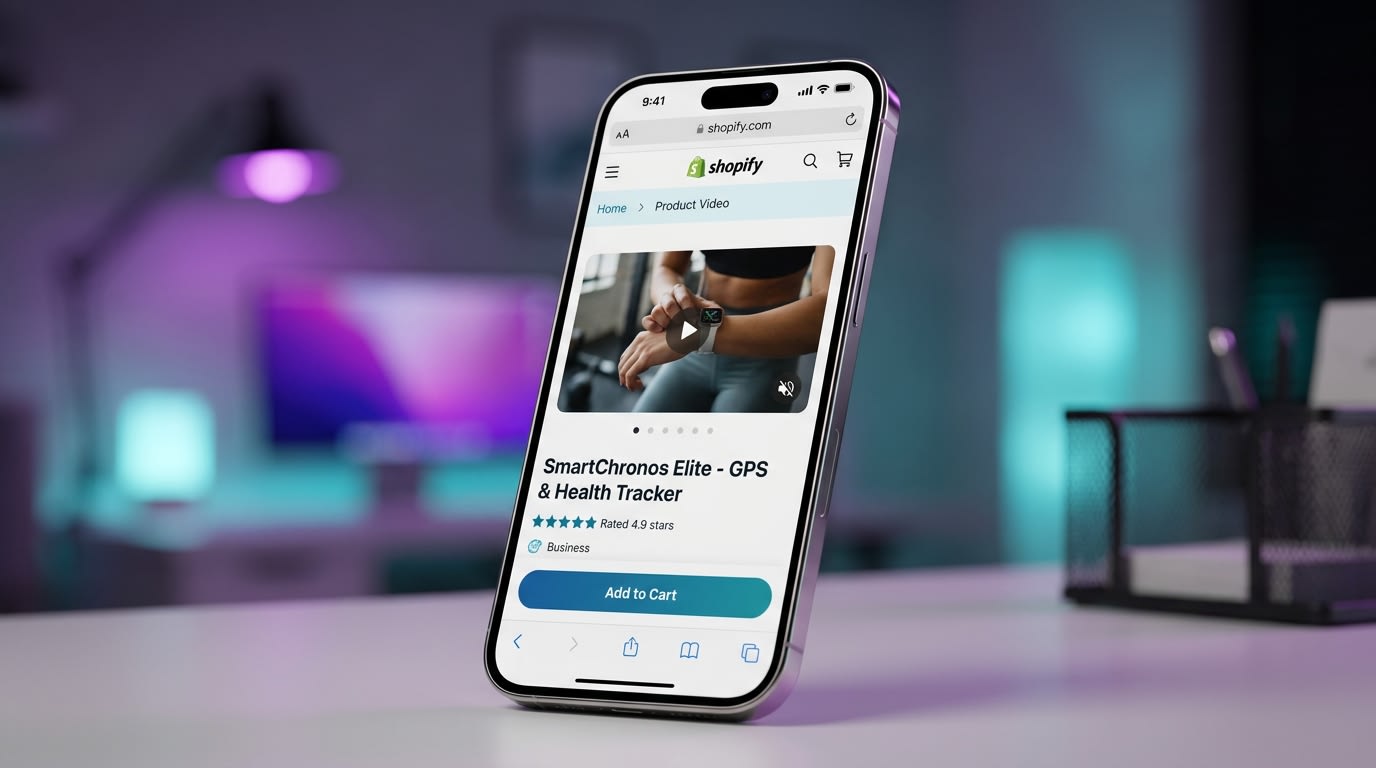
Always optimize your video behavior for mobile constraints
Building a mobile optimized shopify video gallery requires strict adherence to mobile browser policies.
1. Beating the "Low Power Mode" Trap
Mobile devices on iOS and Android automatically disable autoplaying videos when shifted into "Low Power Mode" to save battery life. If you rely entirely on autoplay, this leaves a broken, blank space right in the middle of your homepage.
The solution is simple. Always set a high-resolution Fallback Image or Poster attribute in your video settings. When mobile users are in power-saving mode, they will see a beautiful static image instead of a grey loading box.
2. The Power of "Playsinline" and "Muted"
W3C Video Standards strictly govern mobile browsers. For a video to even attempt autoplaying on a mobile device, it must include both the muted and playsinline HTML attributes.
Without the playsinline tag, clicking a gallery video might force the user into a full-screen native player. This disrupts their shopping journey completely. Keeping users on the page with inline elements is a crucial trust signal. You can read more about building that trust and converting visitors into clients: the impact of social proof widgets to maximize your mobile design.
3. Async Script Loading for Gallery Apps
If you are using a third-party app to power your gallery, the injected JavaScript can block your page rendering. Ensure the app uses async or defer tags for its scripts. Always run a check on Google PageSpeed Insights specifically targeting the "Reduce unused JavaScript" warning related to your video widget.
IV. Conclusion
So there you go—building a high-performing shopify video gallery homepage does not have to ruin your page speed or require an advanced coding degree. By balancing technical limits, utilizing WebM files to ditch YouTube branding, and focusing on shoppable integrations, you can create a highly profitable MOFU experience.
You do not have to tackle everything at once. Start by replacing just one static homepage banner with a native, click-to-play video section. Monitor how your dwell time and conversions improve, and scale up from there.
Follow the Fordeer Team for more useful updates!
- Install Fordeer Apps for Free
- Get immediate assistance by chatting with us
- Join Fordeer Commerce Community for fresh app updates, expert tips, and private deals.

